


For teams comparing Formaloo, the strongest shortlist is Fillout, Jotform, Typeform, Airtable, Softr, and Formstack. These six cover the main reasons people outgrow a basic form tool: better surveys, richer customer portals, stronger internal databases, and cleaner workflow automation. Jotform reports more than 25 million users, which is a useful signal when support, templates, and reliability matter [source: Jotform].
TL;DR: If you need a polished survey, choose Typeform. If you need forms connected to records and approval steps, start with Fillout or Formstack. For example, a support team handling 400 customer requests per month could use Fillout with Airtable to cut manual copying by 60–80%, assuming each request used to take two minutes to log. If you need a client portal, Softr is usually the fastest path.
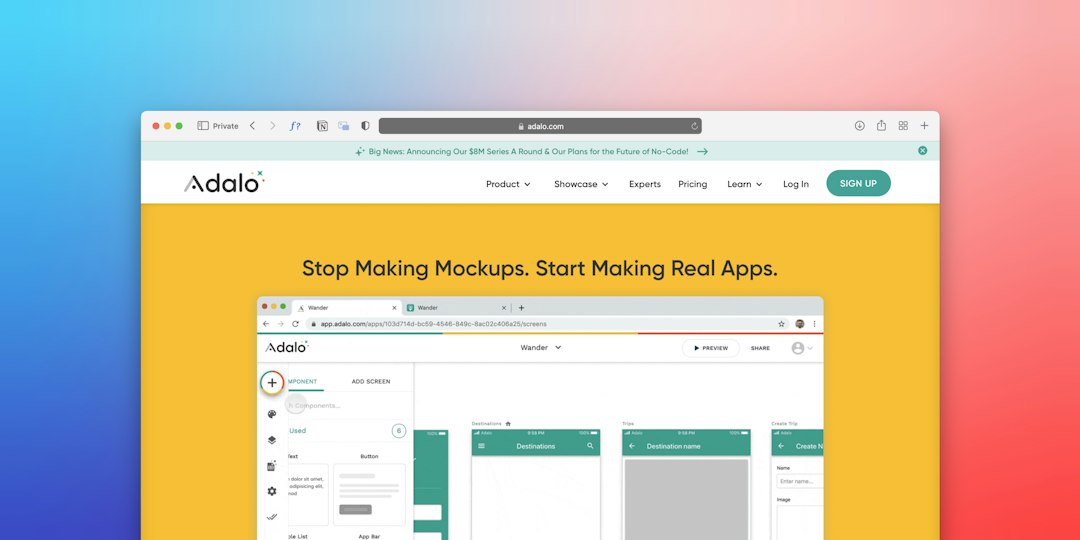
1. Fillout: Best for forms tied to databases
Fillout is a practical Formaloo alternative when forms need to feed a real database. It works especially well with Airtable, Notion, Google Sheets, HubSpot, and SmartSuite. The form builder feels clean, and conditional logic is easy to follow.
Use it for client onboarding, quote requests, lead qualification, internal approvals, and feedback forms. The best part is how fast it feels. You can build a multi-step form without fighting the interface for an hour. That sounds basic, but plenty of tools still make simple field rules feel like tax paperwork.
- Best for: Database-backed forms and internal workflows.
- Strength: Strong integrations with modern no-code stacks.
- Watch out for: Advanced branding and team controls may require paid plans.
2. Jotform: Best all-round form builder
Jotform is one of the safest choices if you want breadth. It offers forms, approval flows, payment collection, apps, tables, reports, and e-sign features. It is less sleek than some newer tools, but it is mature and packed with options.
Choose Jotform if your team wants one tool for many departments. Marketing can run lead forms. HR can collect applications. Sales can gather signed order forms. Finance can collect payments. It is not always the prettiest option, but it gets work done.
- Best for: Teams that need templates, payments, and approvals.
- Strength: Huge template library and broad feature set.
- Watch out for: The interface can feel busy when you only need a simple survey.
3. Typeform: Best for polished surveys
Typeform is the best choice when the form experience matters as much as the answers. Its one-question-at-a-time style works well for customer research, quizzes, product feedback, employee pulse checks, and lead capture.
It feels more personal than old-style forms. That can help completion rates, especially on mobile. The design is clean, and the logic builder is solid. The catch is cost. It drives me crazy that teams often hit limits right when a survey starts getting useful.
- Best for: Surveys, quizzes, and branded lead forms.
- Strength: Excellent respondent experience.
- Watch out for: Pricing can rise quickly for growing teams.

4. Airtable: Best for database-first teams
Airtable is not just a form builder. It is a database with forms attached. That makes it a strong Formaloo alternative for teams that care about records, views, ownership, and reporting.
Use Airtable when form submissions must become work items. A request can enter as a form response, then move through review, assignment, status updates, and reporting. This is useful for content calendars, bug requests, vendor intake, grant applications, and operations queues.
- Best for: Structured databases with simple intake forms.
- Strength: Flexible records, views, and automations.
- Watch out for: Public-facing forms are less polished than Typeform or Fillout.
5. Softr: Best for customer portals
Softr is a strong pick when forms are only one part of the job. It lets you build portals, directories, internal tools, and client dashboards on top of data from Airtable, Google Sheets, SmartSuite, HubSpot, and other sources.
This is the tool to consider if Formaloo’s portal features feel too narrow. A consulting firm could build a client portal where customers submit requests, view project status, download files, and update their profile. No code is needed, and the result looks more like an app than a form.
- Best for: Client portals and internal tools.
- Strength: Fast app building from existing data.
- Watch out for: Complex workflows may still need Zapier, Make, or native automations.
6. Formstack: Best for regulated workflows
Formstack is built for serious business processes. It offers forms, documents, signatures, and workflow tools. It is a good fit for healthcare, education, finance, nonprofits, and larger operations teams.
Formstack is not the cheapest option. It also may feel heavy for a small team that only needs a contact form. But when approvals, compliance, document generation, and audit trails matter, it is far more suitable than lightweight survey tools.
- Best for: Approval workflows, documents, and regulated teams.
- Strength: Strong process and document features.
- Watch out for: More setup time than simpler form builders.

How to choose the right Formaloo alternative
Start with the job, not the feature list. If you need better surveys, pick Typeform. If you need forms feeding databases, choose Fillout or Airtable. If you need a customer portal, use Softr. If you need approvals and documents, look at Formstack. If you want one broad tool for many small tasks, Jotform is the safe option.
My practical recommendation: test two tools with one real workflow. Do not use a fake demo form. Build your actual intake form, add five fields, three rules, one notification, and one data destination. You will know within 30 minutes which tool fits your team and which one will waste your week.