




Product updates are exciting. New features. Bug fixes. Faster speed. Better design. But none of it matters if users do not know what changed. That is where release notes tools come in. They help you share updates in a clear and friendly way. They turn technical changes into stories people can understand.
TLDR: Release notes tools help you share product updates in a simple and organized way. They keep users informed and engaged. Good tools make it easy to write, design, and publish updates across channels. The right tool saves time and builds trust with your audience.
Let’s explore how these tools work. And why they matter.
What Are Release Notes?
Release notes are short updates about changes in your product. They explain what is new. What is fixed. And sometimes what is coming next.
They can include:
- New features
- Bug fixes
- Performance improvements
- Security updates
- Design changes
Some are short. Just a few lines. Others are detailed and technical. It depends on your audience.

Why Release Notes Matter
Users want to feel informed. They want to know that your product is improving. Regular updates show that you care.
Here is why release notes are powerful:
- Build trust. Transparency creates loyalty.
- Reduce support requests. Users understand changes.
- Highlight value. Show off your new features.
- Encourage adoption. Teach users what to try next.
Without release notes, updates feel invisible. Invisible work does not earn praise.
What Are Release Notes Tools?
Release notes tools are platforms that help you create, manage, and share updates. They organize your announcements in one place.
Think of them as your product’s news center.
Most tools offer:
- Templates for writing
- Rich text editors
- Tagging and categories
- Publishing options
- Email notifications
- Analytics and tracking
Instead of sending messy emails or editing web pages manually, you use one simple dashboard.
Key Features To Look For
Not all tools are the same. Some are basic. Some are advanced. Here are must-have features:
1. Easy Editor
You should not need coding skills. A simple editor helps your team move fast. Look for drag-and-drop blocks, formatting buttons, and preview mode.
2. Custom Branding
Your release notes should look like your brand. Colors. Logo. Fonts. A consistent style builds recognition.
3. Categories And Tags
Users may want to filter updates. For example:
- Mobile updates
- Web updates
- Security fixes
- Beta features
Tags make browsing easier.
4. Notifications
A good tool lets you notify users. This can include:
- Email alerts
- In-app popups
- Push notifications
- RSS feeds
You want updates to be seen.
5. User Feedback
Some tools allow comments or reactions. This is powerful. Users can respond instantly. You learn what they love. And what they do not.
6. Analytics
Track views. Clicks. Engagement. Data shows what works. Maybe users love feature videos. Maybe they ignore long text. Now you know.

Types Of Release Notes Tools
Different teams need different solutions. Here are common types:
Standalone Release Notes Platforms
These focus only on update announcements. They are simple and clean. Perfect for startups and small teams.
Product Management Suites
Some tools combine roadmaps, feedback boards, and release notes. Everything connects. You can show users what is planned and what is shipped.
Documentation Platforms
These tools mix help docs and release notes. Good for software with detailed guides.
Custom Built Pages
Some companies build their own system. This offers flexibility. But it takes technical effort.
Best Practices For Writing Release Notes
A tool helps. But writing still matters.
Here is how to keep it fun and clear:
Keep It Short
Do not overload users. Focus on value. Use short sentences. Like this.
Use Simple Language
Avoid jargon. Instead of saying “algorithm optimization,” say “faster loading times.”
Highlight Benefits
Users care about outcomes. Not technical details.
Say:
- Before: Improved database query efficiency.
- After: Pages now load twice as fast.
Add Visuals
Screenshots help users understand changes quickly. A picture saves time.
Stay Consistent
Post regularly. Weekly. Biweekly. Monthly. Pick a rhythm.
Where To Share Release Notes
Release notes tools often support multiple channels. This is important. People consume updates differently.
Common places include:
- Dedicated changelog page
- In-app widget
- Email newsletter
- Social media posts
- Community forums
The more visible your updates, the better.
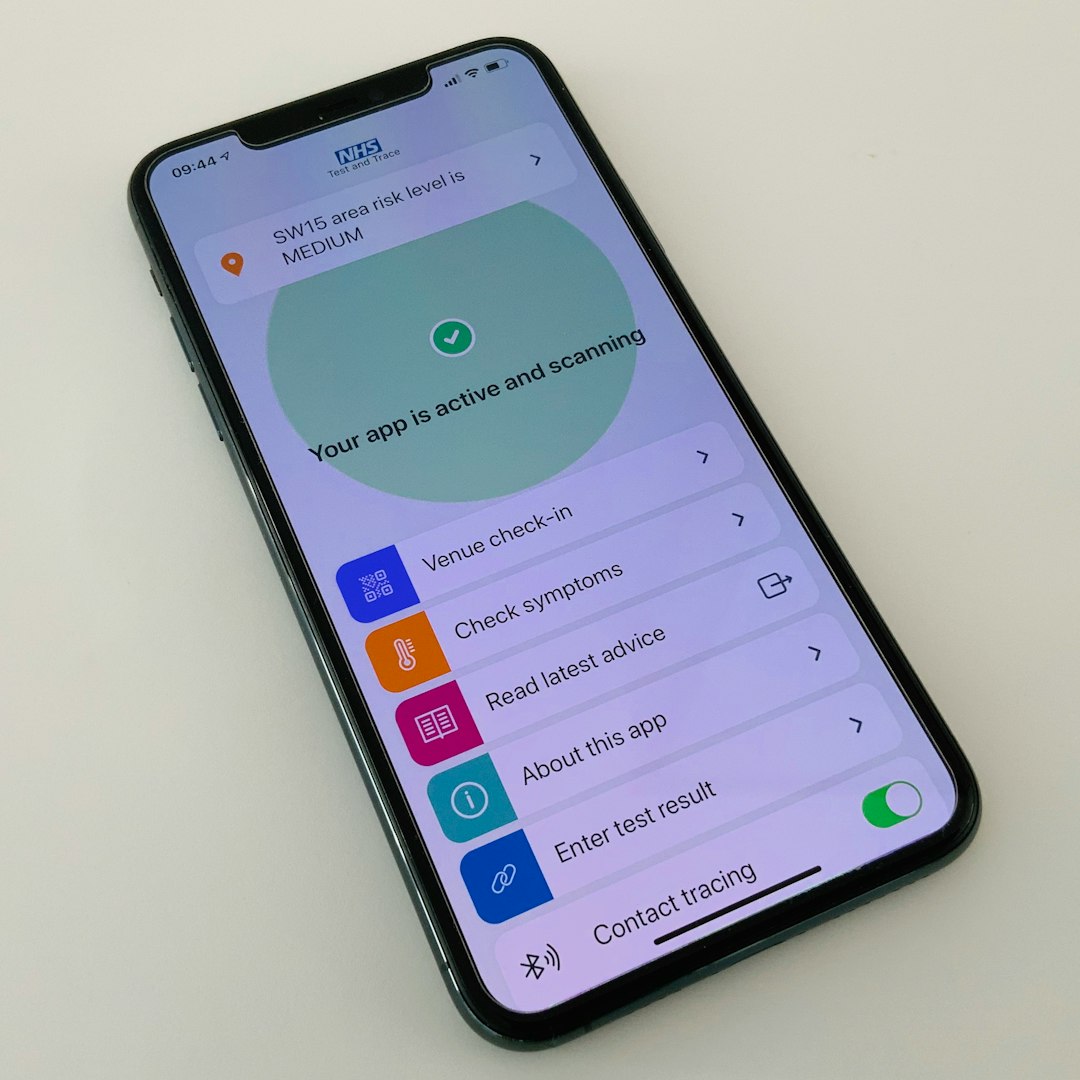
How Release Notes Improve Product Adoption
New features often go unnoticed. That is a problem. You worked hard on them.
Release notes fix this.
They:
- Guide users to explore new tools
- Explain how to use features
- Encourage clicks and trials
You can even include short how-to videos. Or GIFs. Make it interactive.
More awareness means more usage. More usage means higher retention.
How Teams Use Release Notes Tools
Release notes are not just for marketing. Many teams benefit.
Product Teams
They document shipped features. They show progress.
Customer Support
They respond faster. They link users to updates.
Sales Teams
They highlight improvements during demos.
Leadership
They see product momentum clearly.
One tool. Many benefits.
Automation Makes Life Easier
Modern release notes tools offer automation.
For example:
- Schedule posts in advance
- Auto-send email updates
- Sync with project management tools
- Pull updates from completed tasks
This saves time. Your team focuses on building. Not formatting emails.
Common Mistakes To Avoid
Even good teams make mistakes.
- Being too technical.
- Posting too rarely.
- Ignoring user feedback.
- Not promoting updates.
A silent product feels stagnant. Even if it is improving fast.
Choosing The Right Tool
Before picking a solution, ask yourself:
- How often do we release updates?
- Who writes the notes?
- Do we need user feedback features?
- Should updates appear inside the app?
- Do we need analytics?
Make a checklist. Compare options. Test free trials if available.
The right tool should feel simple. Not overwhelming.
The Human Side Of Product Updates
Release notes are more than logs. They are conversations.
They show personality. You can be playful. Friendly. Even funny.
For example:
- “We squashed a pesky login bug.”
- “Dark mode is finally here. Your eyes are welcome.”
This tone builds connection. Users feel part of the journey.
Final Thoughts
Release notes tools may seem small. But they have a big impact.
They turn silent improvements into visible progress. They help users stay informed. They strengthen trust.
In a world full of constant updates, clarity wins.
Keep it simple. Keep it regular. Keep it engaging.
Your product grows every day. Make sure your users grow with it.