



Broken links are one of the most overlooked yet damaging technical issues a website can face. When visitors click on a link expecting valuable information and instead encounter a 404 error, the experience immediately suffers. For website owners, marketers, and SEO professionals, broken links represent lost opportunities, reduced credibility, and potential ranking declines. Tools like Dead Link Checker and other broken link checker platforms play a crucial role in identifying and resolving these issues before they negatively affect user experience and search engine performance.
TLDR: Broken link checker tools help identify hyperlinks on a website that no longer work. These tools improve user experience, support SEO performance, and maintain website credibility. Platforms like Dead Link Checker automate scanning and reporting, making link maintenance more efficient. Regular monitoring and prompt fixing of broken links are essential for long-term site health.
What Are Broken Links?
Broken links, sometimes called dead links, are hyperlinks that no longer lead to their intended destination. Instead of directing users to relevant content, they return errors such as 404 (Page Not Found), server errors, or timeouts. Broken links can exist internally (within the same website) or externally (pointing to other domains).
Common causes of broken links include:
- Deleted or moved pages without proper redirects
- Changed URLs
- Typos in hyperlinks
- Expired domains
- Server or hosting issues
Regardless of the cause, the impact remains the same: a disrupted user journey and diminished trust in the website.

Why Broken Links Matter for SEO and User Experience
Search engines aim to provide the best possible experience for users. When a website contains numerous broken links, it signals poor maintenance and weak quality control. This can negatively affect rankings over time.
Key consequences of broken links include:
- Reduced Crawl Efficiency: Search engine crawlers waste resources indexing dead pages.
- Lower Rankings: Poor site health may impact search visibility.
- Higher Bounce Rates: Visitors leave when encountering error pages.
- Decreased Credibility: Users may question the site’s reliability.
For e-commerce sites, the consequences can be even more severe. A broken product link could mean a lost sale. For content publishers, it may mean lost authority and frustrated readers.
How Broken Link Checker Tools Work
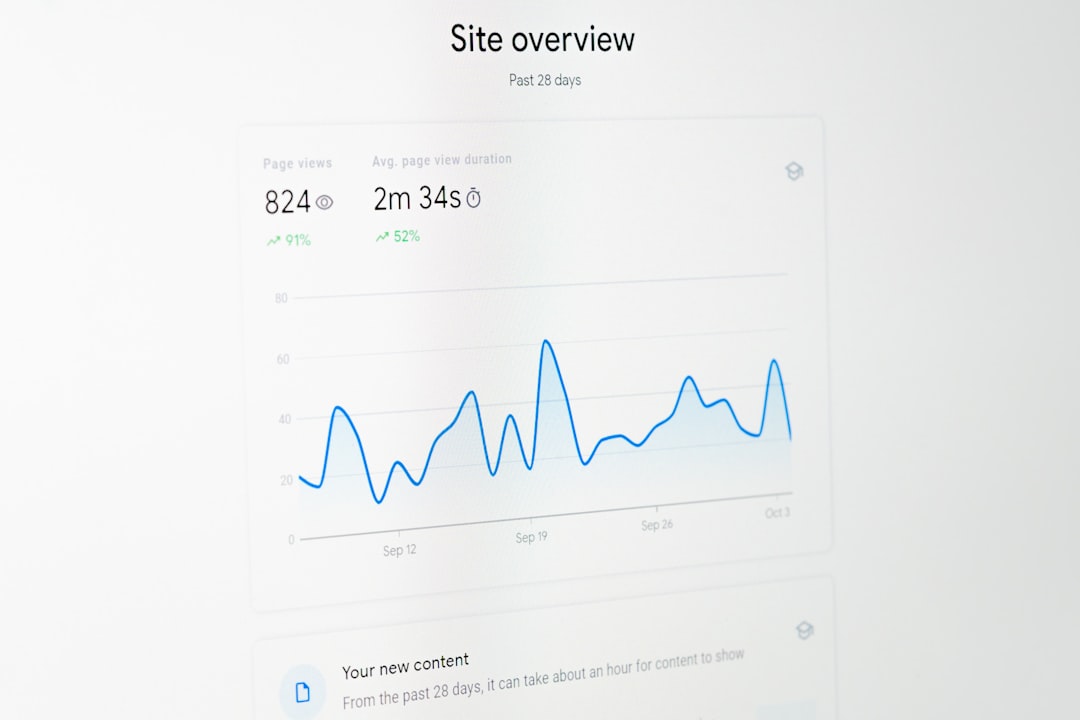
Broken link checker tools automatically scan websites to detect non-functioning hyperlinks. Rather than manually clicking every link, website owners can rely on automated crawlers to complete the process in minutes.
Most broken link checkers follow these steps:
- Scan the website’s pages and extract all links.
- Send HTTP requests to each linked URL.
- Analyze the server response codes.
- Generate a report listing broken or problematic links.
Tools like Dead Link Checker allow users to perform quick scans or schedule recurring automated checks. Reports typically include the exact URL containing the broken link, the destination URL, and the type of error returned.
Features to Look For in a Broken Link Checker
Not all broken link checker tools offer the same functionality. When selecting a tool, users should evaluate features that align with the size and complexity of their website.
Essential features include:
- Full Site Scanning: Ability to crawl entire websites, not just single pages.
- Scheduled Monitoring: Automatic periodic checks.
- Detailed Reporting: Clear identification of error types and source pages.
- Internal and External Link Detection: Comprehensive analysis.
- Exportable Reports: Downloadable files for development teams.
Advanced tools may also integrate with content management systems, provide API access, or offer priority crawling for large enterprise sites.
Benefits of Using Dead Link Checker and Similar Tools
Manual link checking is time-consuming and prone to human error. Automated tools streamline the process and deliver consistent results.
Main benefits include:
1. Time Efficiency: Automated crawlers scan hundreds or thousands of pages quickly.
2. Continuous Monitoring: Scheduled checks prevent long-term unnoticed issues.
3. Improved SEO Health: Proactively removing broken links maintains stronger technical SEO performance.
4. Enhanced User Trust: Visitors experience fewer interruptions and greater confidence in the site.
5. Data-Driven Decisions: Reports help prioritize which links to fix first based on frequency and severity.
The Process of Fixing Broken Links
Finding broken links is only the first step. Addressing them properly ensures lasting improvements.
Common solutions include:
- Updating URLs: Replace outdated links with correct ones.
- Implementing 301 Redirects: Redirect users from old URLs to new ones.
- Removing Unnecessary Links: Eliminate links that are no longer relevant.
- Restoring Deleted Pages: Recreate valuable missing content if appropriate.
For external broken links, replacing them with relevant alternative resources maintains the page’s usefulness. Internal link fixes often require coordination between content managers and developers.
Internal vs. External Broken Links
Understanding the difference between internal and external broken links helps prioritize fixes.
Internal Broken Links
- Occur within the same domain.
- Fully controllable by the website owner.
- Often caused by structural or URL changes.
External Broken Links
- Point to other websites.
- Occur when third-party content is removed or changed.
- Require link replacement or removal.
Internal broken links typically demand immediate attention due to their direct impact on site structure and crawlability.
Best Practices for Preventing Broken Links
While broken link checker tools are essential, prevention is equally important.
Recommended best practices include:
- Running monthly or quarterly link audits.
- Using proper redirect strategies during site migrations.
- Avoiding hard-coded URLs when dynamic linking is available.
- Double-checking links before publishing new content.
- Monitoring deleted or unpublished pages.
During large website redesigns or domain changes, link integrity checks should be part of the testing workflow.

Broken Links and Large Websites
Enterprise-level websites face unique challenges. Thousands of pages, multiple contributors, and frequent updates increase the likelihood of link errors. In such environments, automated scanning becomes even more critical.
Advanced tools can handle:
- Massive site crawls
- Password-protected sections
- Subdomain scanning
- API-based integrations
Without automated monitoring, broken links on large websites may remain undetected for months, compounding SEO and usability issues.
How Often Should Websites Check for Broken Links?
The frequency depends on website size and update frequency.
- Small blogs: Monthly checks may suffice.
- Business websites: Bi-weekly or monthly scans are ideal.
- News or e-commerce websites: Weekly or automated daily scans are recommended.
Websites that frequently publish content or modify product pages benefit most from automated recurring scans.
The Long-Term Value of Link Maintenance
Maintaining link integrity is not a one-time activity. It is an ongoing component of technical SEO and website management. Tools like Dead Link Checker simplify the process, but a disciplined maintenance approach ensures consistent performance.
By combining automated detection with timely fixes and good publishing practices, websites can:
- Strengthen domain authority
- Maintain clean site architecture
- Improve keyword rankings
- Increase visitor retention
- Reduce error-related support requests
Ultimately, broken link checker tools serve as preventative maintenance systems that protect a website’s long-term success.
Frequently Asked Questions (FAQ)
-
1. What is a broken link checker tool?
A broken link checker tool is software that scans websites to detect hyperlinks that lead to error pages or unavailable content. -
2. Is Dead Link Checker free to use?
Many broken link checker tools offer limited free scans, while advanced features such as scheduled monitoring may require paid plans. -
3. Do broken links directly harm SEO rankings?
While a few broken links may not cause immediate ranking drops, excessive broken links can negatively affect crawl efficiency, user experience, and overall site quality signals. -
4. How can broken links be fixed quickly?
Broken links can be fixed by updating the URL, implementing 301 redirects, replacing external resources, or removing outdated links entirely. -
5. How often should link checks be performed?
The frequency depends on the website’s size and update activity, but regular automated scans are recommended for optimal performance. -
6. Are internal or external broken links more serious?
Internal broken links typically require more immediate attention because they directly disrupt site structure and navigation.
By integrating reliable broken link checker tools into regular website maintenance workflows, organizations ensure smoother user experiences, stronger SEO performance, and a more professional online presence.