




Fonts are more than pretty letters. They shape how people feel about your website. They guide the eyes. They build trust. But fonts can also slow your site down. That’s where font optimization tools like Google Fonts come in. They help your text look amazing without hurting performance.
TLDR: Font optimization tools like Google Fonts help your website load faster while keeping beautiful typography. They reduce file sizes, limit unnecessary font styles, and deliver fonts efficiently. Faster fonts mean better user experience and improved SEO. Smart font choices make your site both stylish and speedy.
Why Fonts Affect Performance
Every font you use is a file. Sometimes several files. Regular. Bold. Italic. Light. That can add up quickly.
When someone visits your website, their browser must download those font files. If the files are large, pages load slowly. And users hate waiting.
Slow websites cause:
- Higher bounce rates
- Lower search engine rankings
- Poor mobile experiences
- Reduced conversions
Good typography should feel invisible. It should not make users wait.
What Is Google Fonts?
Google Fonts is a free library of web fonts. It offers hundreds of typefaces. You can use them on websites easily. The real magic is how they are delivered.
Google Fonts is built for speed. It uses global servers. It compresses files. It loads fonts in smart ways. That means less work for your site.
Here is what makes it powerful:
- Free and open source
- Fast content delivery network
- Automatic compression
- Easy embedding
- Wide language support
It is simple. Copy. Paste. Done.
How Font Optimization Works
Font optimization is about loading only what you need. Nothing more.
Let’s say you choose a font family with 10 weights. Do you really need all 10? Probably not.
Optimization tools allow you to:
- Select specific font weights
- Choose specific character sets
- Limit italic styles
- Control display behavior
This reduces file size. Smaller files load faster. Faster loads mean happier users.
The Power of Variable Fonts
Variable fonts are a game changer. Instead of separate files for each weight, you get one file. One file can behave like many.
For example, one variable font can handle:
- Thin
- Regular
- Medium
- Bold
- Black
All in a single file.
This reduces requests to the server. That improves performance. Google Fonts supports many variable fonts. They are efficient and flexible.
Designers love them. Developers love them. Users benefit from them.
Font Display Strategies
Have you ever visited a site where text was invisible for a moment? That is called Flash of Invisible Text. It happens when fonts take too long to load.
Google Fonts allows control using the font-display setting. This defines how text appears while the font loads.
Common options include:
- auto – Browser chooses default behavior
- swap – Shows fallback font, then swaps
- block – Waits briefly before showing text
- fallback – Short block, then fallback font
- optional – May skip custom font on slow connections
The most popular option is swap. It keeps text visible. That improves user experience.
Subsetting Fonts for Speed
Subsetting is a simple idea. Only load characters you actually use.
If your website is in English, you may not need Cyrillic or Greek characters. Removing them makes the font file smaller.
Google Fonts lets you choose language subsets. This ensures efficient loading.
Less data. Faster rendering. Same beautiful design.
How Typography Affects SEO
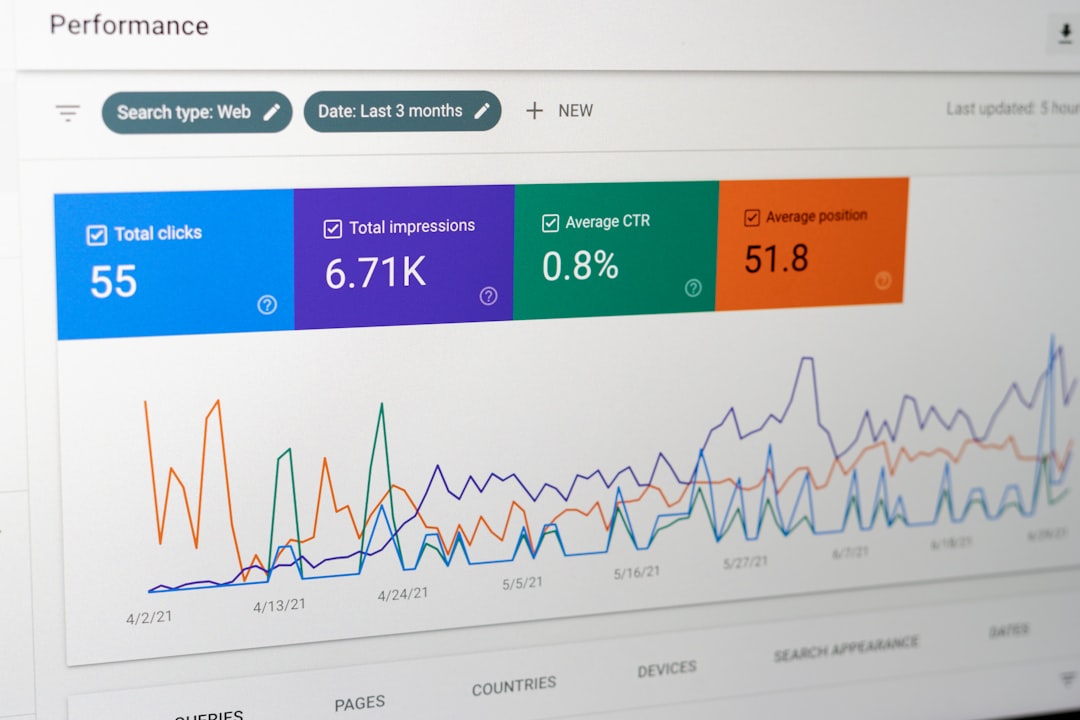
Typography influences search rankings indirectly. Google loves fast websites. If fonts slow your site, rankings can drop.
Performance metrics like these matter:
- Largest Contentful Paint
- First Contentful Paint
- Cumulative Layout Shift
Fonts impact all three.
If text shifts when fonts load, layout shift increases. That is bad for SEO. Optimized fonts reduce unexpected movement.
Speed and stability are key.
Best Practices for Using Google Fonts
You do not need 12 fonts on a website. Keep things simple.
Here are best practices to follow:
- Use no more than two font families
- Limit font weights to what you truly need
- Choose variable fonts when possible
- Enable font-display swap
- Preload critical fonts
- Avoid unused styles
Clean typography looks professional. It also loads faster.
Preloading Important Fonts
Preloading tells the browser, “This font is important. Load it first.”
This is useful for fonts used in headers or above-the-fold content. It improves perceived speed.
But be careful. Preload only critical fonts. Too many preloads can slow things down.
Optimization is about balance.
System Fonts vs. Web Fonts
System fonts are already installed on devices. Examples include Arial and Times New Roman. They load instantly. No download needed.
Web fonts, like those from Google Fonts, must be downloaded. But they offer better design flexibility.
Some designers choose a hybrid approach:
- Use web fonts for headings
- Use system fonts for body text
This keeps branding strong while improving performance.
Common Mistakes to Avoid
Font optimization sounds simple. Yet mistakes happen often.
- Loading entire font libraries
- Using too many weights
- Ignoring font-display settings
- Not testing performance
- Forgetting mobile users
Always test your site with speed tools. Pay attention to load times. Look at font-related warnings.
Small changes can make big improvements.

Mobile Matters More Than Ever
Most users browse on mobile devices. Mobile connections are not always fast. Heavy fonts hurt more on mobile.
Optimized fonts help:
- Reduce data usage
- Improve readability
- Speed up load times
- Enhance accessibility
Short attention spans make speed essential.
Accessibility and Readability
Performance is not the only goal. Readability matters too.
Choose fonts that are:
- Clear at small sizes
- Well spaced
- High contrast
- Easy to distinguish letters
Optimized fonts load quickly. Good fonts keep users engaged.
Typography should feel natural. Not distracting. Not tiring.
Testing and Measuring
You cannot improve what you do not measure.
Use performance testing tools to check:
- Font load time
- Total page size
- Number of font requests
- Layout shifts
Run tests before and after changes. Compare results. Even small font adjustments can reduce kilobytes.
The Future of Font Optimization
The web keeps evolving. Browsers are getting smarter. Compression techniques improve. Variable fonts are becoming standard.
In the future, we will see:
- Better automatic font subsetting
- Smarter caching systems
- More adaptive typography
- Performance-first design approaches
Typography will remain central to branding. But speed will always matter.
Final Thoughts
Great typography is powerful. It tells stories. It builds identity. It guides users.
But beauty must meet performance.
Font optimization tools like Google Fonts make that possible. They give you stunning design without sacrificing speed. With smart choices, you can reduce load times, improve SEO, and create a smooth user experience.
Keep it simple. Choose wisely. Load only what you need.
Fast fonts. Happy users. Better websites.