


Google Analytics is stronger for website and channel behavior, while HubSpot is stronger for tying marketing activity to contacts, deals, and revenue. A company that needs clean traffic reporting, content performance, funnel events, and attribution paths should usually start with Google Analytics 4. A company that needs lead tracking, email performance, CRM reporting, and sales handoff visibility will usually get more practical value from HubSpot.
TLDR: Google Analytics measures what visitors do across a website or app, while HubSpot shows how known contacts move from visitor to lead to customer. For example, a SaaS team might find in GA4 that organic search brings 42% of demo page visits, then use HubSpot to see that those visits produced 31 qualified leads and $48,000 in pipeline. The best setup is often both tools together. GA4 explains traffic quality; HubSpot explains relationship and revenue quality.
What Each Tool Measures Best
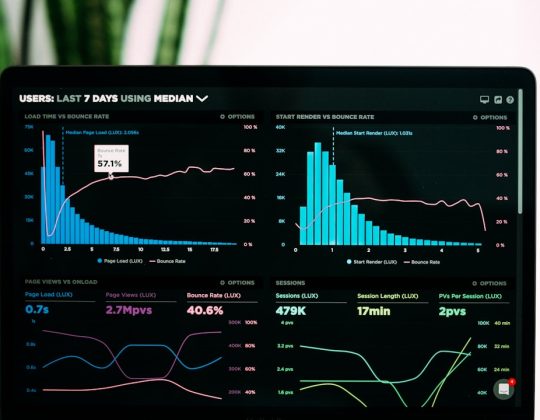
Google Analytics is built for behavioral analytics. It tracks sessions, users, events, conversions, traffic sources, landing pages, audience segments, and user paths. It is especially useful when marketing teams want to know which channels bring visitors and what those visitors do before they leave or convert.
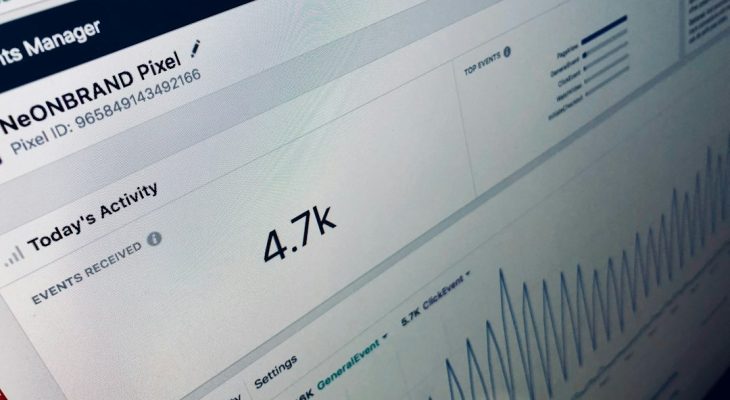
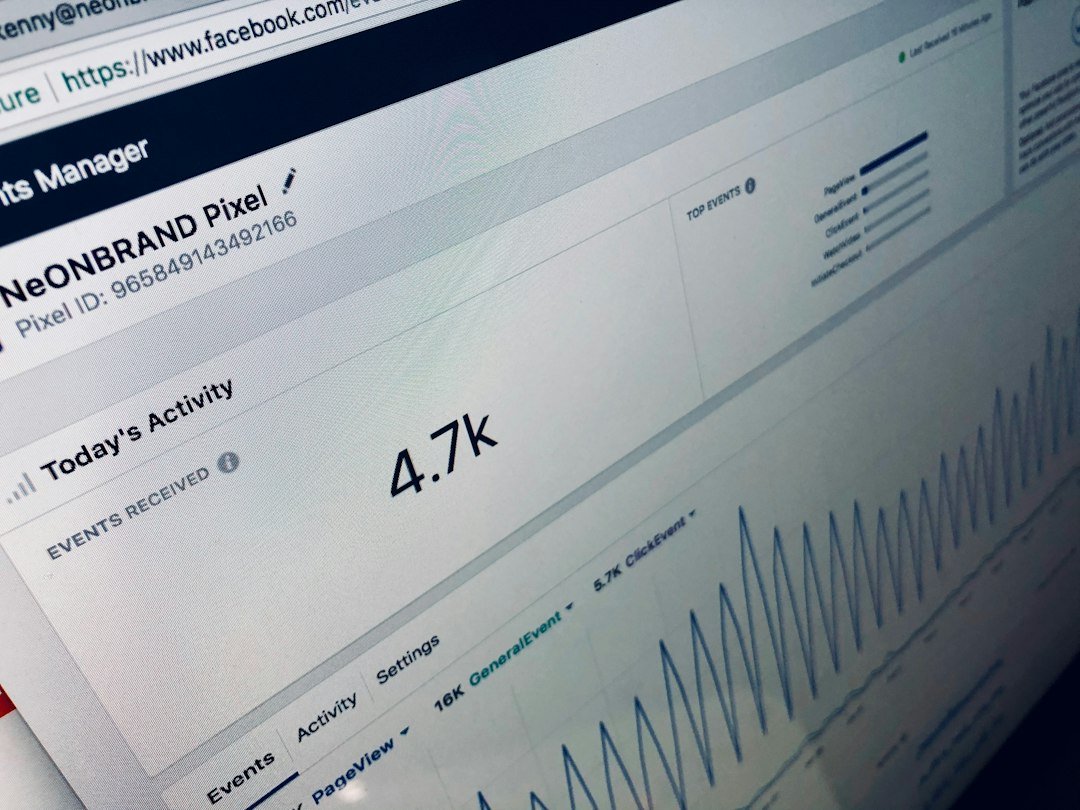
HubSpot is built around contacts and customer records. It tracks form submissions, email clicks, landing page activity, lifecycle stages, campaigns, ad performance, sales activity, deals, and revenue. It gives marketing teams a clearer view of what happened after a person became known.
The simplest split is this: GA4 is better at anonymous behavior. HubSpot is better at known contact performance.
Google Analytics: Strengths and Limits
GA4 gives marketers deep visibility into web and app performance. It can show which landing pages attract users, which campaigns bring engaged sessions, and which conversion paths produce thank-you page views, purchases, signups, or custom events.
- Traffic source reporting: Teams can compare organic search, paid search, social, referral, email, and direct traffic.
- Event tracking: GA4 tracks clicks, scrolls, file downloads, video engagement, form interactions, and custom actions.
- Exploration reports: Analysts can build path reports, funnel reports, audience segments, and cohort views.
- Google Ads connection: Paid search data connects easily with GA4 when configured well.
- Cost: The standard version is free, which makes it attractive for small and mid-sized teams.
The catch is that GA4 can feel oddly unforgiving. Basic questions may take too many clicks, and report setup can feel slower than it should. A marketer trying to compare landing page conversions by channel may spend 10 minutes building a report that older analytics tools made easier.
GA4 also does not work like a CRM. It does not naturally show that Sarah from Acme Corp visited three blog posts, downloaded an ebook, joined a nurture flow, spoke to sales, then became a customer. That type of person-level story belongs more naturally in HubSpot.
HubSpot: Strengths and Limits
HubSpot excels when marketing performance needs to be tied to actual people and deals. It shows how contacts enter the system, which forms they complete, which emails they open, which pages they view, and which campaigns helped move them toward a sale.
- Contact tracking: HubSpot connects marketing activity to individual contact records.
- Campaign reporting: Teams can group assets like emails, forms, landing pages, CTAs, and workflows under one campaign.
- Lead lifecycle reporting: Marketers can track subscribers, leads, marketing qualified leads, sales qualified leads, opportunities, and customers.
- CRM connection: Marketing performance can be compared against pipeline, deal stage, and closed revenue.
- Email and automation metrics: HubSpot reports on opens, clicks, unsubscribes, workflow movement, and form completion rates.
Honestly, it feels like HubSpot should make some attribution reporting simpler. The data is powerful, but subscription tiers matter a lot. A team may discover that the exact revenue report it wants sits behind a higher plan. That can be annoying when the marketing team only needs one or two advanced views.
HubSpot is also not as strong as GA4 for broad web analytics. It can show page views and contact behavior, but it is not the best tool for deep traffic analysis, technical event tracking, or advanced website path exploration.

Attribution: Where the Difference Gets Real
Marketing measurement often breaks down at attribution. A lead may click a LinkedIn ad, read a blog post, return through Google, download a guide, and later convert after an email. Both tools can report part of that story, but they emphasize different parts.
GA4 attribution focuses on channels and events. It can show how traffic sources assist or complete conversion events. This helps teams decide whether paid search, organic search, social, or referral traffic deserves more budget.
HubSpot attribution focuses on contact and revenue influence. It can show which campaigns helped create leads, opportunities, and customers. This helps teams defend marketing spend with pipeline and deal data.
For a demand generation team, the difference matters. GA4 may show that paid social has a weak conversion rate of 1.2%. HubSpot may reveal that the same channel created fewer leads, but those leads closed at 18%, which is higher than email or organic search. Without both views, the team might cut the wrong budget.
Ease of Setup and Daily Use
GA4 setup requires planning. Teams need events, conversions, UTM rules, consent settings, cross-domain tracking, and data retention choices. Google Tag Manager often becomes part of the setup. For teams with technical help, this is manageable. For smaller teams, it can lead to messy reports fast.
HubSpot setup is usually more approachable for marketing operations teams. Forms, landing pages, emails, lists, workflows, and contact properties live in one system. The CRM structure helps keep reporting focused on business stages instead of isolated metrics.
Still, HubSpot data quality depends on discipline. If sales teams skip deal updates or use inconsistent lifecycle stages, reports will be flawed. A clean CRM is not optional. It is the base of useful HubSpot reporting.
Which Tool Is Better for Marketing Performance?
The better tool depends on the main question.
- For website traffic analysis: Google Analytics is usually better.
- For SEO and landing page behavior: Google Analytics gives stronger detail.
- For lead generation reporting: HubSpot is usually more useful.
- For email marketing measurement: HubSpot is the better fit.
- For sales pipeline and revenue tracking: HubSpot wins.
- For paid media traffic quality: GA4 helps with channel behavior, while HubSpot helps with lead and revenue quality.
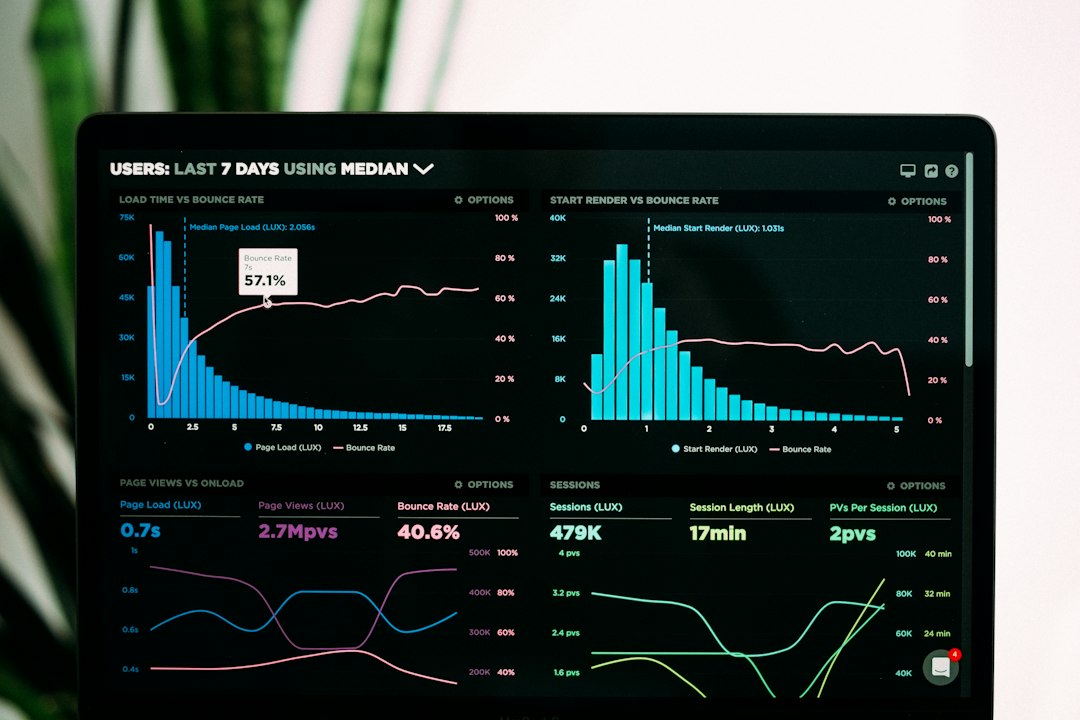
Many teams should not treat this as an either-or choice. GA4 and HubSpot answer different questions. Together, they give a fuller view of marketing performance.
Recommended Setup
A strong measurement stack uses GA4 for web behavior and HubSpot for CRM-based reporting. Campaign links should use consistent UTM parameters. HubSpot tracking code should be installed across the site. GA4 events should align with meaningful actions, such as demo requests, pricing views, trial starts, form submits, and purchases.
Marketing teams should review both tools on a regular schedule:
- Weekly: Check traffic, conversions, form fills, email performance, and campaign trends.
- Monthly: Compare channels by lead quality, pipeline created, and cost per qualified lead.
- Quarterly: Review attribution, funnel drop-off, content impact, and revenue contribution.
The goal is not more dashboards. It is clearer decisions. If GA4 shows high traffic but HubSpot shows poor lead quality, the channel may need better targeting. If HubSpot shows strong revenue from a low-traffic source, that source may deserve more attention.
FAQ
Is Google Analytics or HubSpot better for measuring ROI?
HubSpot is usually better for ROI because it connects campaigns to contacts, deals, and revenue. GA4 can support ROI analysis, especially for ecommerce and ad traffic, but it is less natural for CRM-based revenue reporting.
Can Google Analytics and HubSpot be used together?
Yes. Many teams use both. GA4 tracks traffic and site behavior, while HubSpot tracks leads, contacts, campaigns, and sales results.
Is Google Analytics free?
The standard version of Google Analytics 4 is free. Larger companies may use Google Analytics 360, which is a paid enterprise version.
Is HubSpot enough without Google Analytics?
Sometimes, but not always. HubSpot may be enough for basic lead and campaign tracking. For deeper website analytics, GA4 is still useful.
Which tool is better for small businesses?
Small businesses often start with GA4 because it is free. If they rely on forms, email nurturing, sales follow-up, and pipeline tracking, HubSpot can become more valuable as they grow.
What is the biggest reporting risk with these tools?
The biggest risk is poor tracking setup. Bad UTMs, missing events, weak CRM hygiene, and unclear conversion definitions can make both tools misleading.