



The best Cube ACR alternatives are ACR Phone, TapeACall, Rev Call Recorder, Otter, and Easy Voice Recorder, but the right choice depends on your phone, region, and whether you need phone calls, VoIP calls, notes, or searchable transcripts. On Android and iPhone, call recording rules are strict, and Google says its Phone app may notify all participants when recording starts [source: Google].
TLDR: If you want the closest Cube ACR replacement on Android, start with ACR Phone. If you use iPhone, TapeACall or Rev Call Recorder are stronger picks. For example, a sales rep handling 20 client calls per week may save 2 to 3 hours by using Otter-style transcription instead of replaying audio by hand. The catch is that no app works perfectly on every device, so test one short call before trusting it with serious work.

1. ACR Phone: Best Closest Alternative to Cube ACR
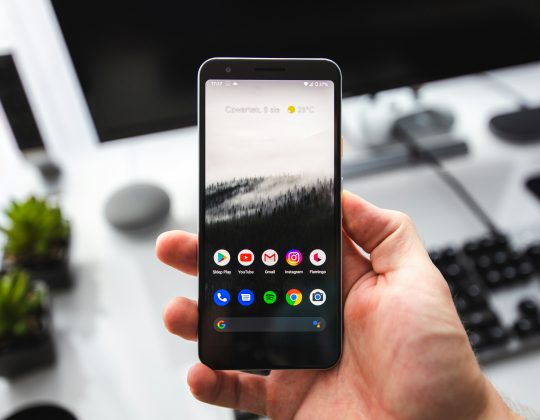
ACR Phone by NLL is one of the most serious options for Android users who liked Cube ACR. It combines a dialer, call recording tools, contact handling, and audio file management in one place.
Its biggest strength is control. You can sort recordings by contact, mark important calls, delete files in batches, and keep your call history tidy. That matters if you record calls for work, support, coaching, or dispute records.
- Best for: Android users who want a call recorder and dialer together.
- Useful features: contact based recording, manual recording, file search, call notes.
- Weak point: setup can feel fussy on newer Android versions.
Honestly, it feels like Android makes this harder every year. You may need to adjust accessibility settings, default dialer settings, or permissions before recordings behave as expected.
2. TapeACall: Best for iPhone Call Recording
TapeACall is a popular choice for iPhone users who need to record incoming and outgoing calls. It works by creating a three way call between you, the other person, and the recording line.
This is not as smooth as pressing one red button inside your normal phone app. Still, it is one of the more dependable choices on iOS because Apple does not give third party apps open access to the phone call audio channel.
- Best for: iPhone users who record business calls often.
- Useful features: cloud sharing, unlimited recording on paid plans, simple export options.
- Weak point: three way calling can add friction and may depend on carrier support.
Expect to waste time on the first setup. A test call that should take 30 seconds may take two or three minutes while you learn the merge-call process.
3. Rev Call Recorder: Best Free Option for US iPhone Users
Rev Call Recorder is a strong pick if you are in the United States and want a simple iPhone call recording app. The app is known for its clean interface and optional paid transcription service.
The value is clear. You can record calls, save them, share them, and order transcripts when needed. That makes it useful for interviews, research calls, client check-ins, and legal prep notes.
- Best for: US iPhone users who need recordings plus optional human transcription.
- Useful features: easy sharing, clear recording list, transcription add-on.
- Weak point: availability is limited, and transcription costs extra.
Rev is especially useful when the recording is only half the job. If you need quotes, timestamps, or meeting notes, a transcript can be more useful than an hour-long audio file.
4. Otter: Best for Meetings, Notes, and Searchable Audio
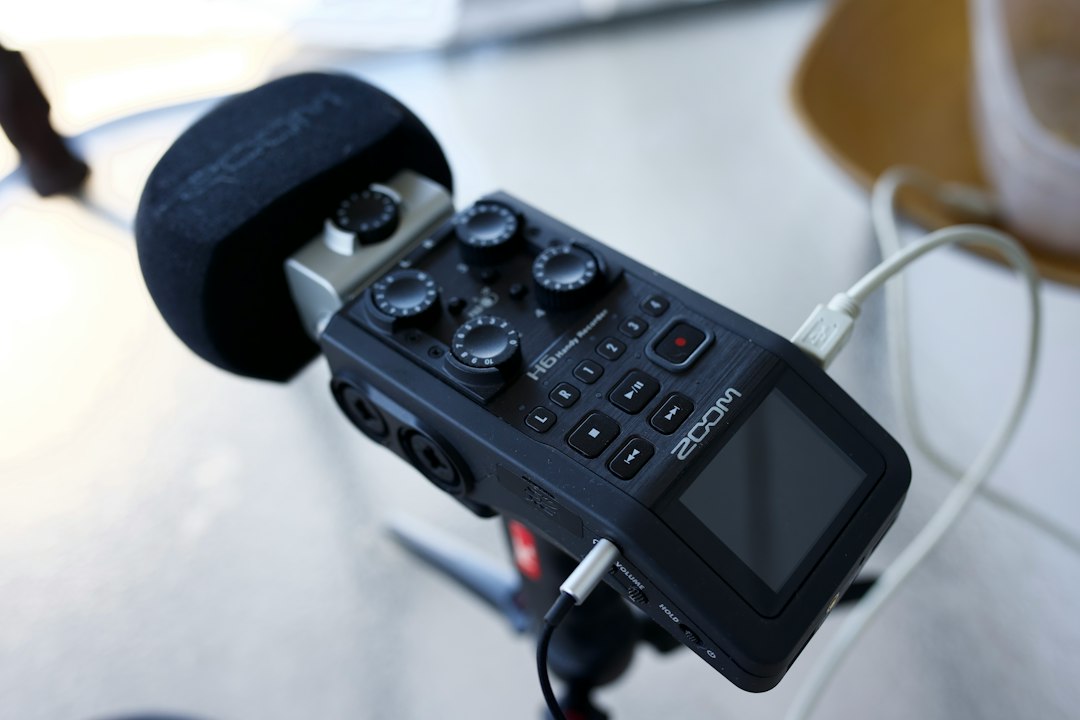
Otter is not a classic call recorder like Cube ACR. It is better described as an audio note and transcription tool. That makes it very useful for meetings, interviews, lectures, and speakerphone calls.
Its main strength is search. Instead of replaying a 45 minute file, you can search for a client name, price, deadline, or action item. For teams, that can save real time.
- Best for: meetings, interviews, lectures, and team notes.
- Useful features: live transcription, speaker labels, keyword search, shareable notes.
- Weak point: not a direct phone call recorder in the same way Cube ACR is.
Otter works best when recording quality is good. Use a quiet room. Keep the phone near the speaker. Bad audio creates bad transcripts, and no app can fully fix mumbling, traffic noise, or people talking over each other.
5. Easy Voice Recorder: Best for Simple Audio Management
Easy Voice Recorder is ideal when you do not need call recording at all. It records voice memos, meetings, lectures, podcast notes, and personal reminders. It is simple, stable, and easy to understand.
This app deserves a spot because many people searching for Cube ACR alternatives also need better audio organization. Call recording is only one part of the job. File names, folders, exports, and quick playback matter too.
- Best for: voice memos, meetings, classes, and field notes.
- Useful features: high quality recording, folders, sharing, background recording.
- Weak point: it is not built for recording normal phone calls.
If your real need is “record what I hear in the room,” this may be cleaner than forcing a call recorder to do the wrong job.
How to Choose the Right App
Pick based on your main use case, not the longest feature list.
- For Android call recording: try ACR Phone first.
- For iPhone call recording: use TapeACall or Rev Call Recorder.
- For transcripts: choose Otter or Rev.
- For voice notes: use Easy Voice Recorder.
- For legal safety: get consent before recording.
Recording laws vary by country and state. In some places, one person on the call can consent. In others, everyone must agree. The Digital Media Law Project keeps a state by state consent guide for the US [source: DMLP].

Final Pick
ACR Phone is the best overall Cube ACR alternative for Android. TapeACall is the safer choice for frequent iPhone recording. Otter is the smartest pick when transcripts and search matter more than raw audio files.
Before paying, run a short test. Record 60 seconds. Play it back. Check both voices. Then export the file. If that basic flow feels annoying, move on. A recording app should reduce stress, not create more of it.