


Old laptops often have more life left than their original operating systems suggest. A carefully chosen Linux distribution can make a 10-year-old machine useful again for writing, web browsing, email, media playback, coding, or even light office work. The key is to match the distro to the laptop’s hardware, especially its RAM, processor, storage type, and graphics support.
TLDR: For most old laptops, Linux Mint XFCE, MX Linux, and Lubuntu are the safest and most practical choices. If the laptop is very old or has less than 2 GB of RAM, consider antiX or Puppy Linux. For users who want a clean, modern interface without heavy resource usage, Bodhi Linux and Xubuntu are also strong options. Upgrading to an SSD will often improve performance more than changing distros.
What Makes a Linux Distro Good for an Old Laptop?
A good Linux distro for aging hardware should be lightweight, stable, actively maintained, and easy to use. Many old laptops struggle not because the hardware is completely obsolete, but because modern operating systems and applications demand more memory, faster storage, and newer graphics capabilities.
When choosing a distro, pay close attention to the desktop environment. XFCE, LXQt, LXDE, Openbox, and Moksha are typically lighter than GNOME or KDE Plasma. A lightweight desktop can dramatically reduce memory usage and make the machine feel more responsive.
Best Linux Distros for Old Laptops
1. Linux Mint XFCE
Linux Mint XFCE is one of the best overall choices for older laptops, especially for users moving from Windows. It is polished, stable, and friendly, with a familiar desktop layout and excellent hardware detection. The XFCE edition is lighter than Mint’s Cinnamon edition while still feeling complete and modern.
Mint XFCE is ideal for laptops with 4 GB of RAM or more, though it can run with less if expectations are realistic. It includes useful software out of the box, a straightforward update manager, and access to Ubuntu’s large software repositories.
- Best for: General users, Windows switchers, office work, web browsing
- Recommended RAM: 4 GB or more
- Strength: Excellent balance of usability and performance
2. Lubuntu
Lubuntu is a lightweight Ubuntu-based distro that uses the LXQt desktop environment. It is designed to be efficient while still offering a conventional desktop experience. Compared with heavier systems, Lubuntu uses fewer resources at idle, which is important on laptops with limited memory or older processors.
Because it is based on Ubuntu, Lubuntu benefits from broad community support, regular updates, and good software availability. It is a practical choice for users who want something simple but not overly minimal.
- Best for: Low-spec laptops, students, basic daily use
- Recommended RAM: 2 GB or more
- Strength: Lightweight Ubuntu experience
3. MX Linux
MX Linux has earned a strong reputation for reliability, speed, and useful built-in tools. It is based on Debian Stable and usually ships with XFCE as its flagship desktop, although other editions are available. MX Linux is particularly appealing for people who want a system that feels efficient without being stripped down.
Its custom tools make common tasks easier, including managing drivers, snapshots, repositories, and system configuration. This makes it suitable not only for experienced Linux users but also for careful beginners who want long-term stability.
Image not found in postmeta- Best for: Users who want stability and control
- Recommended RAM: 2 GB to 4 GB or more
- Strength: Fast, stable, and well-equipped
4. Xubuntu
Xubuntu combines Ubuntu’s software ecosystem with the XFCE desktop. It is slightly more traditional than Lubuntu and often feels more complete visually, while still being much lighter than standard Ubuntu. For old laptops that can handle a modest desktop environment, Xubuntu is dependable and easy to maintain.
It is a good middle-ground option: lighter than mainstream Ubuntu, but not as minimal as antiX or Puppy Linux. It also has strong documentation and community support.
- Best for: Users who want a lightweight but familiar Ubuntu system
- Recommended RAM: 3 GB or more
- Strength: Good balance of simplicity and comfort
5. antiX
antiX is one of the strongest choices for very old laptops. It is based on Debian but avoids heavy desktop environments and does not depend on systemd. It can run on hardware that many mainstream distributions no longer support comfortably.
antiX is not as polished for beginners as Linux Mint or Lubuntu, but it is extremely efficient. If your laptop has 1 GB of RAM, an old single-core processor, or a mechanical hard drive, antiX may be the difference between a usable system and an unusable one.
- Best for: Very old laptops and low-memory systems
- Recommended RAM: 1 GB or more
- Strength: Exceptional performance on weak hardware
6. Puppy Linux
Puppy Linux is unusual compared with most Linux distributions. It is extremely small and can run almost entirely from RAM, which makes it feel surprisingly fast on old machines. It is often used from a USB drive, but it can also be installed to a hard drive.
Puppy is best suited to users who want a lightweight utility system or a simple computer for basic tasks. However, its structure is different from mainstream distributions, so it may require some adjustment.
- Best for: Extremely low-spec machines, rescue systems, portable use
- Recommended RAM: 1 GB or more, depending on version
- Strength: Very small and fast
7. Bodhi Linux
Bodhi Linux uses the Moksha desktop, which is lightweight, distinctive, and highly customizable. It is based on Ubuntu LTS, giving it a reliable foundation while keeping the default installation lean. Bodhi does not overload the system with unnecessary applications, so users can install only what they need.
This distro is a good choice for users who want an old laptop to feel visually fresh without sacrificing too much performance.
- Best for: Users who want a minimal but attractive desktop
- Recommended RAM: 2 GB or more
- Strength: Lightweight interface with a unique style
Quick Hardware-Based Recommendations
- 1 GB RAM or less: antiX or Puppy Linux
- 2 GB RAM: Lubuntu, antiX, Bodhi Linux, or MX Linux
- 4 GB RAM: Linux Mint XFCE, Xubuntu, MX Linux, or Lubuntu
- Old 32-bit processor: Check antiX or Debian-based options, as many modern distros have dropped 32-bit support
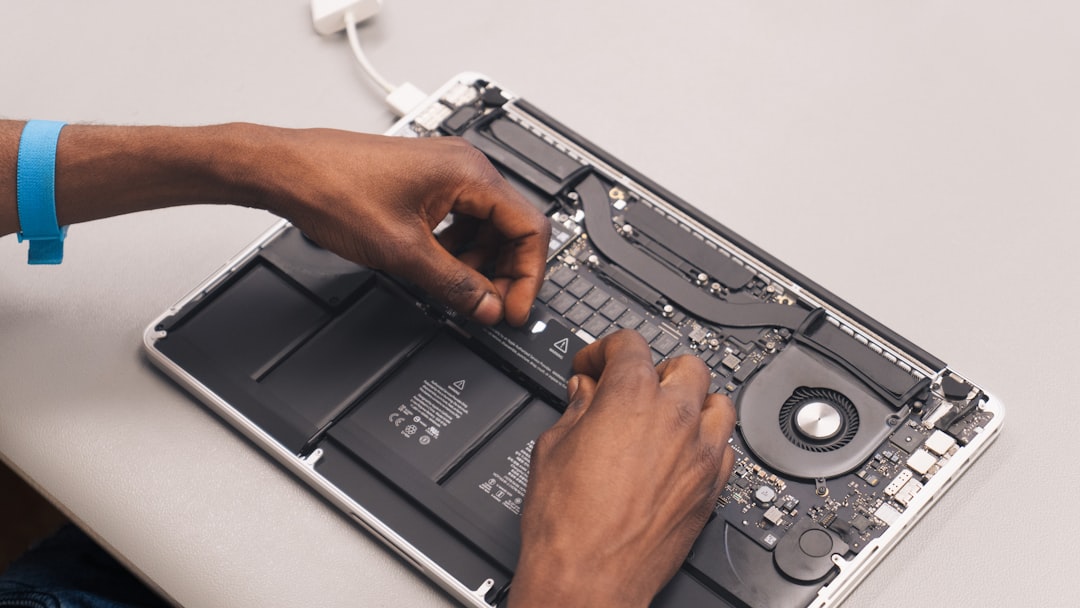
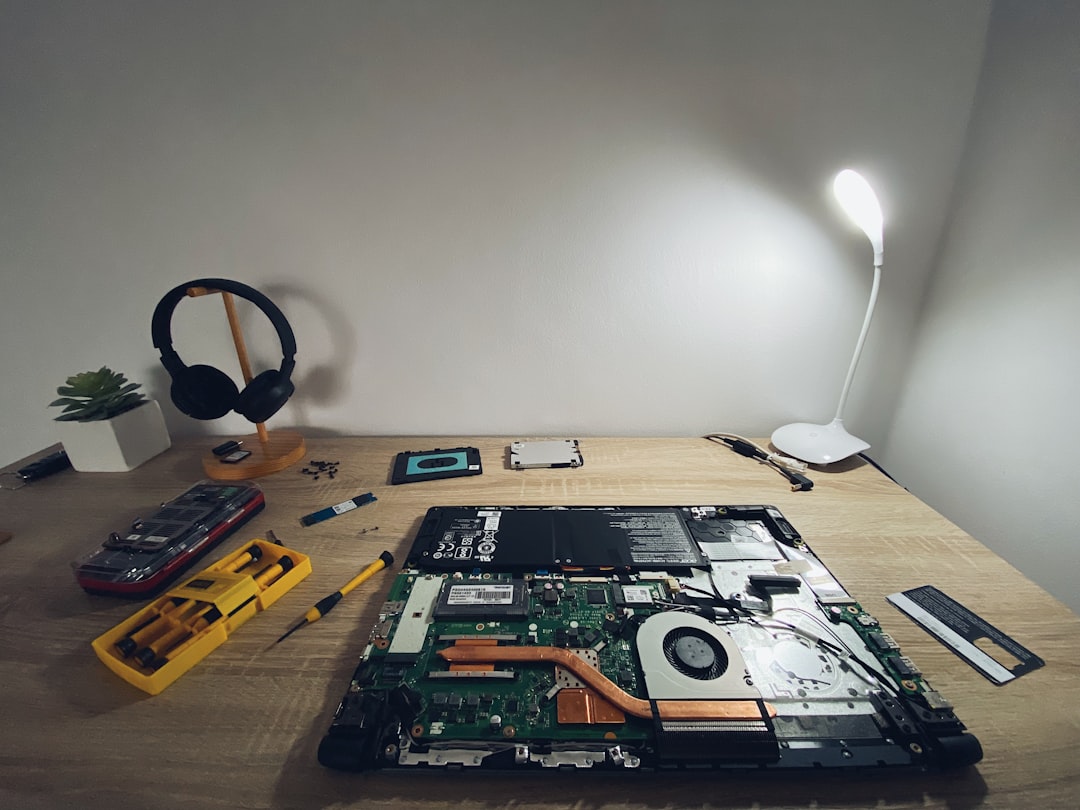
- Mechanical hard drive: Any lightweight distro helps, but an SSD upgrade is strongly recommended
Do Not Ignore the Browser Problem
On old laptops, the web browser is often the heaviest application. Even a lightweight Linux distro can struggle if you open many modern websites, video tabs, or web apps. For better performance, use fewer extensions, limit open tabs, and consider lighter applications for email, music, and documents instead of doing everything in the browser.
Final Verdict
For most people, Linux Mint XFCE is the best starting point because it is stable, comfortable, and easy to manage. MX Linux is an excellent alternative for users who value performance and system tools, while Lubuntu is a smart choice for weaker hardware that still needs a mainstream Ubuntu base.
If the laptop is truly old, with very limited RAM or a weak processor, antiX and Puppy Linux are more realistic options. The best distro is not always the lightest one; it is the one that gives your hardware enough breathing room while still meeting your daily needs. Pairing the right Linux distro with an SSD and reasonable expectations can turn an outdated laptop into a dependable machine again.