

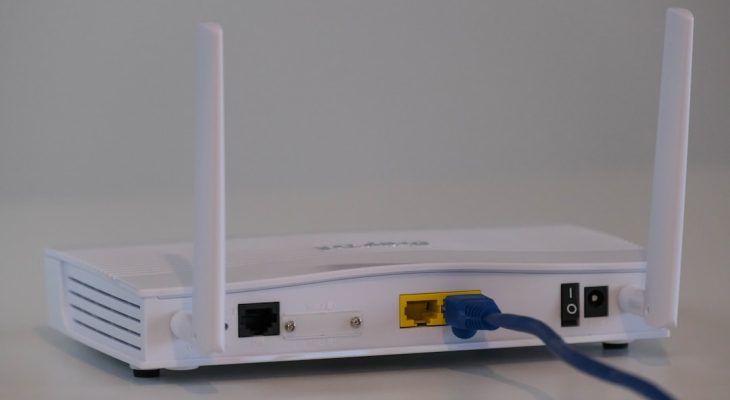
NAT lets every device in your home share one public internet address, while port forwarding tells the router which device should receive specific outside traffic. If your WiFi works, NAT is probably doing its job quietly. If your game server, security camera, or media server cannot be reached from outside your house, port forwarding may be the missing piece.
TLDR: NAT is the router feature that hides your phones, laptops, consoles, and smart TVs behind one public IP address. Port forwarding is a rule that opens one chosen doorway through NAT to a specific device, such as forwarding port 32400 to a Plex server. In a typical home with 15 to 30 connected devices, NAT is needed all the time, while port forwarding is only needed for special cases. Use port forwarding only when you must, because every open port adds risk.
What NAT actually does
NAT stands for Network Address Translation. It is a core job of your home router. Your internet provider gives your home one public IP address, but your router gives your devices private addresses such as 192.168.1.25 or 10.0.0.8.
When your laptop visits a website, the request leaves your home through the router. The router rewrites the source address from your private address to the public address assigned by your provider. It also keeps a temporary record, so when the reply comes back, it knows which device asked for it.
This tracking happens in milliseconds. You do not see it. You do not configure it. It is just there, doing boring but vital work. Without NAT, every device in your home would need its own public IP address, which would be wasteful and much harder to manage.
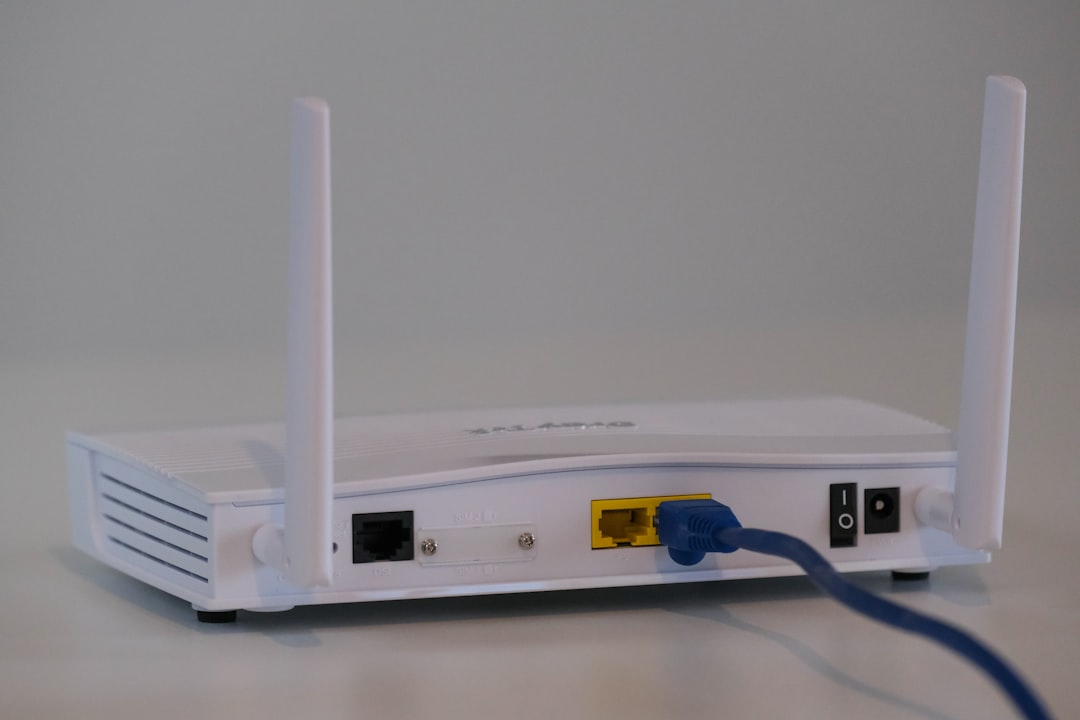
Why NAT matters at home
NAT solves two big problems. First, it helps stretch the limited supply of IPv4 addresses. There are billions of phones, cameras, speakers, consoles, and laptops online, but IPv4 was not built for that scale. NAT lets many devices share one public address.
Second, NAT creates a basic barrier between your home network and the internet. Devices outside your house cannot usually start a connection to your laptop or printer because the router does not know where to send unsolicited traffic. This is not a full security system, but it helps block a lot of random noise.
The catch is that this same protection can get annoying. If you host a Minecraft server, run a NAS, use remote desktop, or want to view a camera from outside, NAT may block the connection. That is where port forwarding enters the picture.
What port forwarding does
Port forwarding is a manual rule on your router. It says, “When traffic comes in on this port, send it to this device.” For example, you might forward TCP port 25565 to a PC running a Minecraft server. Then friends outside your home can connect using your public IP address.
Think of NAT as the front desk of an apartment building. Most visitors are turned away unless someone inside asked for them. Port forwarding is like telling the front desk, “Any visitor asking for apartment 25565 should go to this exact room.”
- Port 80 is often used for standard web traffic.
- Port 443 is used for secure web traffic.
- Port 22 is commonly used for SSH remote access.
- Port 32400 is often used by Plex Media Server.
- Port 25565 is the default for many Minecraft servers.
Honestly, it feels like router menus make this harder than it should be. Some call it Port Forwarding. Others call it Virtual Server, NAT Rules, or Applications and Gaming. Same idea. Different label. Extra clicking for no good reason.
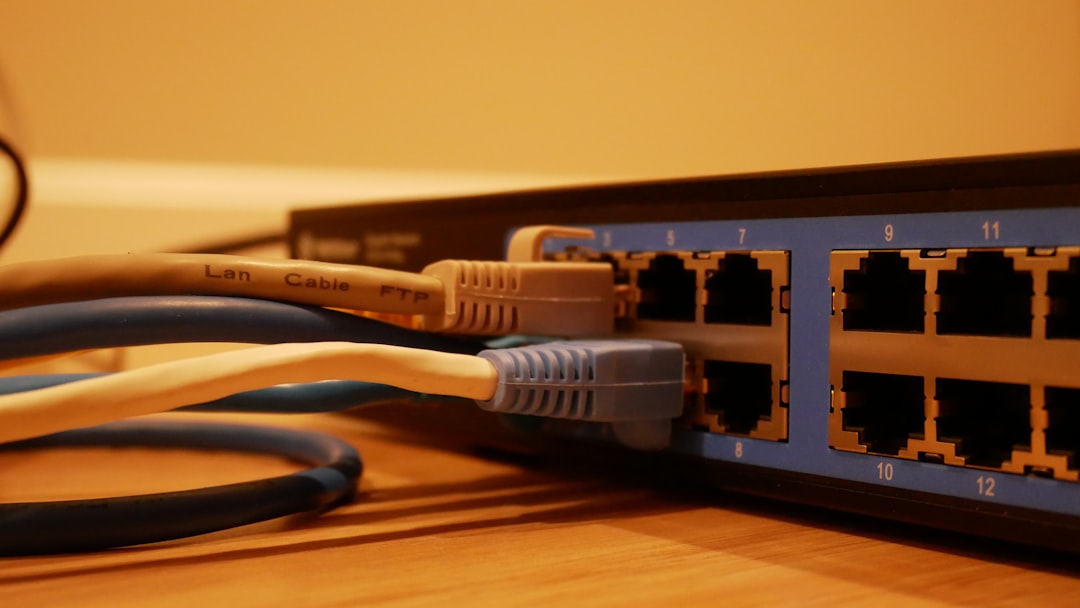
NAT vs port forwarding: the clear difference
NAT is automatic address translation. It handles normal outbound traffic from your home to the internet. You open a site, stream a film, join a video call, or update an app. NAT tracks the request and routes the response back to the right device.
Port forwarding is an exception rule. It handles inbound traffic from the internet to a chosen device inside your home. It is not needed for regular browsing, streaming, email, or app updates.
| Feature | NAT | Port Forwarding |
|---|---|---|
| Main job | Shares one public IP across many devices | Sends outside traffic to one internal device |
| Used for | Daily internet access | Servers, cameras, remote access, gaming |
| Setup | Usually automatic | Manual router rule |
| Security impact | Blocks many unsolicited connections | Opens a selected path inward |
Common home network examples
A family might have two phones, three laptops, a smart TV, two tablets, a printer, a thermostat, and four smart speakers. NAT lets all of them use the same public IP address. Nobody has to think about it.
Now add a home media server. You want to stream your own movies while traveling. Inside the house, it works fine. Outside the house, it fails. A port forwarding rule may fix that by sending requests on the server’s port to the media server’s private IP address.
Gaming is another common case. Some games complain about Strict NAT or failed hosting. Forwarding the right ports can help with party chat, matchmaking, or hosting peer sessions. Expect to waste time on this if your console, router, and provider all use different wording. A setting that should take two minutes can easily turn into twenty.
Port forwarding and security
Port forwarding is useful, but it is not harmless. An open port can be scanned by bots. If the device behind that port has weak passwords or old software, someone may try to break in.
Use these rules before opening anything:
- Forward only the ports you need. Do not open wide ranges unless required.
- Use fixed local IP addresses. Reserve the device’s address in your router so the rule does not point to the wrong device later.
- Update the target device. Old NAS boxes and cameras are frequent targets.
- Use strong passwords. Never expose admin panels with default logins.
- Prefer VPN access for remote management when possible.
- Turn rules off when you no longer need them.
What about UPnP?
UPnP, or Universal Plug and Play, lets apps and devices ask the router to create port forwarding rules automatically. Consoles and chat apps often use it. It is convenient, but it can also be messy.
If every device can request openings without asking you, your router may end up with rules you never reviewed. For many homes, UPnP is fine for consoles. For more cautious users, it is better to turn it off and create only the rules you understand.
When port forwarding will not work
Sometimes you set everything correctly and it still fails. One common reason is carrier grade NAT, often called CGNAT. In that setup, your provider puts your home behind another layer of NAT. Your router does not get a true public IPv4 address, so inbound connections cannot reach it directly.
You can check this by comparing the WAN address shown in your router with the public address shown by an IP lookup site. If they do not match, CGNAT may be the reason. Your options are to ask your provider for a public IP, use IPv6 if supported, or use a relay service or VPN tunnel.
The practical takeaway
For normal home internet use, trust NAT and leave it alone. It is the quiet worker that lets every device share one connection. Use port forwarding only when you need outside access to a specific service. Keep the rules narrow, keep devices updated, and delete old entries. That gives you the access you want without leaving extra doors open.