

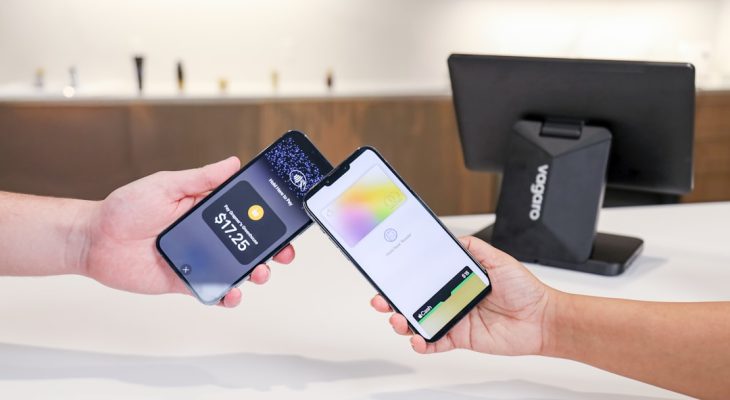
Going to the DMV is not most people’s idea of fun. Long lines. Lots of forms. And the big question at the counter: How are you paying today? If you love using your phone to pay for everything, you may be wondering, does the DMV take Apple Pay? Let’s break it down in a simple and stress-free way.
TL;DR: Some DMV offices accept Apple Pay, but many still do not. It depends on your state and even the specific office location. Many DMVs accept credit and debit cards, and Apple Pay may work if the payment terminal supports contactless payments. Always check your local DMV website before you go to avoid surprises.
Why Payment Methods Matter at the DMV
DMV visits are often time-sensitive. You might be:
- Renewing your driver’s license
- Registering a vehicle
- Getting new license plates
- Taking a driving test
- Paying tickets or fees
You do not want to stand in line for an hour only to find out they do not accept your preferred payment method.
Apple Pay is fast. It is clean. It is contactless. Many people do not even carry physical wallets anymore. So it makes sense to ask if the DMV is keeping up with modern payment trends.
What Is Apple Pay?
Apple Pay is a digital wallet. It lives inside your iPhone, Apple Watch, or other Apple devices.
It lets you:
- Pay in stores
- Pay in apps
- Pay online
- Send money to friends
You link your credit or debit card to it. Then you tap your phone or watch at a payment terminal. Quick. Easy. Done.
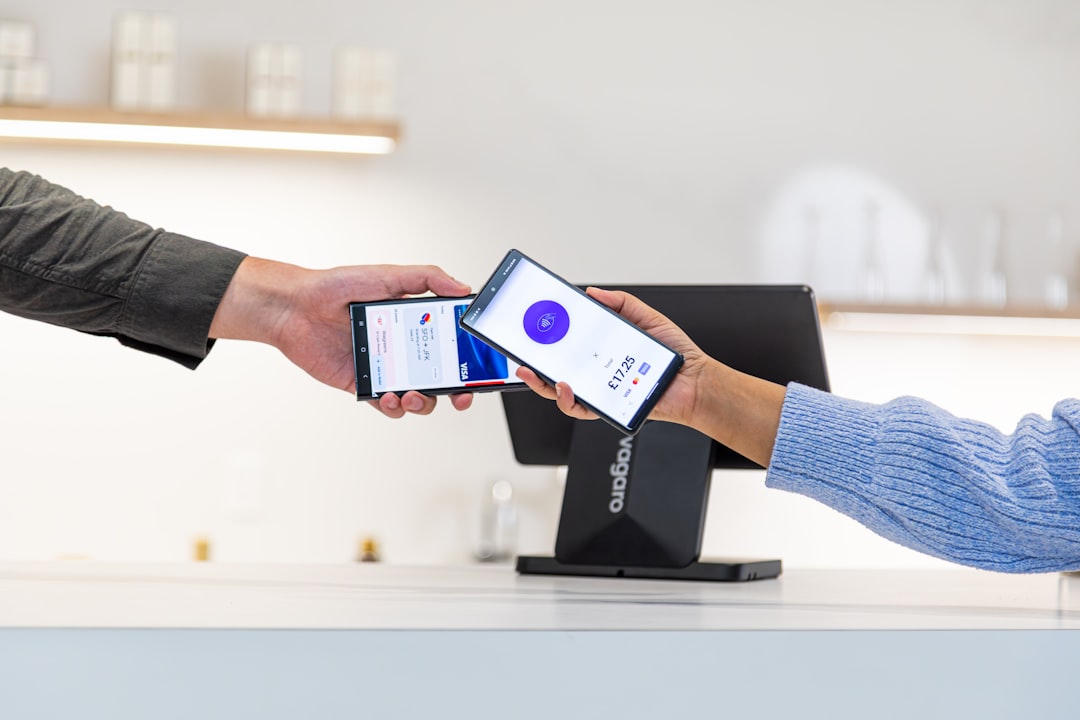
But here is the key: Apple Pay only works if the store or office has a contactless payment terminal. No tap-to-pay system means no Apple Pay.
So, Does the DMV Take Apple Pay?
The short answer is: sometimes.
The long answer? It depends on:
- Your state
- The specific DMV location
- The type of transaction
- The payment system they use
DMVs are run by individual states. There is no single national DMV system. That means California’s DMV may accept Apple Pay, while a small-town office in another state may not.
States That May Accept Apple Pay
Some larger states and urban areas are more likely to support contactless payments. These offices tend to upgrade their systems more often.
You are more likely to see Apple Pay accepted in:
- Big cities
- Recently renovated DMV offices
- States that promote digital services
However, even in tech-friendly states, not every location is guaranteed to support it.
What Payment Methods Do DMVs Usually Accept?
Most DMV offices accept a mix of traditional payment options. Let’s look at the common ones.
| Payment Method | Widely Accepted? | Notes |
|---|---|---|
| Cash | Often | Some locations no longer accept it |
| Debit Card | Very Common | May include small processing fee |
| Credit Card | Very Common | Visa and Mastercard most accepted |
| Check or Money Order | Common | Must be written correctly |
| Apple Pay | Sometimes | Only if contactless terminal is available |
| Google Pay | Sometimes | Same rules as Apple Pay |
As you can see, Apple Pay is not at the top of the list. It is more of a “bonus” option where available.
How to Know if Your DMV Takes Apple Pay
Before you leave your house, take a few minutes to check.
1. Visit the Official Website
Search for your state’s DMV website. Look for:
- Payment information pages
- FAQs
- Office location details
Some websites clearly list “contactless payments accepted.” That is a good sign.
2. Call the Office
It may take a few tries. But asking directly is the safest option.
Keep your question simple:
“Do you accept Apple Pay at this location?”
3. Look for Contactless Symbols
If you are already there, check the payment terminal.
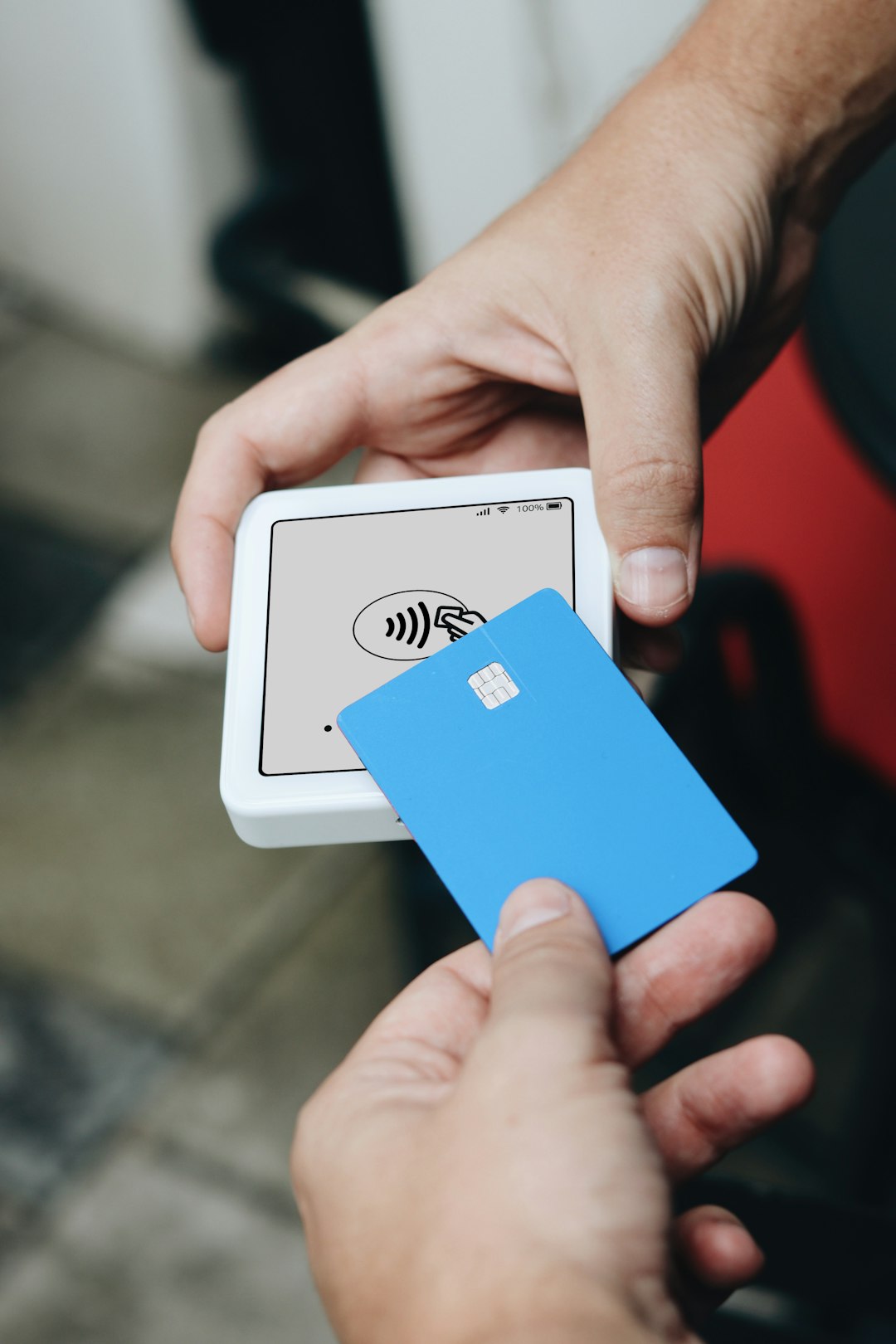
If you see the contactless symbol (the sideways Wi-Fi looking icon), Apple Pay will likely work. If the machine only has a chip insert slot and no tap symbol, it probably will not.
Can You Use Apple Pay for Online DMV Services?
Now here is where things get interesting.
Many DMVs allow you to complete tasks online, such as:
- Renewing your vehicle registration
- Ordering replacement stickers
- Updating your address
- Scheduling appointments
When paying online through a DMV website, Apple Pay may appear as a payment option if:
- You are using Safari
- You are on an Apple device
- The website supports Apple Pay integration
This is often more common than in-person Apple Pay support.
Online payments are usually faster. They are also easier. And you avoid long lines.
Why Some DMVs Do Not Accept Apple Pay
You might wonder why this is even an issue in 2026. Shouldn’t every payment system support tap-to-pay by now?
Not exactly.
Here are a few reasons:
- Old payment terminals
- Budget limitations
- Government contract restrictions
- Security policy concerns
Government offices often upgrade technology slowly. They must follow strict purchasing rules. This can delay newer payment options.
Are There Extra Fees?
Some DMVs charge a small processing fee when you use a card. This fee may also apply to Apple Pay because it is linked to your card.
For example:
- A 2%–3% credit card processing fee
- A flat $2–$4 convenience charge
Cash or check payments may help you avoid these fees. But not all offices accept cash anymore.
What Happens If Apple Pay Does Not Work?
It happens. Maybe the terminal is down. Maybe it does not support contactless payments.
Here is what you can do:
- Bring a physical credit or debit card as backup
- Carry a small amount of cash
- Reschedule and complete the task online
Having a backup plan saves you frustration.
Tips for a Smooth DMV Visit
Image not found in postmetaA little preparation goes a long way.
- Check accepted payment methods before you go
- Bring backup payment options
- Double-check your documents
- Make an appointment if possible
- Arrive early
The DMV may never be your favorite place. But it does not have to ruin your day.
Is Apple Pay Safe to Use at the DMV?
Yes. Apple Pay is considered very secure.
It does not share your actual card number with the merchant. Instead, it uses a unique digital code for each transaction.
It also requires:
- Face ID
- Touch ID
- Or your device passcode
This makes it more secure than handing over a physical card in some cases.
The Future of DMV Payments
The trend is clear. More government services are going digital.
Expect to see:
- More online renewals
- Mobile-friendly DMV websites
- Self-service kiosks
- Expanded contactless payment options
As old equipment gets replaced, Apple Pay and other digital wallets will likely become more common.
But for now, it is still a mixed experience.
Final Verdict
So, does the DMV take Apple Pay?
Sometimes, yes. Sometimes, no.
It depends on where you live and which office you visit. Many DMVs accept credit and debit cards. If the terminal supports tap-to-pay, Apple Pay may work just fine.
The safest move? Always check ahead. Bring a backup payment method. And if possible, handle your DMV tasks online.
That way, the only thing you have to worry about is your new license photo. And we all know that is the real challenge.