


Choosing a productivity app is not really about finding the “best” tool in absolute terms. It is about finding the tool that matches how you think, plan, prioritize, and follow through. Sunsama and Todoist are both excellent productivity platforms, but they serve noticeably different types of workflows. One is built around intentional daily planning; the other is built around fast, flexible task capture and organization.
TLDR: If you want a calm, guided system for planning your day and managing workload, Sunsama is likely the better fit. If you want a fast, lightweight, and highly flexible task manager for personal or team use, Todoist is hard to beat. Sunsama feels more like a daily planning assistant, while Todoist feels more like a powerful to do list that can adapt to almost any system. The right choice depends on whether you need structure and focus or speed and flexibility.
Understanding the Core Difference
At first glance, Sunsama and Todoist seem to solve the same problem: helping you get things done. But their philosophies are quite different. Todoist is a task management app designed to help you capture tasks quickly, organize them into projects, assign dates, and track progress. It excels at being simple enough for casual users but powerful enough for advanced productivity systems.
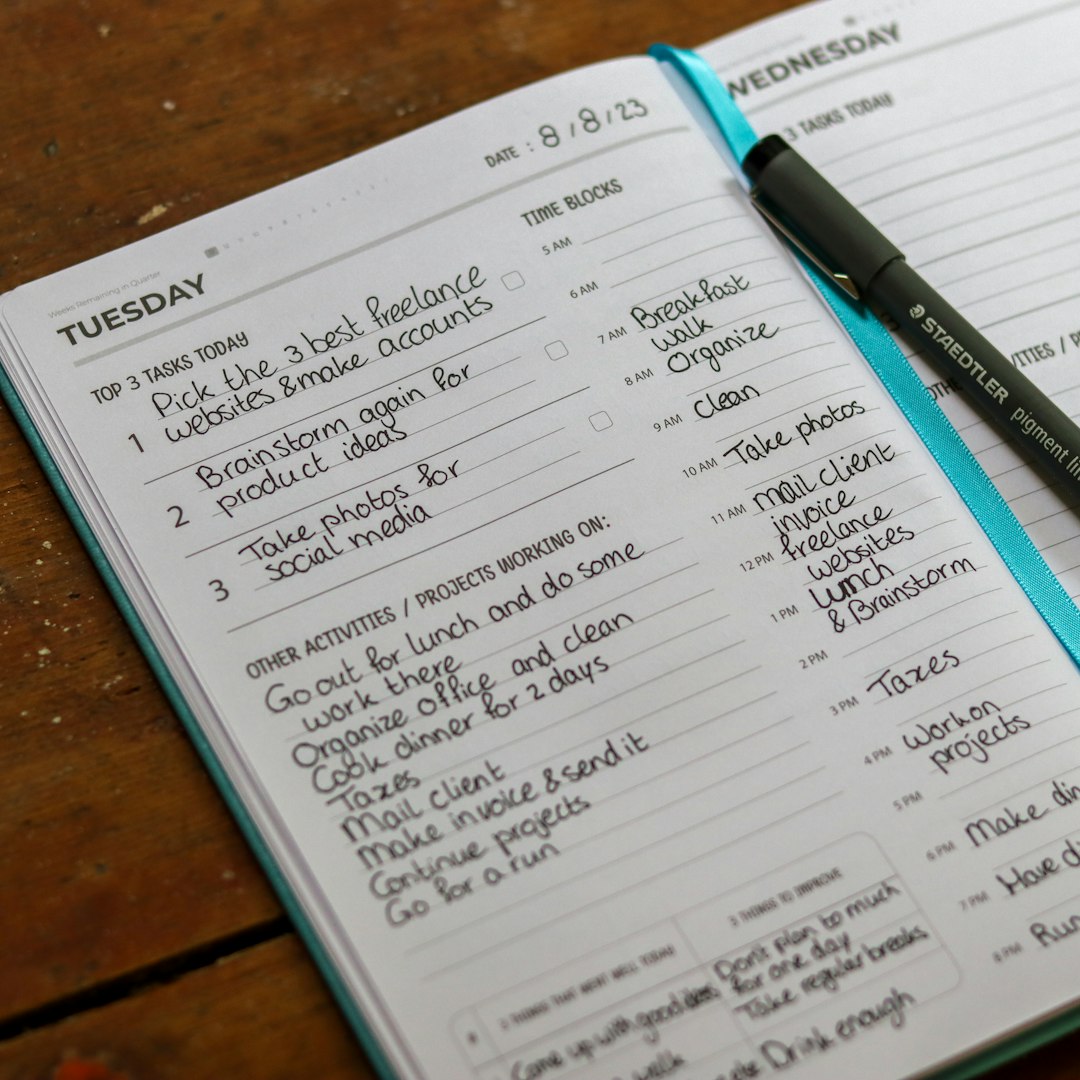
Sunsama, on the other hand, is not just a task list. It is a daily planner built around a more deliberate workflow. It asks you to decide what you will work on today, estimate how long tasks will take, pull tasks from other tools, and review your workload so you do not overcommit. Sunsama is less about storing every possible task and more about helping you choose what matters now.
What Sunsama Does Best
Sunsama’s biggest strength is its ability to create a structured planning ritual. Instead of opening an endless list of tasks and wondering where to start, Sunsama guides you through a daily planning process. You can pull tasks from tools like calendars, email, Asana, Trello, Jira, GitHub, and Todoist, then decide which tasks belong on your schedule for the day.
This is especially useful for people who struggle with overloaded task lists. In many productivity apps, tasks pile up until the list becomes intimidating. Sunsama tries to prevent that by encouraging realistic planning. You estimate how much time each task will take, place items into your day, and see whether your plan is actually achievable.
Sunsama is particularly strong for:
- Daily planning: It walks you through choosing the most important tasks for the day.
- Time awareness: You can estimate task durations and compare them with your available hours.
- Calendar integration: Your tasks and meetings appear together, making it easier to plan realistically.
- Focus: It discourages dumping everything into one massive, stressful list.
- Workload balance: It helps you notice when you are trying to do too much.
Sunsama also feels calm compared with many productivity tools. Its interface is clean, and its workflow encourages reflection rather than urgency. For knowledge workers, freelancers, managers, and anyone juggling multiple platforms, this approach can be refreshing.
Where Sunsama May Fall Short
Sunsama’s biggest limitation is that it may feel too structured for some users. If you simply want to add tasks quickly, categorize them, and move on, Sunsama can feel heavier than necessary. The guided planning process is valuable, but only if you actually want that level of intentionality.
It is also more expensive than many task management tools. Sunsama positions itself as a premium productivity app, and its pricing reflects that. For users who only need a basic to do list, the cost may be hard to justify.
Another thing to keep in mind is that Sunsama is not trying to be the world’s most advanced task database. It works best when paired with other tools or used as a daily execution layer. If your workflow depends heavily on complex filters, labels, natural language task entry, or large project archives, Todoist may feel more capable.
What Todoist Does Best
Todoist is one of the most popular task managers for a reason: it is fast, reliable, and extremely flexible. You can use it for simple grocery lists, personal goals, recurring chores, work projects, or a full productivity system like Getting Things Done. It works across platforms and has a low learning curve, but it also offers enough depth for power users.
One of Todoist’s best features is natural language input. You can type something like “Submit report every Friday at 3pm” and Todoist will understand the due date and recurrence. This makes capturing tasks nearly frictionless, which is essential for people who want to get ideas out of their heads quickly.
Todoist is particularly strong for:
- Quick capture: Adding tasks is fast on desktop, mobile, browser, and email.
- Project organization: You can create projects, sections, labels, priorities, and filters.
- Recurring tasks: It handles repeated responsibilities very well.
- Cross platform use: Todoist works almost everywhere and syncs smoothly.
- Personal and team workflows: It can be used alone or collaboratively.

Todoist’s flexibility is both its power and its challenge. You can build almost any kind of system inside it, from a minimalist today list to a detailed project management structure. But it does not guide you as much as Sunsama. If you create a messy system, Todoist will not necessarily stop you.
Where Todoist May Fall Short
Todoist is excellent at managing tasks, but it is less focused on helping you decide what you can realistically accomplish in a day. It has an “Today” view and “Upcoming” view, but it does not provide the same guided planning experience as Sunsama. You can assign dates to dozens of tasks, and Todoist will show them to you. Whether that list is reasonable is up to you.
This can lead to a common problem: the never ending overdue list. If you keep assigning tasks to today without considering your calendar and available energy, Todoist can become overwhelming. It is a great tool, but it requires discipline from the user.
Todoist also has fewer built in features for time blocking. You can integrate it with calendars, but the experience is not as central to the product as it is in Sunsama. If your workflow depends on planning your day by hours, meetings, and focused work sessions, Sunsama may feel more natural.
Daily Planning: Sunsama Wins for Structure
If your primary struggle is deciding what to work on each day, Sunsama has the advantage. Its daily planning flow helps you pause, review your obligations, and choose intentionally. It asks the question many productivity tools avoid: Do you actually have time for all of this?
This makes Sunsama ideal for professionals who live in their calendar. If your day includes meetings, deep work, email, admin tasks, and project deadlines, Sunsama helps you combine those pieces into a single plan.
Todoist can support daily planning, but it requires more manual setup. You can use due dates, priorities, filters, and labels to create a daily workflow, but the app does not guide you through the process in the same way. For independent planners, that flexibility is great. For people who need a planning ritual, Sunsama is better.
Task Capture: Todoist Wins for Speed
When it comes to capturing tasks quickly, Todoist is faster and more convenient. Its natural language recognition, keyboard shortcuts, mobile widgets, browser extensions, and email forwarding make it easy to add tasks from almost anywhere. You can capture an idea in seconds without thinking about where it fits.
Sunsama can manage tasks, but it is not designed primarily as a rapid capture tool. Its strength is planning and execution, not collecting every thought or obligation. Many users may actually prefer using Todoist as their task inbox and Sunsama as the place where they decide what to do today.
Project Management: It Depends on Complexity
For lightweight project management, Todoist is usually the better option. You can create projects, add sections, assign due dates, use labels, set priorities, and collaborate with others. It is not a full enterprise project management tool, but it is more than enough for many personal and small team workflows.
Sunsama is not meant to replace a dedicated project management system. Instead, it integrates with those systems and helps you execute tasks from them. For example, if your team uses Asana or Jira, Sunsama can pull assigned tasks into your daily plan. This makes it powerful for individuals working inside larger team systems.

Pricing and Value
Pricing can be a major deciding factor. Todoist offers a generous free plan and affordable paid plans, making it accessible to students, individuals, families, and small teams. If you are budget conscious, Todoist provides excellent value.
Sunsama is typically more expensive and generally aimed at professionals who are willing to pay for a more thoughtful planning experience. Its value depends on how much you benefit from daily structure. If Sunsama helps you avoid overcommitment, reduce stress, and spend more time on meaningful work, the price may be worthwhile.
Which Tool Fits Your Workflow?
Choose Sunsama if:
- You want a guided daily planning process.
- You often overestimate what you can accomplish in a day.
- Your calendar plays a major role in your workflow.
- You work across several tools and want one place to plan your day.
- You value focus, calm, and realistic workload management.
Choose Todoist if:
- You need a fast and flexible task manager.
- You want strong recurring tasks and natural language input.
- You prefer building your own productivity system.
- You need a budget friendly solution.
- You want a tool that works well for both personal and professional tasks.
Can You Use Sunsama and Todoist Together?
Yes, and for some people, this may be the best setup. Todoist can serve as your long term task manager and capture system, while Sunsama can act as your daily planning hub. In this workflow, you collect tasks in Todoist, organize them by project, and then pull the most important tasks into Sunsama when planning your day.
This combination works well because each tool does what it does best. Todoist holds the full inventory of tasks, while Sunsama helps you decide what deserves attention today. The downside is cost and complexity. Using two tools can be powerful, but only if the system remains easy to maintain.
Final Verdict
Sunsama and Todoist are both excellent, but they are designed for different productivity personalities. Sunsama is best for people who need structure, focus, and a realistic plan for each day. It shines when your main challenge is not remembering tasks, but choosing the right ones and fitting them into limited time.
Todoist is best for people who need speed, flexibility, and reliable task organization. It is ideal if you want a clean, powerful to do list that can scale from simple errands to complex projects. It gives you more freedom, but also more responsibility to design a system that works.
Ultimately, the choice comes down to your workflow. If you feel buried under tasks and need a calmer way to plan your day, try Sunsama. If you want a fast, affordable, and adaptable task manager, Todoist is likely the better fit. And if you want the best of both worlds, using Todoist for capture and Sunsama for planning can create a thoughtful productivity system that is both flexible and focused.