



If Muse Paint feels too small for serious digital painting, start with Krita for free work, Procreate for iPad, or Clip Studio Paint for comics and line art. These three cover most needs without turning every brush stroke into a settings hunt. Adobe Fresco is also strong for natural media, especially with its live oil and watercolor brushes [source: Adobe].
TLDR: The best Muse Paint alternative depends on your device and workflow. Krita is the safest free pick, while Procreate is the cleanest choice for iPad users. For example, if you create 30 sketch thumbnails per week and save just 2 minutes per file on brush setup and export, that is about 1 hour saved every week. If you also need logos, posters, and social graphics, Affinity Designer 2 is the more design-friendly option.
1. Krita: Best free alternative for serious painting
Krita is the strongest free Muse Paint alternative for artists who want deep brush control without paying a subscription. It is open source, mature, and built for illustration, concept art, texture work, and comics.
Its brush engine is the main draw. You get stabilizers, blending modes, wrap-around mode, layer masks, color management, and animation tools. That is a lot for free software. Honestly, it feels like Krita should cost money, because many paid apps offer less.
- Best for: illustrators, concept artists, students, and budget-conscious creators.
- Works on: Windows, macOS, and Linux.
- Main strength: advanced brush control and a professional layer system.
- Main weakness: the interface can feel dense at first.
Krita is not the fastest app to learn. Expect to spend time tuning brushes and panels. Still, once set up, it feels stable and capable. For artists who want power over polish, this is the first app to try.

2. Procreate: Best Muse Paint alternative for iPad
Procreate is the obvious pick if you paint on an iPad. It is fast, clean, and rarely gets in your way. The brush system is deep, but the app does not bury you under menus.
The appeal is speed. You open a canvas, pick a brush, and start. Gestures are simple. Export is quick. The time-lapse recording is useful for client proof, social posts, and process videos.
- Best for: iPad artists, sketchers, illustrators, and social content creators.
- Works on: iPadOS.
- Main strength: smooth drawing and simple interface.
- Main weakness: no desktop version.
The catch is file management. Moving large projects between devices can still be annoying. If you work across a desktop, tablet, and shared storage, Procreate may add extra steps. For pure iPad painting, though, it is hard to beat.
3. Clip Studio Paint: Best for comics, manga, and clean line art
Clip Studio Paint is built for artists who care about line quality. It has strong pen tools, vector layers, comic panels, speech bubbles, 3D pose references, and page management. If Muse Paint feels too basic for comic work, this is a major upgrade.
The learning curve is real. Some menus feel packed. Some labels are not as clear as they should be. It drives me crazy that finding a small setting can take 20 seconds longer than expected. But the payoff is serious control.
- Best for: comic artists, manga creators, inkers, and illustrators.
- Works on: Windows, macOS, iPad, iPhone, Android, and Chromebook.
- Main strength: line control, panels, and publishing tools.
- Main weakness: busy interface and plan confusion.
Clip Studio Paint is also strong for long projects. If you manage chapters, recurring characters, or print-ready pages, it keeps things more organized than many painting apps.
Image not found in postmeta4. Adobe Fresco: Best for natural brushes and mixed media
Adobe Fresco is a strong pick for painters who want watercolor, oil, pencil, and vector brushes in one place. Its live brushes are the main reason to use it. Water spreads in a believable way, and oils blend with a soft, wet feel.
Fresco is especially useful for artists already working with Adobe apps. You can move work into Photoshop or Illustrator more easily than with many standalone tools. That matters for professional files, client delivery, and print workflows.
- Best for: illustrators, watercolor painters, mixed media artists, and Adobe users.
- Works on: iPad, iPhone, and Windows.
- Main strength: natural brush behavior and Adobe file support.
- Main weakness: some features depend on an Adobe account or paid plan.
Fresco is not always the best choice for heavy design layout. It is a painting-first app. Still, for anyone who wants expressive marks without scanning real paper, it makes sense.
5. Affinity Designer 2: Best for creative design and vector work
Affinity Designer 2 is different from the other tools here. It is less about painterly brushes and more about design. Choose it if you create posters, icons, web graphics, packaging concepts, or clean vector artwork.
It supports vector and raster work in the same app. That is useful when a design needs both sharp shapes and textured details. You can sketch an idea, build clean geometry, then add shading or grain without switching tools.
- Best for: graphic designers, illustrators, brand designers, and poster artists.
- Works on: Windows, macOS, and iPad.
- Main strength: vector precision with raster support.
- Main weakness: not as natural for pure painting as Krita or Procreate.
If Muse Paint is used mainly for visual ideas, Affinity Designer 2 may be overkill. If you need clean exports and scalable graphics, it is much better suited.
How to choose the right Muse Paint alternative
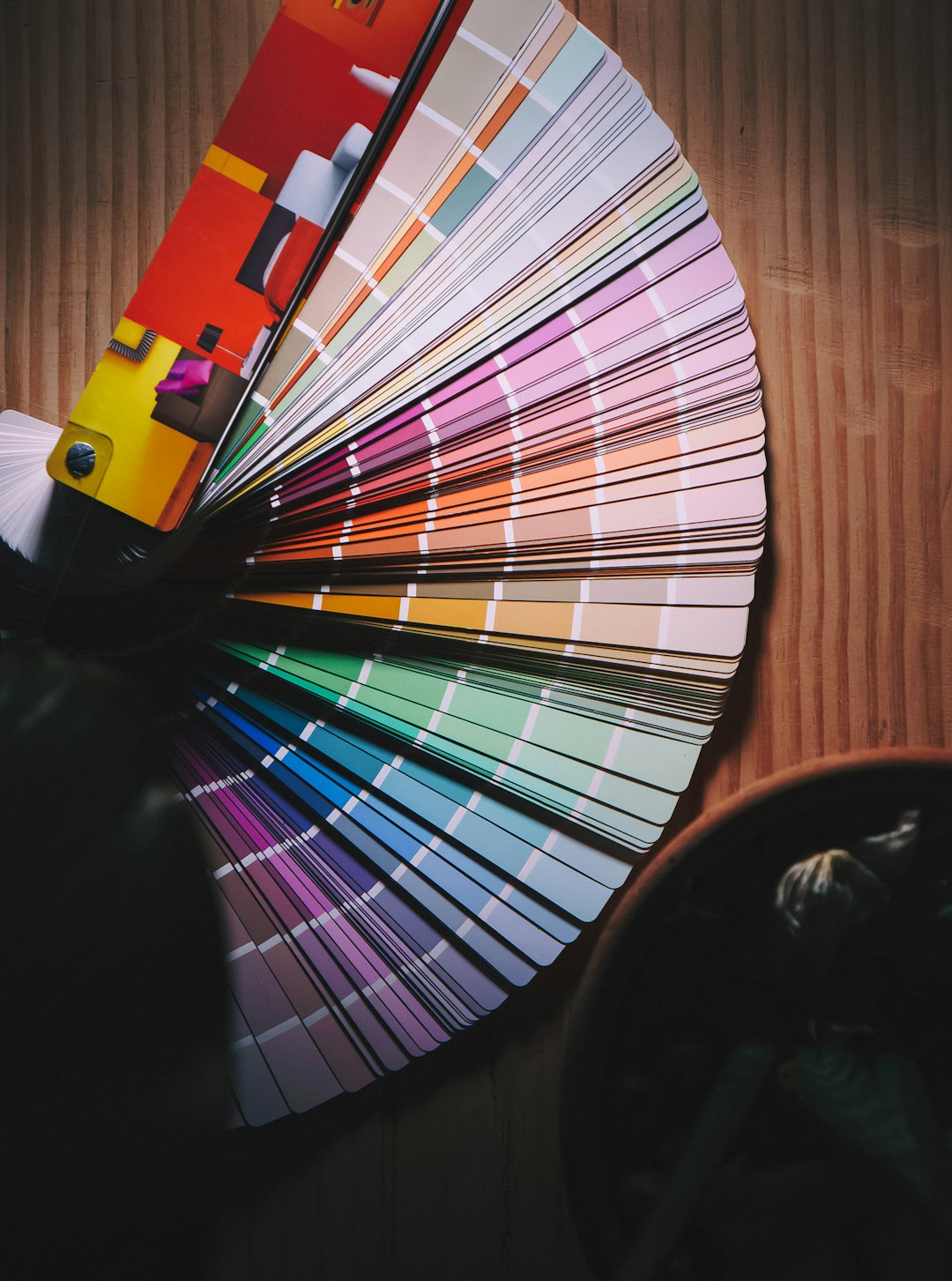
- Pick Krita if you want a free desktop app with serious painting tools.
- Pick Procreate if you draw mostly on iPad and value speed.
- Pick Clip Studio Paint if comics, manga, or precise line work matter most.
- Pick Adobe Fresco if you want natural watercolor and oil effects.
- Pick Affinity Designer 2 if your work leans toward layout, vectors, and polished design.
The practical choice is simple: try Krita first if you are unsure. It costs nothing and gives you a clear baseline. If you later need a smoother tablet workflow, move to Procreate or Fresco. If your work becomes more structured, such as comics or brand graphics, Clip Studio Paint or Affinity Designer 2 will serve you better.