


Wi-Fi feels almost invisible when it works well: you open a laptop, tap a phone screen, or connect a smart speaker, and the internet is just there. Behind that convenient experience is a small but important piece of networking hardware called a wireless access point, often shortened to WAP or simply AP. It is one of the key building blocks that allows wireless devices to connect to a wired network without needing an Ethernet cable.
TLDR: A wireless access point is a device that creates a Wi-Fi network by connecting wireless devices to a wired network. It is commonly used in homes, offices, schools, hotels, and public spaces to expand or manage wireless coverage. Unlike a basic router, an access point is mainly focused on delivering Wi-Fi connectivity, often as part of a larger network. If you need stronger, wider, or more organized Wi-Fi, a WAP may be the solution.
What Does a Wireless Access Point Do?
A wireless access point acts like a bridge between wireless devices and a wired local area network. In simple terms, it takes the network connection coming from an Ethernet cable and broadcasts it as Wi-Fi. Devices such as phones, laptops, tablets, printers, security cameras, and smart home gadgets can then connect wirelessly.
Think of a WAP as a radio station for your network. It sends and receives wireless signals, allowing nearby devices to communicate with the rest of the network and, usually, the internet. Without it, many devices would need physical network cables, which is impractical in most modern homes and workplaces.

Wireless Access Point vs Router
People often confuse a wireless access point with a router because many home routers include built-in Wi-Fi. However, they are not exactly the same thing.
- A router directs traffic between networks, usually between your home or business network and the internet.
- A wireless access point provides Wi-Fi access to an existing wired network.
- A wireless router combines both functions: routing traffic and broadcasting Wi-Fi.
In a small home, a single wireless router may be enough. It connects to the modem, manages the network, and provides Wi-Fi. In a larger home, office, warehouse, school, or hotel, one router may not provide enough coverage. That is where dedicated access points become useful. Multiple WAPs can be installed throughout a building to provide stronger and more consistent wireless coverage.
How a WAP Works
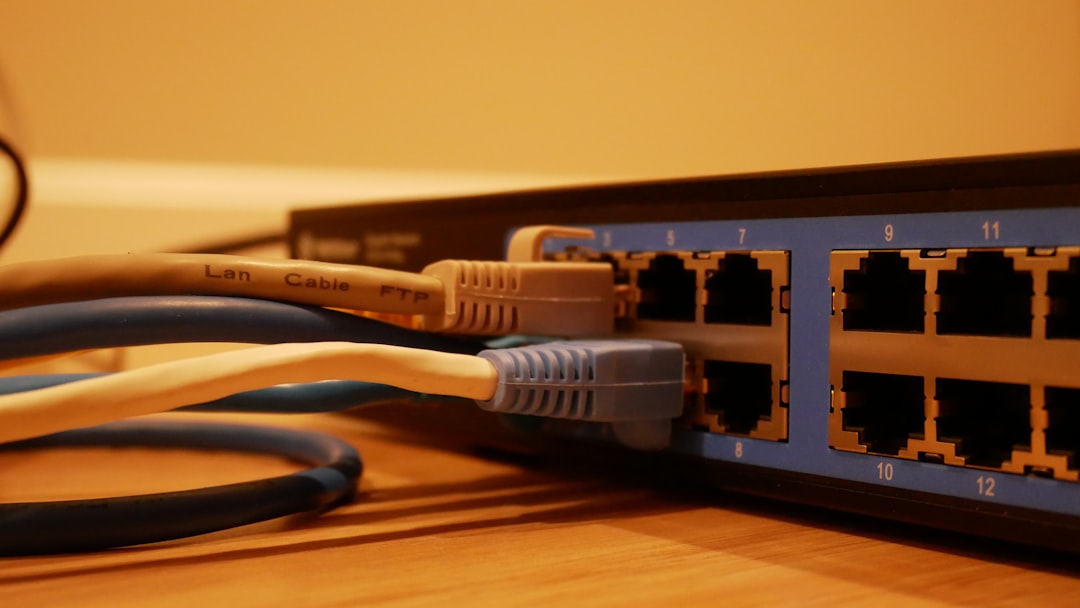
A wireless access point normally connects to a wired network using an Ethernet cable. Once connected, it broadcasts one or more Wi-Fi networks, also known as SSIDs. When a device joins the Wi-Fi network, the access point passes data between that wireless device and the wired network.
For example, when you open a website on your phone, the phone sends the request wirelessly to the access point. The access point forwards that data through the wired network to the router, which then connects to the internet. When the website data comes back, the process happens in reverse.
Many modern access points use Power over Ethernet, or PoE. This means the same Ethernet cable can provide both data and electrical power. PoE is especially useful when installing access points on ceilings or walls where standard power outlets may not be available.
Where Are Wireless Access Points Used?
Wireless access points are used almost everywhere Wi-Fi is expected to be reliable. In homes, they can eliminate dead zones in basements, upstairs rooms, patios, or detached garages. In businesses, they help employees, customers, and devices stay connected across large spaces.
Common places where WAPs are installed include:
- Office buildings, where dozens or hundreds of users may connect at once
- Schools and universities, where classrooms, libraries, and dorms need strong coverage
- Hotels, where guests expect Wi-Fi in rooms, lobbies, and conference areas
- Hospitals, where reliable wireless connectivity supports staff and equipment
- Warehouses and retail stores, where scanners, tablets, and payment devices depend on Wi-Fi
- Outdoor spaces, such as campuses, parks, and event venues

Key Benefits of Using a WAP
The biggest advantage of a wireless access point is better Wi-Fi coverage, but that is only part of the story. A well-planned access point setup can improve speed, reliability, security, and network management.
Better coverage: Access points can be placed where they are needed most, reducing weak spots and dropped connections.
More device capacity: A single consumer router can become overloaded when too many devices connect. Business-grade WAPs are designed to handle larger numbers of simultaneous users.
Flexible installation: Because many access points use PoE, they can be mounted on ceilings, walls, or other optimal locations.
Centralized management: In larger networks, administrators can manage multiple access points from one dashboard, making it easier to update settings, monitor performance, and troubleshoot issues.
Improved security: Many WAPs support modern encryption, guest networks, user authentication, and network segmentation. This helps separate visitor traffic from private business systems.
Types of Wireless Access Points
Not all access points are designed for the same environment. The right type depends on the size of the space, the number of users, and the network requirements.
- Standalone access points: These are configured individually and are often used in smaller setups.
- Controller-based access points: These are managed by a central controller, making them suitable for larger organizations.
- Cloud-managed access points: These can be configured and monitored through an online dashboard, which is convenient for businesses with multiple locations.
- Outdoor access points: These are built to withstand weather, temperature changes, and wider coverage needs.
- Mesh access points: These communicate with each other wirelessly to extend coverage without requiring every unit to be directly wired.
WAP, Wi-Fi Extender, and Mesh System: What’s the Difference?
A Wi-Fi extender typically repeats an existing wireless signal. It can be useful, but it may reduce speed because it has to receive and retransmit data. A mesh system uses multiple nodes that work together to spread Wi-Fi throughout a space, often with easier setup for home users.
A wireless access point, however, usually connects directly to the wired network. This wired connection often makes it faster and more stable than a simple extender. In professional environments, access points are usually preferred because they offer more control, stronger performance, and better scalability.
Important Features to Look For
When choosing a wireless access point, it helps to consider both current and future needs. Wi-Fi standards, coverage area, and device capacity can make a big difference in performance.
- Wi-Fi standard: Look for support for modern standards such as Wi-Fi 6 or Wi-Fi 6E for faster speeds and better efficiency.
- Dual-band or tri-band support: These options allow devices to connect using different frequency bands, improving performance in busy environments.
- PoE support: This simplifies installation and reduces the need for separate power cables.
- Security options: Features such as WPA3 encryption, guest networks, and VLAN support are valuable.
- Management tools: A user-friendly interface or cloud dashboard can make maintenance much easier.
Why WAP Placement Matters
Even the best access point can perform poorly if it is installed in the wrong place. Walls, metal objects, appliances, concrete, and even large groups of people can weaken Wi-Fi signals. For best results, access points are often mounted high on ceilings or walls, away from major obstacles.
In larger networks, professionals may perform a wireless site survey. This helps determine where access points should be installed, which channels they should use, and how much signal overlap is needed for smooth roaming between areas.
Final Thoughts
A wireless access point may not be the most glamorous device in a network, but it plays a major role in creating Wi-Fi that feels fast, dependable, and effortless. Whether you are trying to remove dead zones at home or provide coverage for hundreds of users in a business, a WAP can make wireless connectivity more organized and reliable.
In a world filled with mobile devices, cloud apps, smart equipment, and constant online activity, strong Wi-Fi is no longer just a convenience. It is essential infrastructure. A well-chosen and properly placed wireless access point helps turn a wired network into a flexible, modern wireless experience.



?)