




Choosing a payment platform for nonprofit donations can feel like picking a snack at a giant movie theater. So many choices. So many fees. So many shiny buttons. The good news is this: the right platform helps your donors give faster, smile more, and come back again.
TLDR: The best nonprofit payment platform depends on your size, budget, and fundraising style. For example, if 1,000 donors give $50 each, even a 1% fee difference can mean $500 more for your mission. Small nonprofits may love Zeffy or Givebutter, while larger teams may prefer Classy, Donorbox, or Fundraise Up. Pick the tool that makes giving easy in under two minutes.
What Makes a Great Donation Platform?
A good payment platform is not just a checkout page. It is your digital donation desk. It should be friendly, fast, and safe.
Look for these features:
- Low fees, because every dollar matters.
- Recurring donations, so supporters can give monthly.
- Mobile friendly forms, because many donors give from phones.
- Card, bank, and wallet payments, like Apple Pay and Google Pay.
- Easy receipts, so donors get tax records fast.
- Simple reports, so your team is not stuck in spreadsheet soup.
Also, test the donor experience. If your donation form feels like a maze, donors may leave. If it feels like a happy little slide, they finish.

1. Donorbox
Donorbox is a popular choice for nonprofits of many sizes. It is clean, simple, and built for fundraising.
Donorbox supports one-time gifts, monthly donations, donor-covered fees, matching gifts, and campaign pages. You can embed donation forms on your website. You can also use hosted campaign pages if your site is still a work in progress.
Best for: Small to mid-sized nonprofits that want strong donation tools without a huge learning curve.
Why it shines: Recurring gifts are easy to set up. Donors can choose monthly, weekly, quarterly, or yearly giving. That is great for predictable income.
Fun note: Recurring donors are like houseplants. If you care for them, they keep growing.
2. Givebutter
Givebutter is fun, modern, and very social. It is great for campaigns, peer-to-peer fundraising, events, and live giving.
It includes donation forms, fundraising pages, ticketing, auctions, and donor management tools. Supporters can leave messages, join teams, and share campaigns with friends.
Best for: Nonprofits that run events, school fundraisers, community drives, or social campaigns.
Why it shines: It makes giving feel interactive. Donors can cheer each other on. That can create more energy around your campaign.
Givebutter often uses optional donor tips to keep platform costs low for nonprofits. But you should always check current pricing and payment processing fees.
3. Zeffy
Zeffy is known for one big promise: no mandatory platform fees for nonprofits. That can be a big deal for small teams with tight budgets.
Zeffy offers donation forms, event ticketing, raffles, memberships, peer-to-peer campaigns, and donor management. It asks donors for optional tips to support the platform.
Best for: Budget-conscious nonprofits that want to save on fees.
Why it shines: You can keep more of each donation. If your nonprofit collects $20,000 in small gifts, lower fees can make a real difference.
Watch out: Some donors may not understand optional tip screens. Make sure your audience is comfortable with that model.
4. Stripe
Stripe is not only for nonprofits. It is a powerful payment processor used by many businesses and organizations.
Stripe is flexible. It supports credit cards, debit cards, ACH bank payments, Apple Pay, Google Pay, and many global payment options. Developers love it because it can be customized in many ways.
Best for: Nonprofits with tech help or custom websites.
Why it shines: It is fast, secure, and scalable. If your organization wants a custom donation experience, Stripe is a strong base.
Stripe also integrates with many nonprofit tools. That means you may use Stripe in the background while another platform handles the donation form.

5. PayPal
PayPal is familiar. Many donors already have an account. That can reduce friction at checkout.
PayPal offers donation buttons, nonprofit rates for eligible organizations, and access to PayPal Giving Fund in some cases. Donors can pay with PayPal, cards, or other supported methods.
Best for: Nonprofits that want a trusted, recognizable payment option.
Why it shines: Donors know it. Trust matters. If someone sees a familiar PayPal button, they may feel safer clicking it.
Small warning: PayPal can be simple, but reporting and campaign tools may feel limited compared with full fundraising platforms.
6. Classy
Classy is a strong platform for larger fundraising programs. It is built for serious growth.
Classy supports donation pages, peer-to-peer fundraising, events, recurring giving, crowdfunding, and detailed reporting. It also offers polished donor experiences and strong campaign branding.
Best for: Growing and larger nonprofits with active fundraising teams.
Why it shines: Campaigns look professional. The tools are built for scale. If your team runs multiple campaigns each year, Classy can help keep things organized.
It may cost more than simpler tools. But for larger organizations, the added features can be worth it.
7. Fundraise Up
Fundraise Up focuses on making the donation process smarter and faster. It uses modern checkout design and smart prompts to improve conversion rates.
It can suggest donation amounts, offer recurring gift options, and personalize parts of the giving experience. The goal is simple: help more visitors become donors.
Best for: Nonprofits that want to improve online donation conversion.
Why it shines: It is built around donor behavior. If your website gets good traffic but not enough gifts, this tool may help.
Think of it like a friendly guide at the donation door. It says, “Welcome. This way. You are doing something wonderful.”
8. Square
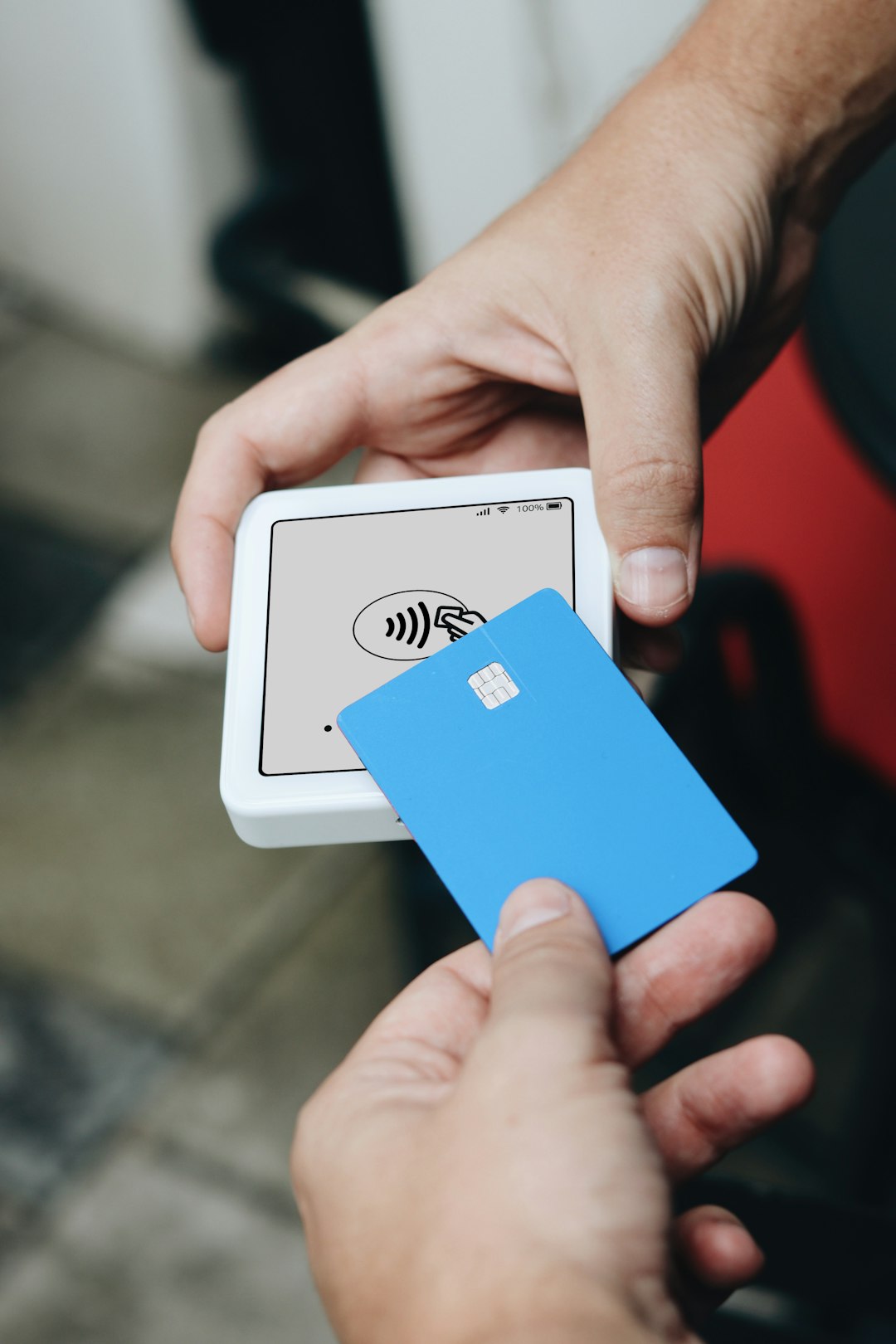
Square is great for in-person payments. If your nonprofit sells event tickets, T-shirts, baked goods, or raffle entries, Square can help.
It offers card readers, point-of-sale tools, online checkout links, and invoices. It is easy to use at tables, booths, and community events.
Best for: Nonprofits that collect gifts or sales in person.
Why it shines: It makes swipe, tap, and chip payments simple. No more “Sorry, cash only” moments.
Square may not have the deep donor tools of nonprofit-first platforms. But it is very handy for live events.
How to Pick the Right One
Start with your fundraising style. Do you raise most money online? At events? Through monthly gifts? Through big campaigns?
Use this quick guide:
- Lowest cost: Try Zeffy.
- Best all-around starter: Try Donorbox.
- Most fun for social campaigns: Try Givebutter.
- Best for custom sites: Try Stripe.
- Most familiar to donors: Try PayPal.
- Best for larger campaigns: Try Classy.
- Best for conversion focus: Try Fundraise Up.
- Best for in-person payments: Try Square.
Do Not Forget the Fees
Fees can hide in tiny print. Look for platform fees, card processing fees, ACH fees, chargeback fees, and monthly costs.
Some platforms let donors cover fees. This can help. For example, if 60% of donors choose to cover fees on 500 gifts, your nonprofit may save hundreds of dollars during a campaign.
Still, do not choose by price alone. A platform with slightly higher fees may raise more money if it gets more donors to finish checkout.
Final Thoughts
The best payment platform is the one your donors will actually use. It should feel easy. It should feel safe. It should feel like saying “yes” to a good cause.
If you are small, start simple. If you are growing, choose tools that can grow with you. If you run events, think beyond online forms. And if your donors are busy, make the donation process as quick as ordering pizza.
One last tip: Test your donation page on a phone. Ask a friend to give $5. Watch what happens. If they smile and finish fast, you are on the right track.