



Workiva is usually the better fit for complex public-company SOX programs, while AuditBoard often suits audit teams that want faster setup, cleaner task tracking, and less administrative drag. Both platforms can manage controls, testing, evidence, certifications, issues, and reports. The right choice depends on team size, control volume, reporting needs, and how much integration matters.
TLDR: Workiva works best when SOX compliance is tied closely to SEC reporting, financial statements, ESG, and board-level documentation. AuditBoard is often easier for internal audit teams that need a practical SOX workspace without heavy configuration. For example, a company with 1,200 controls across 18 entities may value Workiva’s connected reporting, while a 300-control program may cut testing follow-up time by 20% to 30% with AuditBoard’s simpler task flow.
SOX Compliance Checklist: Core Requirements
A strong SOX compliance checklist should not start with software. It should start with the controls. The tool only helps when the process is already clear.
- Define the SOX scope: Map material accounts, business processes, IT systems, and in-scope entities.
- Document key controls: Capture control owner, frequency, risk, assertion, evidence type, and system source.
- Perform walkthroughs: Confirm that controls are designed properly and match real business activity.
- Manage testing: Assign samples, request evidence, document results, and track review notes.
- Track deficiencies: Rate severity, assign remediation owners, and monitor status.
- Certify controls: Collect quarterly or annual attestations from owners and executives.
- Prepare audit reports: Summarize control status, open issues, remediation plans, and audit readiness.
- Maintain audit trail: Keep version history, approvals, comments, and evidence changes.

Workiva for Managing SOX Compliance
Workiva is built for connected reporting and compliance work across finance, legal, audit, risk, and sustainability teams. Its biggest strength is the way data can flow into controlled documents, spreadsheets, presentations, and reports.
For SOX, Workiva helps teams centralize process narratives, risk control matrices, test plans, certifications, evidence, and management reports. It also supports detailed permissions, review workflows, and audit trails. This makes it strong for large teams with strict documentation standards.
The catch is that Workiva can feel heavy when the SOX program is smaller or when the team mainly needs control testing and issue tracking. Some users may spend extra time setting up templates, linking data, and training control owners. That pays off for complex reporting, but it can feel like overkill for lean audit teams.
Workiva SOX Strengths
- Strong connected reporting: Useful when SOX data feeds into board decks, 10-K support, or management certification packages.
- Robust document control: Good for narratives, policies, and evidence-heavy support files.
- Clear audit trail: Version history and permissions support formal review standards.
- Scales well: Better suited for mature SOX programs with many entities and stakeholders.
Workiva SOX Limitations
- Setup can take time: Configuration may require careful planning and admin support.
- Learning curve: Control owners who only log in quarterly may need repeated guidance.
- Cost can be higher: Pricing may be harder to justify for smaller SOX teams.
AuditBoard for Managing SOX Compliance
AuditBoard is often favored by internal audit teams because it is built around audit execution, SOX testing, issue management, and stakeholder follow-up. It keeps work practical. Tasks, requests, review notes, certifications, and deficiencies are easy to find.
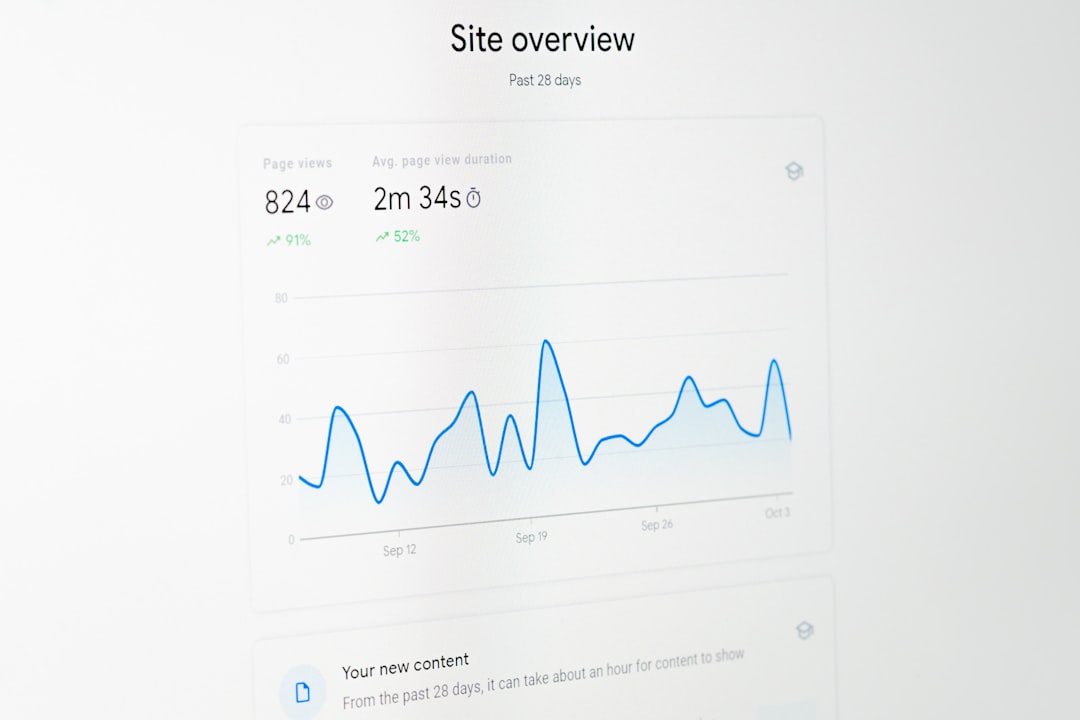
AuditBoard’s SOXHUB module supports risk control matrices, walkthroughs, testing, evidence requests, PBC lists, certifications, and remediation workflows. It also offers dashboards that show testing progress, failed controls, late items, and owner response rates.
Honestly, it feels like some SOX tools ask audit teams to become system administrators before any testing gets done. AuditBoard tends to reduce that pain. Its interface is more direct, especially for teams that want to replace spreadsheets, shared drives, and endless reminder emails.
AuditBoard SOX Strengths
- Fast user adoption: Control owners can usually understand requests, upload evidence, and respond to notes with less training.
- Strong testing workflow: Testing status, evidence requests, and review comments are easy to monitor.
- Good issue tracking: Deficiencies, remediation plans, and due dates stay visible.
- Audit-focused design: The platform fits daily internal audit work well.
AuditBoard SOX Limitations
- Reporting depth may be narrower: It may not match Workiva for complex external reporting packages.
- Less ideal for broad reporting ecosystems: Companies tying SOX into many reporting outputs may need extra steps.
- Configuration still matters: Poor control design will still create messy results.
Workiva vs AuditBoard: SOX Checklist Comparison
| SOX Checklist Area | Workiva | AuditBoard |
|---|---|---|
| Control documentation | Strong for narratives, linked files, and formal records. | Strong for RCMs, task ownership, and audit execution. |
| Testing workflow | Capable, but can require more structure up front. | Very strong and easy for audit teams to run. |
| Evidence requests | Strong with document control and approvals. | Strong with request tracking and reminders. |
| Reporting | Excellent for connected reports and executive packs. | Good for audit dashboards and SOX status reporting. |
| Ease of use | Moderate, with more training needed. | Generally easier for audit users and control owners. |
| Best fit | Large public companies with complex reporting needs. | Internal audit teams needing efficient SOX execution. |
Which Platform Fits Which SOX Team?
Workiva is a strong choice when SOX evidence and control results must connect to broader financial reporting. A multinational company with several business units, many sign-offs, and formal disclosure support may benefit from Workiva’s controlled documents and linked data model.
AuditBoard is a strong choice when the main goal is to run SOX testing with fewer manual reminders and cleaner ownership. A mid-market public company with a small internal audit team may prefer AuditBoard because it keeps requests, testing notes, and remediation work moving.
The decision should also consider external auditor expectations. Both tools can support auditor access and evidence review. Still, teams should confirm how each platform handles read-only access, evidence exports, review comments, and retention rules.
Practical Selection Checklist
- Choose Workiva if SOX connects closely with SEC reporting, financial close documents, ESG reporting, or board-ready packages.
- Choose AuditBoard if the audit team needs fast testing cycles, simple evidence requests, and clear dashboards.
- Choose Workiva if document control and linked reporting are central pain points.
- Choose AuditBoard if late evidence, scattered emails, and unclear control ownership are the main problems.
- Run a pilot with one process, such as revenue or IT general controls, before signing a full rollout.
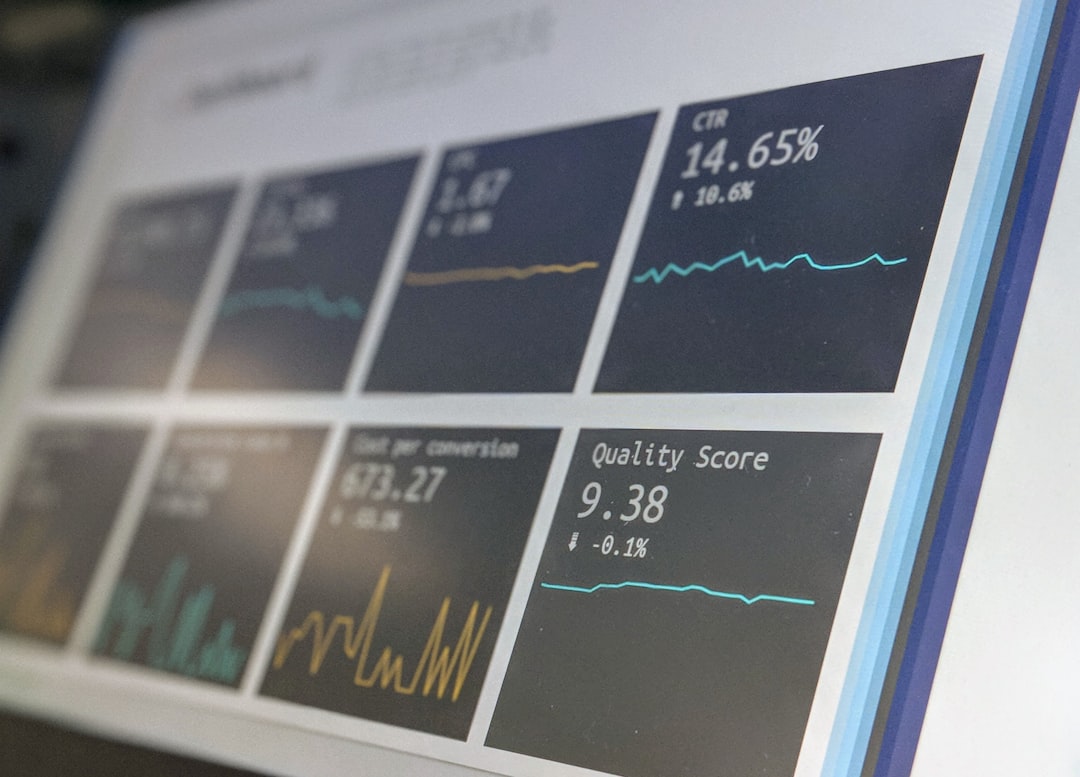
- Measure setup time, owner response rate, testing review time, and report creation time during the pilot.
Final Recommendation
For complex public companies, Workiva often offers the stronger long-term SOX compliance foundation. Its value rises when SOX data supports multiple formal reports and leadership packages.
For internal audit teams seeking a cleaner way to manage control testing, AuditBoard may be the better day-to-day choice. It is practical, focused, and easier for many control owners to use. The best decision is not about which platform has more features. It is about which one removes the most friction from the SOX checklist.
FAQ
What is the main difference between Workiva and AuditBoard for SOX?
Workiva is stronger for connected reporting and formal documentation. AuditBoard is stronger for audit execution, testing workflows, and issue tracking.
Is Workiva better for large public companies?
Yes, Workiva often fits large public companies with complex reporting needs, multiple departments, and detailed document control requirements.
Is AuditBoard easier to use?
AuditBoard is often easier for internal audit teams and control owners. Its workflows are direct, and task status is usually simple to track.
Can both tools manage SOX evidence?
Yes. Both platforms support evidence requests, uploads, review notes, and audit trails. The difference is how each tool organizes the work.
Which tool is better for SOX testing?
AuditBoard is often preferred for testing execution. Workiva also supports testing, but its strongest value appears when testing connects to broader reporting.
Should a company replace spreadsheets with either platform?
Most public companies benefit from replacing spreadsheets for SOX management. A dedicated platform reduces version issues, missed evidence, and weak audit trails.