


Use Gmail only for small, personal bulk emails; use Mailchimp when the message is promotional, recurring, tracked, or sent to hundreds of people. Gmail has strict daily sending limits, including 500 external recipients per day for many consumer-style use cases and higher but still controlled limits for Google Workspace accounts [source: Google]. If you try to email every contact at once without a plan, you can hit limits, trigger spam filters, or expose addresses by mistake.
TLDR: Gmail is fine if you need to send one update to a small contact list, such as 80 clients about a holiday schedule. Mailchimp is the safer choice if you are sending a newsletter, offer, webinar invite, or anything where unsubscribes and reporting matter. For example, a local accountant sending one tax deadline reminder to 120 known clients can use Gmail with BCC, but a store emailing 2,500 subscribers should use Mailchimp. Expect Gmail to be faster for a one-off message, but weaker for tracking, compliance, and list control.
Can You Send an Email to All Contacts in Gmail?
Yes, but not in the clean way many people expect. Gmail does not have a polished “send to all contacts” marketing workflow. You usually need to use Google Contacts, create a label, and then send the email to that label from Gmail.
The basic process looks like this:
- Open Google Contacts.
- Select the contacts you want to email.
- Create a label, such as Clients, Members, or Newsletter List.
- Open Gmail and click Compose.
- Type the label name into the recipient field.
- Put the label in BCC if recipients should not see each other.
- Write the message, proofread it, and send.
Do not put everyone in the To field unless every recipient already knows the others and expects to be visible. It drives me crazy that this mistake is still so easy to make. One careless send can expose your whole contact list to hundreds of people.
When Gmail Works Well
Gmail is practical for small, relationship-based outreach. Think clients, students, volunteers, club members, vendors, or internal contacts. These are people who know you or reasonably expect to hear from you.
Use Gmail when:
- You are sending to fewer than a few hundred people.
- The message is personal or operational, not a sales blast.
- You do not need open rates or click tracking.
- You do not need automated unsubscribes.
- You are sending rarely, not every week.
For example, a consultant could email 65 active clients about a new billing address. A school club could contact 140 parents about a venue change. A nonprofit volunteer coordinator could send a shift reminder to 90 people. Gmail handles those cases well enough.
The strength of Gmail is speed. You already have the contacts. You already know the interface. There is no template setup, no campaign builder, and no audience import. For a quick update, that simplicity matters.
Where Gmail Starts to Break Down
The problems start when your message becomes more like marketing. Gmail was not built for bulk outreach at scale. If you send too many similar emails, too quickly, to people who rarely reply, your deliverability can suffer.
Common Gmail problems include:
- Daily sending limits: you may not be able to reach your full list in one day.
- No built-in unsubscribe link: this matters for promotional emails.
- No campaign analytics: you cannot see opens, clicks, bounces, or unsubscribes in a serious way.
- Manual list cleanup: bounced emails and outdated contacts are easy to miss.
- Higher mistake risk: wrong recipients, visible email addresses, or duplicate sends happen fast.
Honestly, Gmail feels fine until the list crosses 200 or 300 people. Then small tasks become annoying. You spend extra time checking recipient fields, splitting lists, and wondering if the message will actually land.
When Mailchimp Is the Better Choice
Mailchimp is built for bulk email campaigns. It gives you tools Gmail does not provide by default, including audience management, templates, unsubscribe links, segmentation, reporting, and compliance features.
Use Mailchimp when:
- You send newsletters or promotions.
- Your list includes hundreds or thousands of subscribers.
- You need people to unsubscribe on their own.
- You want reports on opens, clicks, and bounces.
- You need branded email templates.
- You plan to send regularly.
Mailchimp also helps with legal and trust signals. Promotional emails should include sender information and a clear unsubscribe option. Mailchimp requires unsubscribe handling in campaigns, which helps reduce complaints and list fatigue [source: Mailchimp].
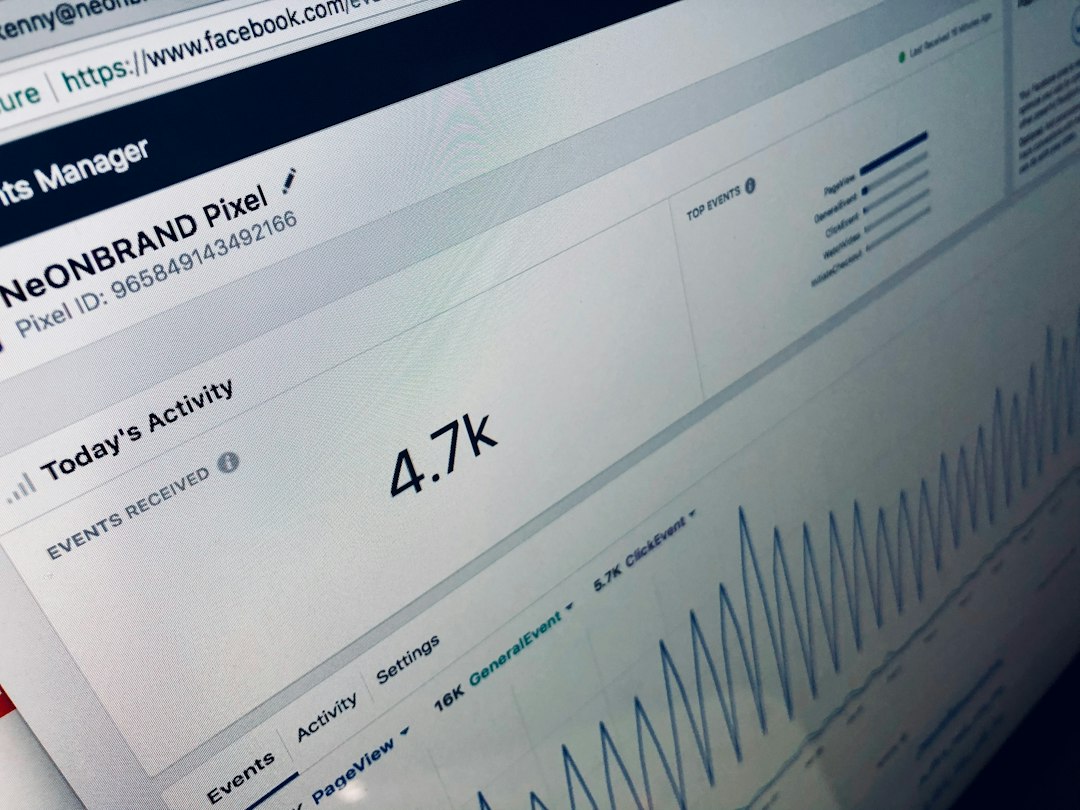
This matters because bulk outreach is not only about sending. It is about sending without harming your sender reputation. A high complaint rate can damage future delivery. A clean list and a clear opt-out process are not nice extras. They protect your email program.
Gmail vs Mailchimp: Practical Comparison
| Feature | Gmail | Mailchimp |
|---|---|---|
| Best for | Small personal or operational messages | Marketing campaigns and newsletters |
| List size | Small lists | Small to large subscriber lists |
| Unsubscribe tools | Manual | Built in |
| Analytics | Very limited | Opens, clicks, bounces, unsubscribes |
| Personal feel | High | Medium to high with personalization |
| Risk of mistakes | Higher for large lists | Lower with proper setup |
How to Send to All Contacts in Gmail Safely
If you decide Gmail is enough, use a careful process. Rushing a bulk send is how embarrassing mistakes happen.
- Clean your contacts first. Remove old, duplicate, and irrelevant addresses.
- Create a specific label. Do not send to every saved contact unless you truly mean it.
- Use BCC. This protects recipient privacy.
- Send a test email to yourself. Check formatting, links, names, and attachments.
- Keep the message plain and useful. Avoid spammy wording, too many links, and oversized images.
- Split large lists. This may help you stay within limits and reduce mistakes.
Never buy a contact list and send it through Gmail. That is a fast way to get ignored, reported, or restricted. Bulk outreach should be permission-based. If people did not ask to hear from you, your results will usually be poor.
A Simple Decision Rule
Here is the clearest way to choose:
- Use Gmail if the email is personal, expected, and going to a modest group.
- Use Mailchimp if the email is promotional, recurring, measured, or going to a large audience.
A real-world example makes the choice easy. Say a fitness coach has 180 current and former clients. She wants to announce a new class schedule once. Gmail can work, especially if she uses BCC and keeps the email simple. But if she wants to send weekly wellness tips, track which links people click, and let people unsubscribe, Mailchimp is the better tool.
Another example: a small ecommerce shop has 4,000 past buyers. Sending sale emails from Gmail would be risky and messy. Mailchimp would give that shop reporting, bounce handling, audience segments, and opt-out controls. That is the grown-up setup for commercial outreach.
Final Recommendation
Gmail is a communication tool. Mailchimp is a bulk email platform. That difference matters.
If you need to email all Gmail contacts once, and the list is small, use Google Contacts labels and send with BCC. Keep the message direct. Respect privacy. Stay within sending limits.
If the goal is marketing, growth, newsletters, event promotion, or customer reactivation, use Mailchimp or a similar email marketing service. You will get better controls, cleaner reporting, and fewer headaches. More importantly, your recipients get a proper unsubscribe option, which is better for trust and long-term deliverability.