

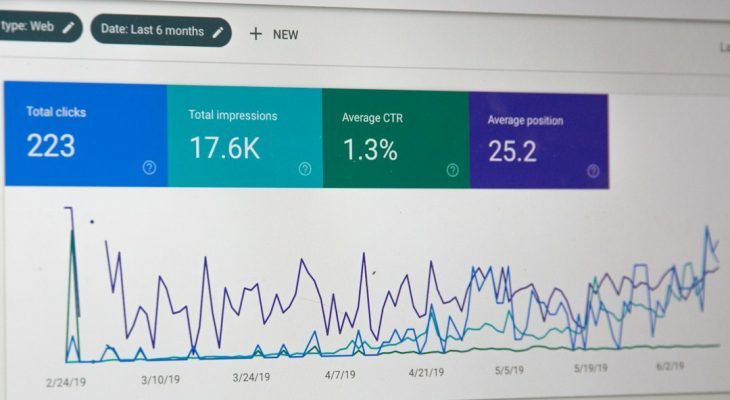
The best TruConversion alternatives are Hotjar, Microsoft Clarity, Mouseflow, Smartlook, and Lucky Orange. They help you see where people click, where they get stuck, and why they leave before buying. That matters because the average cart abandonment rate is about 70.19% [source: Baymard Institute].
TL;DR: If TruConversion feels limited or clunky, try Hotjar for easy heatmaps, Microsoft Clarity for free recordings, or Mouseflow for funnel tracking. For example, if 1,000 people visit your checkout and only 230 finish, a funnel tool can show the exact step where the other 770 vanish. Smartlook is great for apps and websites. Lucky Orange is handy if you want live chat plus visitor tracking in one place.
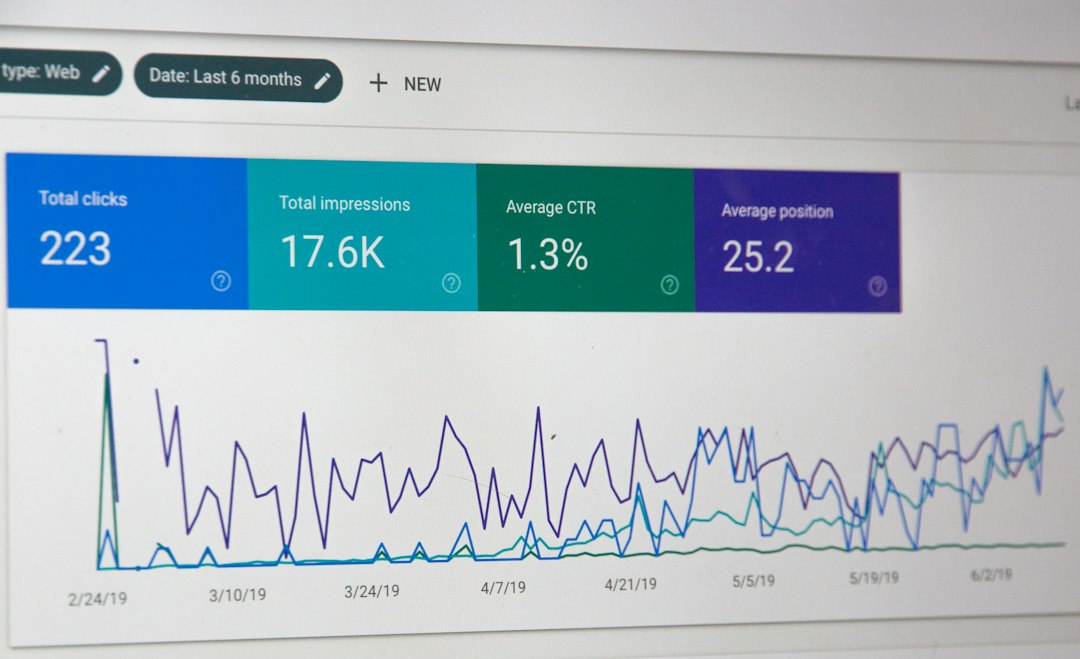
Why look for a TruConversion alternative?
TruConversion covers the basics. You get heatmaps, session recordings, form analytics, and funnels. That is useful.
But some teams need cleaner reports. Others want a free plan. Some just want a tool that does not make them hunt through five menus to find one simple recording. Honestly, it feels like some analytics tools were built by people who never had to fix a landing page at 4:55 p.m.
So, here are five solid options. Each one has a clear job.
1. Hotjar: Best for simple heatmaps and feedback
Hotjar is one of the easiest tools to understand. You add the tracking code. Then you watch what visitors do. Simple.
It gives you:
- Heatmaps for clicks, taps, and scrolling.
- Visitor recordings so you can see real behavior.
- Surveys to ask users what went wrong.
- Feedback widgets for quick comments.
Hotjar is great for small teams. It is also good for marketers who hate messy dashboards. The reports are visual. You can spot problems fast.
Best use case: Your product page gets traffic, but few sales. Hotjar can show that users never scroll down to your offer. Ouch. But useful.
2. Microsoft Clarity: Best free option
Microsoft Clarity is hard to ignore because it is free. You get heatmaps and session recordings without a scary bill. That alone makes it a popular TruConversion alternative.
It also has useful filters. You can watch sessions with rage clicks, dead clicks, and quick backs. These are tiny signs that users are annoyed.
It drives me crazy when a button looks clickable but does nothing. Clarity helps catch that fast.
Clarity is not the deepest funnel tool. But for basic behavior tracking, it is a strong pick.
Best use case: You run a blog, SaaS site, or small store. You want to see what users do before you spend money on a paid tool.
3. Mouseflow: Best for funnel analysis
Mouseflow is a strong choice if funnels matter most. It helps you track where users drop off. You can build funnels for signups, checkouts, demo requests, or lead forms.
It also includes:
- Session replay for watching visits.
- Heatmaps for clicks, scrolls, attention, and movement.
- Form analytics to find weak fields.
- Funnel reports to spot leaks.
Mouseflow is great when you need answers like, “Why did 42% of users quit on step two?” That is the kind of question that can save real money.
Best use case: Your checkout has three steps. Sales are low. Mouseflow shows that users leave when shipping costs appear.
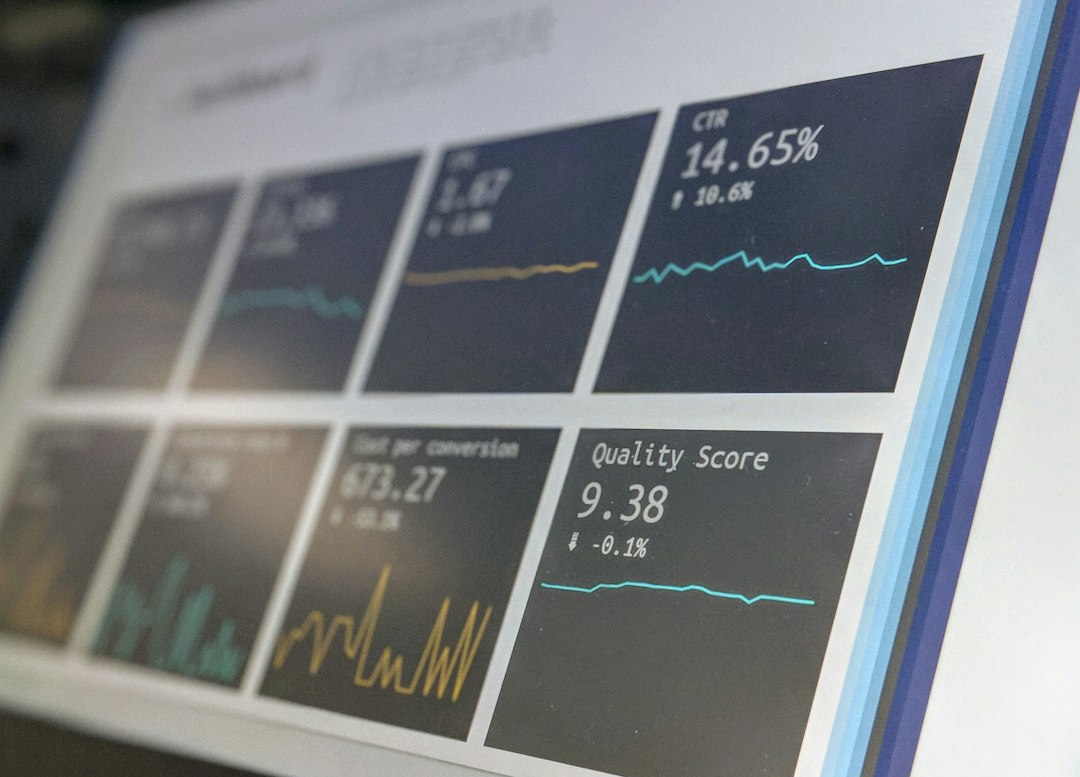
4. Smartlook: Best for websites and mobile apps
Smartlook works well for both websites and mobile apps. That makes it useful for SaaS teams, app teams, and product managers.
Its best features include:
- Always-on recordings for user sessions.
- Event tracking for clicks and actions.
- Funnels to measure conversion paths.
- Crash reports for mobile apps.
Smartlook is more product-focused than some tools on this list. It is not just about pretty heatmaps. It helps answer product questions.
Best use case: Users install your app but stop after the first screen. Smartlook can show if they are confused, bored, or blocked by a bug.
5. Lucky Orange: Best for live chat plus behavior tracking
Lucky Orange combines visitor tracking with tools that help you talk to users. You get heatmaps, recordings, funnels, and live chat.
That mix is handy. Sometimes you do not want to guess. You want to ask, “Hey, what stopped you from checking out?”
Lucky Orange also has live visitor views. You can see who is on your site right now. That can feel a bit strange at first. But it is useful for sales and support teams.
Best use case: A visitor sits on your pricing page for three minutes. Your team can start a chat and answer the question before they leave.
Quick comparison
| Tool | Best for | Main strength |
|---|---|---|
| Hotjar | Marketers | Easy heatmaps and feedback |
| Microsoft Clarity | Beginners | Free recordings and heatmaps |
| Mouseflow | Conversion teams | Funnels and form analytics |
| Smartlook | Product teams | Web and mobile app tracking |
| Lucky Orange | Sales and support teams | Live chat plus recordings |
Which one should you choose?
Pick Hotjar if you want the easiest setup. Pick Microsoft Clarity if you want free tracking. Pick Mouseflow if your funnel is leaking money.
Choose Smartlook if you track both a website and an app. Choose Lucky Orange if live chat matters to your team.
The best tool is the one you will actually use. A fancy dashboard means nothing if nobody checks it. Start with one problem. Maybe users ignore your call-to-action. Maybe they quit your form. Maybe they rage-click your menu.
Find that problem. Fix it. Then check the numbers again.