

The best podcast websites use plugins that keep episodes easy to find, menus easy to reach, and pages polished. That matters because podcast listening keeps growing, with Edison Research reporting that 47% of the U.S. population age 12+ had listened to a podcast in the last month [source: Edison Research].
TLDR: A podcast site should not feel like a messy folder of audio files. For example, a show with 80 episodes can cut visitor friction by grouping episodes, keeping the main menu visible, and adding a clean player near show notes. These four plugins help a podcast publisher organize content, guide listeners to older episodes, and make the site look more professional without rebuilding everything from scratch.
1. Sticky Menu & Sticky Header for WordPress
Best for: keeping the main menu, subscribe button, or episode archive link visible while visitors scroll.
The first recommended plugin is Sticky Menu & Sticky Header. A podcast site often has long pages. Episode notes, guest bios, sponsor copy, transcripts, and embedded players can stretch forever. It drives people crazy when they scroll for 15 seconds and then have to crawl back to the top just to find the episode list.
This plugin fixes that by making a selected menu, button, or section stay on screen. A podcast owner could keep a “Listen Now” button fixed at the top. Another could keep links to Episodes, About, Guest Form, and Subscribe always visible.
For users who want extra control, WP Sticky offers a more polished setup for sticky headers, sticky widgets, and other fixed elements. It is useful when a site has a custom theme and the owner does not want to touch code.
Image not found in postmeta- Why it helps: It improves site movement and keeps key links close.
- Best use: sticky subscribe buttons, episode menus, and call to action bars.
- Watch out: sticky bars can cover content on mobile if set too tall.
2. Seriously Simple Podcasting
Best for: publishing and managing podcast episodes inside WordPress.
Seriously Simple Podcasting is a strong choice for creators who want episode control without a clunky workflow. It lets a site owner create podcast episodes, add audio files, write show notes, set episode numbers, and manage podcast feeds from the WordPress dashboard.
The plugin also supports multiple shows. That helps networks, agencies, churches, schools, and creators who run more than one series. A business podcast could have one feed for interviews and another for short updates. Both can live on the same site.
Honestly, it feels like some podcast tools were built by people who never had to upload weekly episodes at 11 p.m. This plugin keeps the process calm. The owner creates the episode, adds the file, checks the details, and publishes.
- Why it helps: It keeps episodes structured and easy to manage.
- Best use: weekly shows, multi-show sites, and archive pages.
- Watch out: large audio files still need solid hosting.
3. Podcast Player
Best for: displaying episodes in a searchable, listener-friendly player.
Podcast Player helps turn an episode archive into something people can actually use. Instead of dropping plain audio embeds across random posts, the site can show a clean player with episode lists, titles, dates, and control buttons.
This matters most once a show passes 25 or 30 episodes. Older content gets buried fast. A proper player gives it a second life. Visitors can scan the catalog, pick a topic, and stay on the site longer.
The plugin also works well for creators who use show notes as blog content. A visitor might find an article through search, play the related episode, then click into three more episodes. That is the kind of simple content flow that many podcast sites miss.
- Why it helps: It makes episode browsing easier.
- Best use: episode archive pages and home page podcast sections.
- Watch out: too many player widgets on one page can slow loading.
4. Elementor Website Builder
Best for: building a polished podcast site design without custom coding.
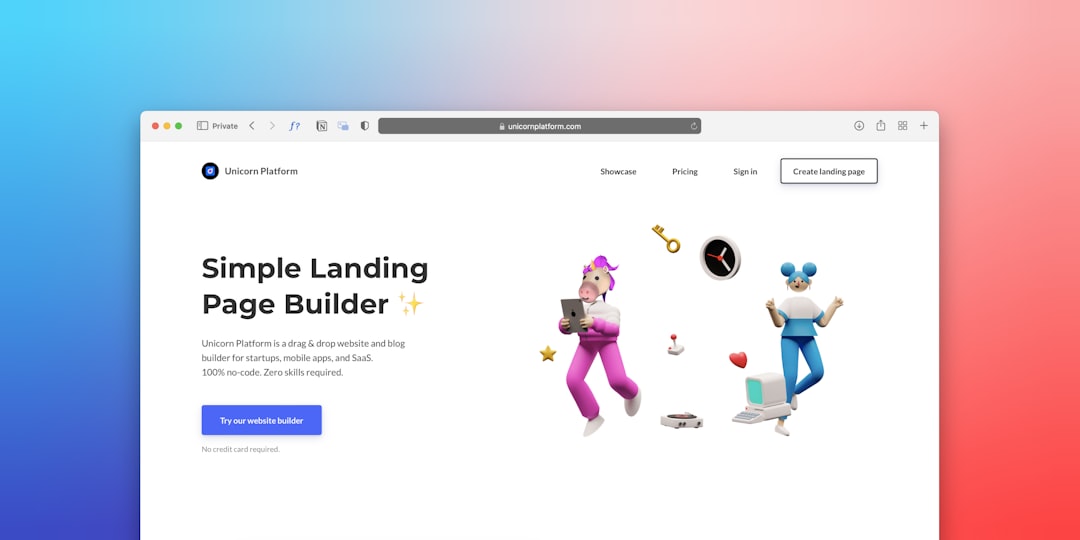
Elementor helps podcast owners build landing pages, guest pages, sponsor pages, and episode layouts. It is not only for designers. A creator can use it to build a home page with a hero section, latest episode block, guest quotes, email signup, and sponsor strip.
A professional podcast site needs more than a player. It needs trust. Clean spacing, strong headings, good buttons, and clear sections make the show feel serious. That can help with guest booking, sponsorships, and email growth.
Elementor is also useful for building a “Start Here” page. This page can point new listeners to the best five episodes, the most popular guest interviews, and the main subscription links.
- Why it helps: It gives the site a cleaner visual structure.
- Best use: home pages, sponsor pages, guest pages, and opt-in pages.
- Watch out: too many add-ons can make editing slower.
How These Plugins Work Together
Each plugin covers a different job. Sticky Menu & Sticky Header keeps key links visible. Seriously Simple Podcasting handles episode publishing. Podcast Player improves listening and browsing. Elementor shapes the site into something that looks finished.
The best setup is simple. The home page promotes the latest episode. The archive page shows all episodes in a clean player. The menu sticks while visitors scroll. The design points people toward listening, subscribing, or joining the email list.
FAQ
Which plugin should a podcast website install first?
Most sites should start with Seriously Simple Podcasting if they need episode publishing. If the site already has episodes, Sticky Menu & Sticky Header is a fast upgrade for better movement through the site.
Does a podcast website need a sticky menu?
It is not required, but it helps. Long episode pages are easier to use when the menu or subscribe button stays visible.
Can these plugins work with any WordPress theme?
Most modern themes should work well. Still, the site owner should test mobile views, player loading, and sticky header spacing after setup.
Is Elementor required for a professional podcast design?
No. A good block theme can also work. Elementor is helpful when the owner wants more control over layouts without hiring a developer.
What should every podcast website include?
It should include an episode archive, clear subscribe links, a strong home page, guest information, contact details, and a simple way to search or browse past episodes.