

PDF/X-4 is usually the safest PDF standard for modern professional printing because it keeps live transparency, color management, and high-resolution content intact while still enforcing the rules a printer needs for reliable output.
TLDR: PDF/X-4 helps designers, agencies, and print providers exchange files with fewer production surprises. For example, a catalog printer receiving 120 ad files from different suppliers can reduce manual prepress fixes by checking for one standard instead of guessing how each PDF was made. In many workflows, that means fewer missing fonts, fewer color mismatches, and fewer rejected files before plates or digital presses are involved.
PDF/X-4 is part of the PDF/X family, a group of ISO standards built for print exchange. The “X” stands for exchange, which is the whole point. A designer should be able to send a file to a printer, and the printer should know what is inside it, how color is described, and whether the file meets basic print production requirements.
That sounds simple. It often is not. A normal PDF can contain almost anything: RGB images, hidden layers, missing fonts, low-resolution graphics, office-style annotations, video, form fields, and odd color settings. Some of those features are fine for screen viewing. Some are terrible for print. PDF/X-4 tightens the file so it is built for production, not just viewing.
What PDF/X-4 actually requires
A PDF/X-4 file must follow specific rules. These rules are not there to annoy designers. They protect the job from common failures that cost time, paper, ink, and trust.
- Fonts must be embedded. The printer does not need the designer’s font library to output the job correctly.
- Color must be defined. The file needs an output intent, which tells the workflow the intended printing condition.
- Images and graphics can remain high quality. PDF/X-4 supports modern PDF features instead of flattening everything too early.
- Transparency is allowed. Drop shadows, soft fades, and blending effects can stay live.
- External dependencies are restricted. The file should not rely on missing linked images or outside content.
- Print boundaries must be clear. Trim boxes and bleed areas help presses and finishing systems understand the final size.
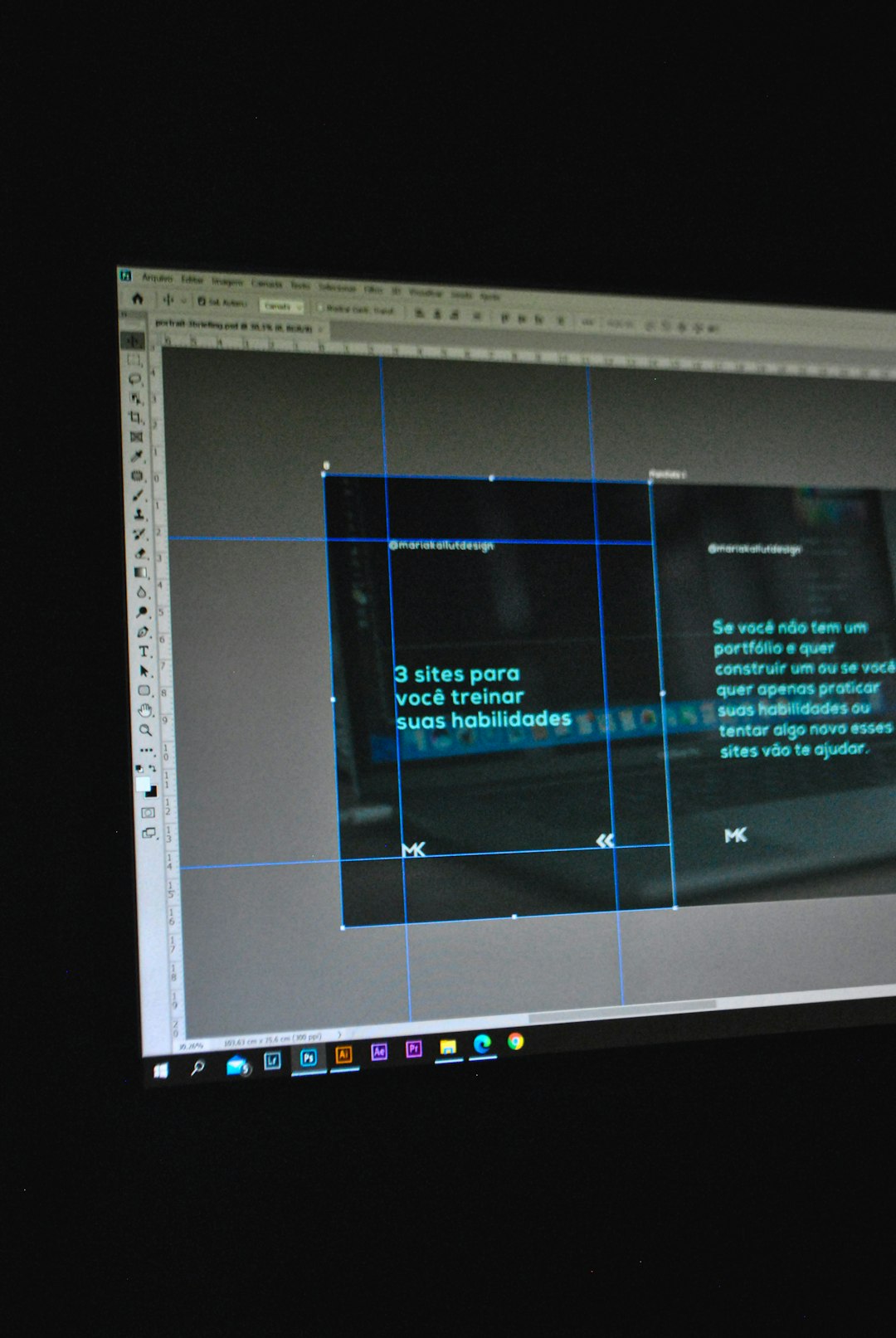
The big difference is transparency. Older standards, such as PDF/X-1a, require transparency to be flattened. That can work, but it can also create hairlines, stitching artifacts, or unexpected rasterized areas. PDF/X-4 lets compatible RIPs and prepress systems handle transparency later, with more information and better control.
Why transparency support matters
Modern layouts use transparency everywhere. A product shadow under a bottle. A soft gradient over a photograph. A logo placed over a textured background. These effects are so common that many designers barely notice them.
The catch is that early flattening can turn clean design into technical patchwork. Vector objects may split into dozens of tiny pieces. Text can become outlines or raster data. Thin white seams may appear on screen, and sometimes on press if the workflow is weak. It drives me crazy that one small shadow can make a file take 18 seconds longer to process because the flattening settings were wrong.
PDF/X-4 avoids much of that mess. It keeps transparency live. The printer’s RIP can process the effects using the correct device settings. This is especially helpful for packaging, magazines, point-of-sale graphics, and premium brochures where fine type, brand color, and layered artwork often sit together.
How PDF/X-4 handles color
Color is where many print problems begin. A file can look great on a laptop and still print badly. Screens produce color with light. Presses produce color with ink or toner. PDF/X-4 does not magically make every color printable, but it forces the file to describe color in a controlled way.
A PDF/X-4 file includes an output intent. This is usually an ICC profile that represents the target print condition. For example, a file might be prepared for coated offset paper using a profile such as FOGRA39 or GRACoL. The output intent tells the receiving workflow, “This is the print condition this file expects.”
PDF/X-4 also allows color-managed RGB, Lab, CMYK, spot colors, and ICC-based color. That is useful because not every workflow wants the designer to convert all images to CMYK at export. In some high-end systems, keeping RGB images with proper profiles can give the printer more room to make a strong final conversion for the actual press and paper.
This does not mean “send random RGB and hope.” It means color must be tagged and understood. Good PDF/X-4 files are intentional. Bad ones are just normal PDFs wearing a nice label.
PDF/X-4 versus PDF/X-1a
PDF/X-1a is still used, especially in older or conservative print workflows. It is strict. It requires CMYK and spot color only. It does not allow live transparency. Many printers like it because it reduces uncertainty. The file is already flattened and separated.
PDF/X-4 is better suited to current software and modern RIPs. It supports live transparency and color-managed content. It is not “less professional.” It is more capable, as long as the print provider can process it correctly.
| Feature | PDF/X-1a | PDF/X-4 |
|---|---|---|
| Live transparency | No | Yes |
| RGB with ICC profiles | No | Yes |
| Spot colors | Yes | Yes |
| Best fit | Older workflows | Modern print workflows |
If a printer asks for PDF/X-1a, send that. Their equipment or process may depend on it. If they accept PDF/X-4, it is often the better choice for complex artwork.
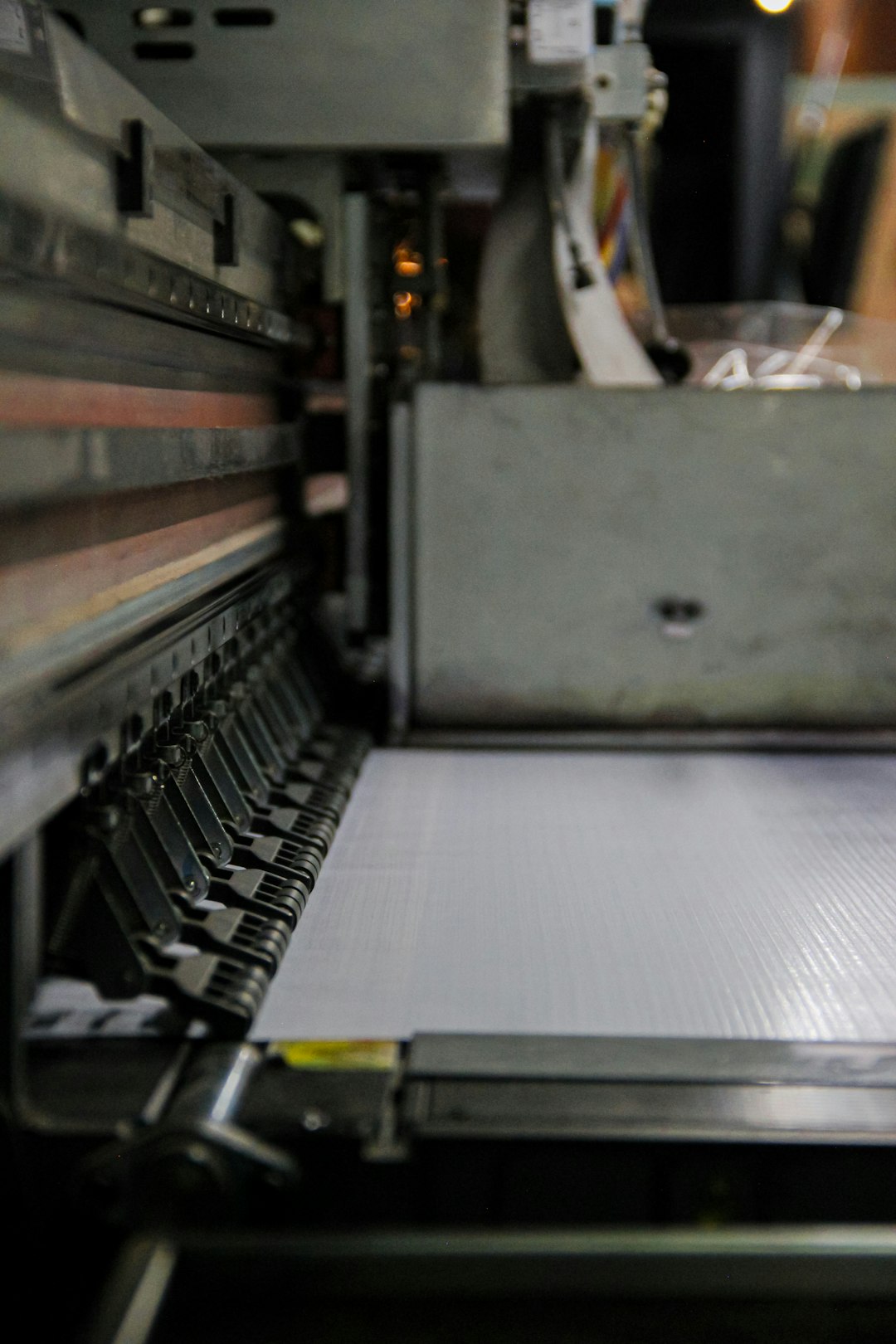
Where PDF/X-4 improves real workflows
PDF/X-4 helps most when many people touch the same job. Think of a magazine with ads from 60 brands. Or a packaging project involving a design studio, a brand manager, a prepress house, and a converter. Each handoff creates risk.
A PDF/X-4-based workflow gives everyone a shared target. Preflight software can check the file against known rules. The printer can reject files quickly for real issues, not vague fears. Designers can export with presets instead of building PDFs by guesswork.
Common benefits include:
- Fewer font issues. Embedded fonts reduce substitution problems.
- Cleaner transparency processing. Effects stay editable until the RIP handles them.
- Better color communication. ICC profiles and output intents reduce confusion.
- Faster file approval. Preflight can catch missing bleed, low image resolution, or wrong color spaces.
- Less rework. Fewer emergency calls asking for “one more PDF, but with different settings.”
Honestly, it feels like some export dialogs were designed to make people second-guess themselves. PDF/X-4 presets help. They reduce the number of risky choices and make the final file more predictable.
What PDF/X-4 does not fix
PDF/X-4 is powerful, but it is not a magic repair tool. It will not improve a 96 ppi web image. It will not add bleed if the artwork stops at the trim edge. It will not make an out-of-gamut neon color printable in process CMYK. It will not correct a wrong dieline or a typo in a headline.
It also depends on the receiving workflow. A printer using old RIP software may flatten PDF/X-4 poorly or reject it entirely. That is why the safest question is still simple: “Which PDF/X standard and output profile do you want?”
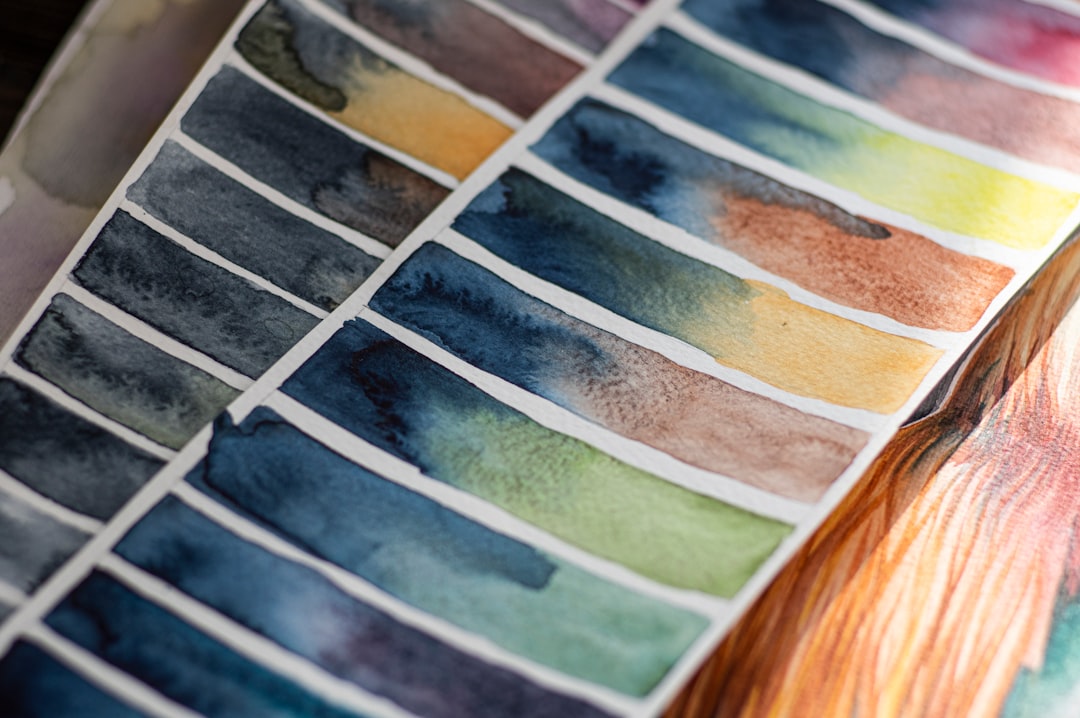
Best practices when exporting PDF/X-4
To get the most from PDF/X-4, use a controlled export preset and check the file before sending it. Do not trust the file just because it opens in a PDF viewer. Screen display is not proof of print readiness.
- Use the printer’s recommended PDF preset when they provide one.
- Set the correct bleed, usually 3 mm or 0.125 inch, unless told otherwise.
- Embed all fonts.
- Use the correct output intent for the print condition.
- Keep spot colors named consistently, especially for brand inks, varnish, foil, or white ink.
- Run preflight in Acrobat, callas pdfToolbox, Enfocus PitStop, or your chosen production tool.
- Zoom in on overprints, rich black areas, fine type, and placed logos.
A good PDF/X-4 file is predictable. That is its real value. It gives print teams enough structure to trust the file and enough modern capability to keep artwork clean. For professional print work that includes transparency, color-managed images, and complex layouts, PDF/X-4 is often the practical standard to choose.