

Almost everyone has taken a photo that looked perfect in the moment, only to discover later that it was soft, shaky, or disappointingly out of focus. A child’s quick smile, a once-in-a-lifetime travel view, a product photo for an online listing, or an old family snapshot can all be spoiled by blur. Fortunately, modern image unblurring tools can rescue many blurry photos by using sharpening algorithms, artificial intelligence, and smart detail reconstruction.
TLDR: Image unblurring tools help improve photos affected by camera shake, motion blur, poor focus, or low resolution. The best tools use AI to predict and restore lost detail, making faces, text, edges, and textures look clearer. They cannot perform miracles on every image, but they can dramatically improve many soft or slightly blurred photos. For best results, use the original file, apply corrections gently, and combine unblurring with basic editing adjustments.
Why Photos Become Blurry
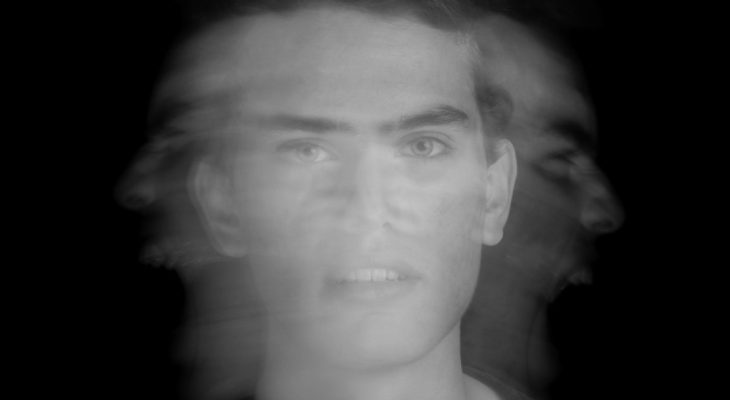
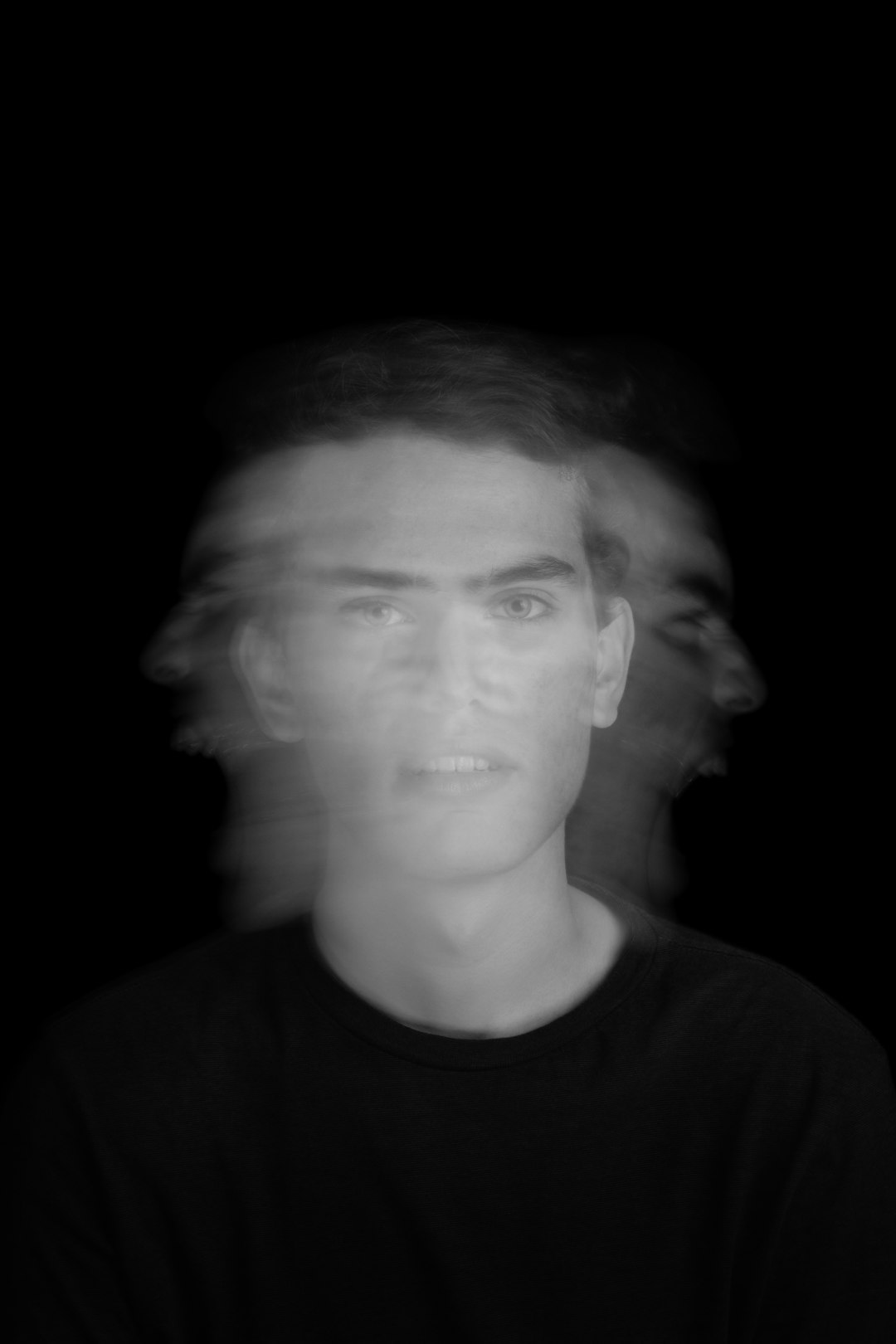
Blur usually happens for a few common reasons. Camera shake occurs when the camera moves while the shutter is open, often in low light or when using a slow shutter speed. Motion blur happens when the subject moves too quickly, such as a running dog or a cyclist passing by. Out of focus blur appears when the camera focuses on the wrong part of the scene, leaving the main subject soft. There is also digital blur, which can come from compression, resizing, or low-quality screenshots.
Understanding the type of blur matters because different tools handle different problems. A mild focus issue may be fixed with sharpening, while heavy motion blur often needs AI reconstruction. A small, pixelated image might require both upscaling and unblurring to become usable.
How Image Unblurring Tools Work
Traditional photo sharpening increases contrast along edges. This can make an image appear clearer, but it does not truly recover missing information. If overused, it can create halos, grain, and crunchy-looking textures.
Modern unblurring tools go further. Many use machine learning models trained on millions of sharp and blurry image pairs. These tools learn what details commonly look like in clear photos, then estimate how to restore them in damaged ones. For example, an AI tool may identify the shape of an eye, strands of hair, letters on a sign, or brick patterns on a wall, then rebuild those areas with more definition.
The most advanced tools often combine several processes:
- Deblurring: Reduces softness caused by camera movement or focus errors.
- Sharpening: Enhances edges and contrast to create a crisper look.
- Denoising: Removes grain that may become more visible after sharpening.
- Upscaling: Increases image size while trying to preserve or recreate detail.
- Face enhancement: Improves facial features such as eyes, lips, and skin texture.
Types of Image Unblurring Tools
There are several categories of tools, each suited to a different kind of user. Online image unblurring tools are convenient because they run in a browser and usually require no installation. They are great for quick fixes, social media images, school projects, and everyday photo cleanup. Many let you upload an image, choose an enhancement level, and download the result within seconds.
Desktop editing software usually provides more control. These programs may include sliders for sharpness, clarity, texture, noise reduction, and lens correction. They are better for photographers, designers, and anyone who wants careful control over the final image.
Mobile apps are ideal when you need to fix a photo immediately from your phone. Some apps specialize in portraits and old photos, while others focus on general sharpening and enhancement. Because phone photos are often affected by movement or low light, mobile unblurring tools can be especially useful.
AI restoration platforms are designed for more dramatic improvements. They can enhance old family photos, improve scanned prints, sharpen faces, and sometimes colorize or repair damaged images. These are excellent for memory preservation, though results can vary depending on the original quality.
What Makes a Good Unblurring Tool?
A strong unblurring tool should produce a sharper image without making it look fake. The best results feel natural: edges become clearer, faces look more defined, and details are easier to read, but the photo still looks like a real photograph.
Look for these features when choosing a tool:
- Adjustable intensity: A slider or multiple strength levels help prevent overprocessing.
- AI detail recovery: Useful for faces, text, product images, and low-resolution photos.
- Noise control: Sharpening can make grain worse, so denoising is important.
- Preview comparison: Before-and-after views make it easier to judge improvements.
- Batch processing: Helpful if you need to fix many images at once.
- Privacy options: Important when uploading personal, professional, or sensitive photos.
Best Uses for Image Unblurring
Unblurring tools are useful in more situations than many people realize. For personal photos, they can make portraits clearer, rescue vacation memories, or improve precious images from weddings, birthdays, and graduations. Even if the photo cannot be made perfect, it may become good enough to print, share, or archive.
For business, sharper images can improve trust and presentation. A product listing with clear edges and readable labels looks more professional than a soft, muddy photo. Real estate images, food photos, portfolio shots, and marketing visuals can all benefit from careful enhancement.
Unblurring can also help with practical tasks. A clearer screenshot may make small text readable. A softened document scan may become easier to interpret. A security or dashcam frame might reveal more useful detail, although it is important to remember that enhancement is not the same as guaranteed evidence. AI can improve visibility, but it can also generate details that were not truly captured.
Limitations: What These Tools Cannot Do
Despite impressive progress, image unblurring tools have limits. If a photo is extremely blurred, tiny, heavily compressed, or missing major detail, no tool can fully restore the exact original scene. AI may create a convincing version, but it is still an interpretation.
Faces are a good example. Many AI tools are excellent at sharpening eyes and facial contours, but if the face is too blurred, the tool may invent features. This can be fine for casual photos, but it is risky for identification, journalism, or legal use. Similarly, text restoration can work well when letters are slightly soft, but it may become unreliable when the text is severely smeared.
Another common issue is over-sharpening. Too much sharpening creates bright outlines, harsh textures, and unnatural detail. The goal is not always maximum sharpness; it is believable clarity.
Tips for Getting Better Results
To get the most from an unblurring tool, start with the highest-quality version of the image you have. Avoid using screenshots of photos if the original file is available. Every time an image is compressed, uploaded, downloaded, or resized, it may lose information.
Use moderate settings first. If the result is still too soft, increase the strength gradually. When possible, apply unblurring before heavy color edits or filters. You can then fine-tune brightness, contrast, saturation, and cropping after the image is clearer.
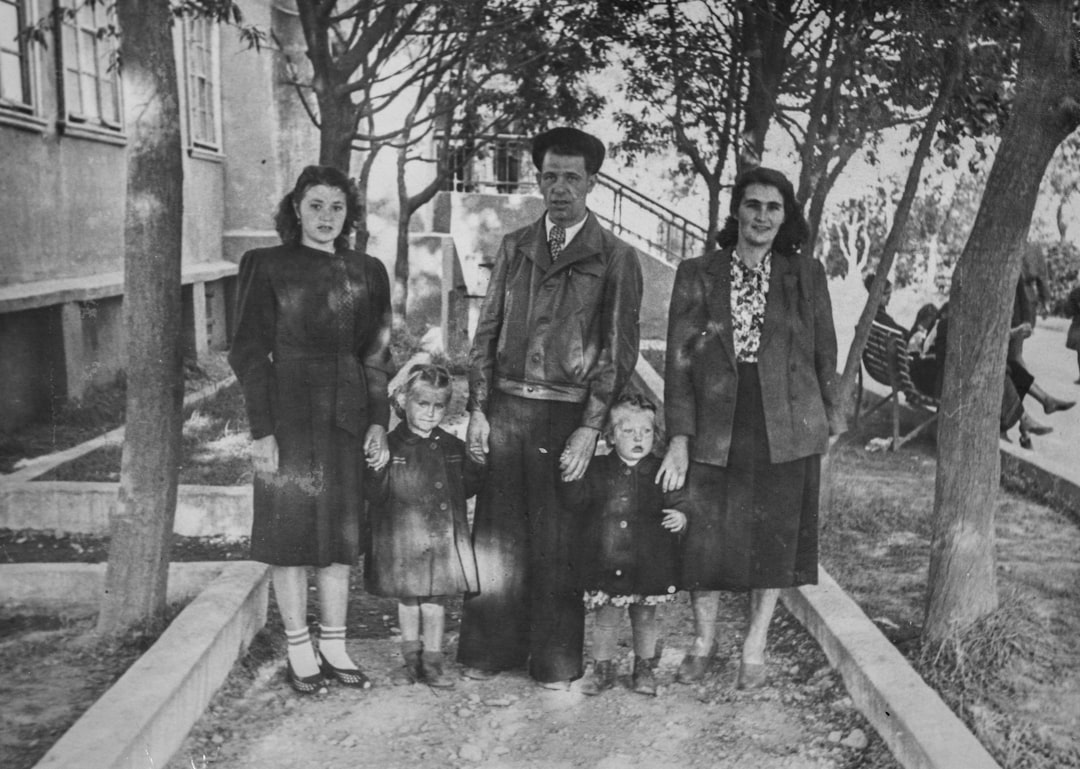
For portraits, try tools with face enhancement, but compare the result closely with the original. Make sure the person still looks like themselves. For landscapes and architecture, focus on natural edge definition rather than artificial crispness. For old photos, consider combining unblurring with scratch removal, contrast adjustment, and careful noise reduction.
The Future of Photo Rescue
Image unblurring is improving quickly. AI models are becoming better at separating real detail from noise, correcting motion patterns, and restoring specific subjects such as faces, animals, documents, and products. Future tools will likely offer more precise control, allowing users to sharpen only certain areas while leaving backgrounds soft and natural.
Still, the best approach is a combination of good capture habits and smart editing. Use enough light, hold the camera steady, tap to focus, and take multiple shots when the moment matters. Then, if blur sneaks in anyway, an image unblurring tool can be the safety net that turns a flawed photo into a keeper.
Blurry photos used to feel like lost opportunities. Today, they are often just the starting point for restoration. With the right tool and a careful touch, many soft, shaky, or faded images can regain clarity, emotion, and value.