
Digital menu board apps have transformed the way restaurants, cafés, food trucks, and even corporate cafeterias present their offerings. Instead of manually updating printed menus or relying on static displays, businesses can now create dynamic, visually engaging content and schedule it within minutes. These platforms combine design tools, automation, and remote management features to simplify menu updates, promotions, and brand storytelling—all from a single dashboard.
TLDR: Digital menu board apps make it easy for businesses to design, update, and schedule menu content without technical expertise. They offer drag-and-drop editors, automated scheduling, remote management, and integration features that save time and reduce printing costs. These tools also improve customer engagement through dynamic visuals and real-time updates. Choosing the right app depends on budget, scalability, integrations, and ease of use.
As competition in the food and hospitality industry intensifies, clear communication and visual appeal are more important than ever. Digital menu boards not only improve operational efficiency but also enhance customer experience. With the right app, businesses can update menu prices instantly, promote limited-time offers, and tailor content to different times of day—all without touching a screen on-site.
Why Businesses Are Switching to Digital Menu Board Apps
Traditional printed menus come with recurring printing costs, logistical delays, and limited flexibility. In contrast, digital menu board apps offer:
- Instant updates: Change prices, items, and promotions in real time.
- Scheduled content: Automatically display breakfast, lunch, and dinner menus at set times.
- Remote control: Manage multiple locations from a central dashboard.
- Dynamic visuals: Add animations, videos, and eye-catching graphics.
- Cost efficiency: Eliminate repeated printing and distribution expenses.
For growing chains or franchises, centralized control is a game changer. Corporate teams can ensure brand consistency while still allowing local managers limited customization options when necessary.
Core Features That Make Content Creation Easy
Modern digital menu board apps are built with user-friendly tools designed for non-designers. Here are the essential features that simplify content creation:
1. Drag-and-Drop Editors
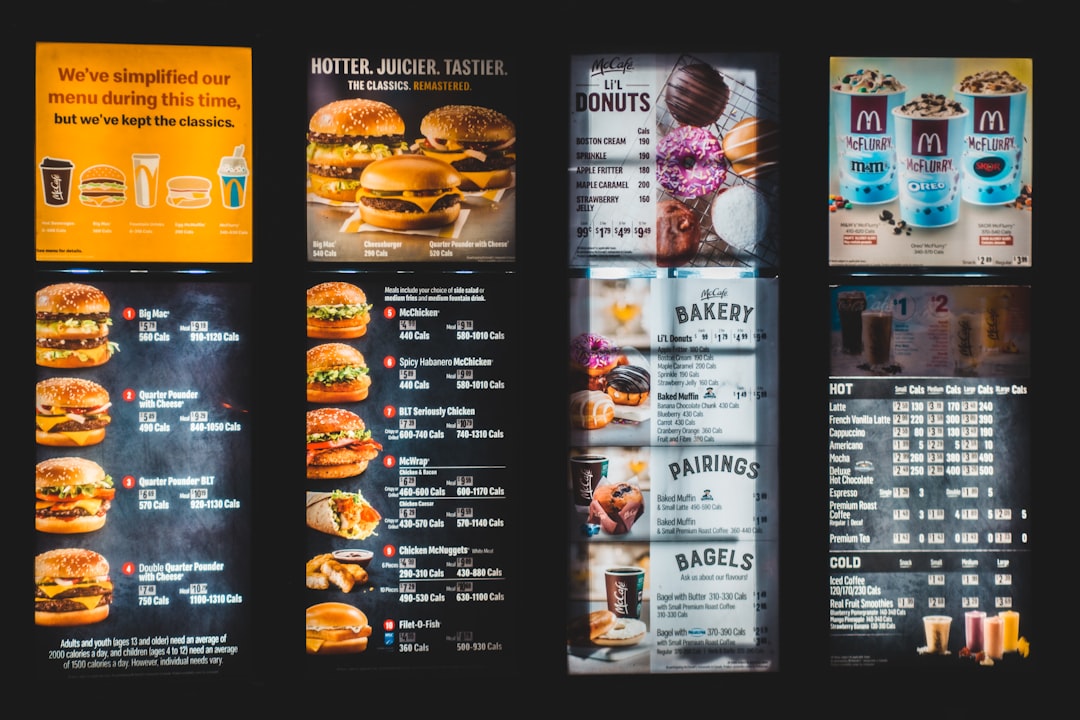
Most platforms offer intuitive design interfaces. Users can select templates, insert images, update text, and adjust colors without advanced technical knowledge.
2. Customizable Templates
Pre-designed templates help businesses maintain professional aesthetics. Instead of designing from scratch, users can quickly modify layouts to match their brand identity.
3. Media Library Integration
Apps often include built-in libraries for uploading logos, product photos, promotional banners, and even short video clips.
4. Automated Scheduling
One of the most powerful features is content scheduling. Managers can plan a week—or even a month—of programming in advance. Breakfast specials can automatically switch to lunch menus at 11 AM, and happy hour promotions can activate at 4 PM.
5. Multi-Location Support
For businesses with several branches, the ability to push updates across all screens simultaneously saves countless administrative hours.
How Scheduling Features Streamline Operations
Scheduling tools significantly reduce daily workloads. Instead of manually updating displays at different times of day, smart automation ensures the right message appears at the right time.
Common scheduling functions include:
- Dayparting: Automatically switching content based on time segments.
- Holiday planning: Scheduling special promotions weeks in advance.
- Recurring playlists: Rotating multiple slides or advertisements.
- Emergency updates: Instantly overriding all scheduled content if needed.
This level of automation minimizes errors and ensures consistency, especially during peak service hours.
Top Digital Menu Board Apps to Consider
Below are several widely recognized digital signage and menu board apps that help businesses create and schedule content easily:
- ScreenCloud – Known for its ease of use and app integrations.
- Rise Vision – Offers affordable pricing and simple templates.
- Yodeck – Popular for scalability and hardware compatibility.
- OptiSigns – Budget-friendly with advanced scheduling tools.
- PosterMyWall – Strong design capabilities with customizable templates.
Comparison Chart
| Platform | Ease of Use | Scheduling Features | Multi-Location Support | Best For |
|---|---|---|---|---|
| ScreenCloud | Very User-Friendly | Advanced automation | Yes | Growing franchises |
| Rise Vision | Beginner-Friendly | Basic to moderate | Limited | Small businesses |
| Yodeck | Moderate | Advanced scheduling | Yes | Medium to large chains |
| OptiSigns | Easy | Flexible scheduling | Yes | Budget-conscious owners |
| PosterMyWall | Design-Focused | Moderate scheduling | Limited | Visually-driven brands |
Benefits Beyond Restaurants
While restaurants are the primary users of digital menu boards, other industries also benefit:
- Coffee shops and bakeries use them for rotating daily specials.
- Cinema concession stands schedule combo promotions.
- Corporate cafeterias display nutritional information.
- Food trucks update locations and pricing dynamically.
- Retail stores promote flash sales and seasonal offers.
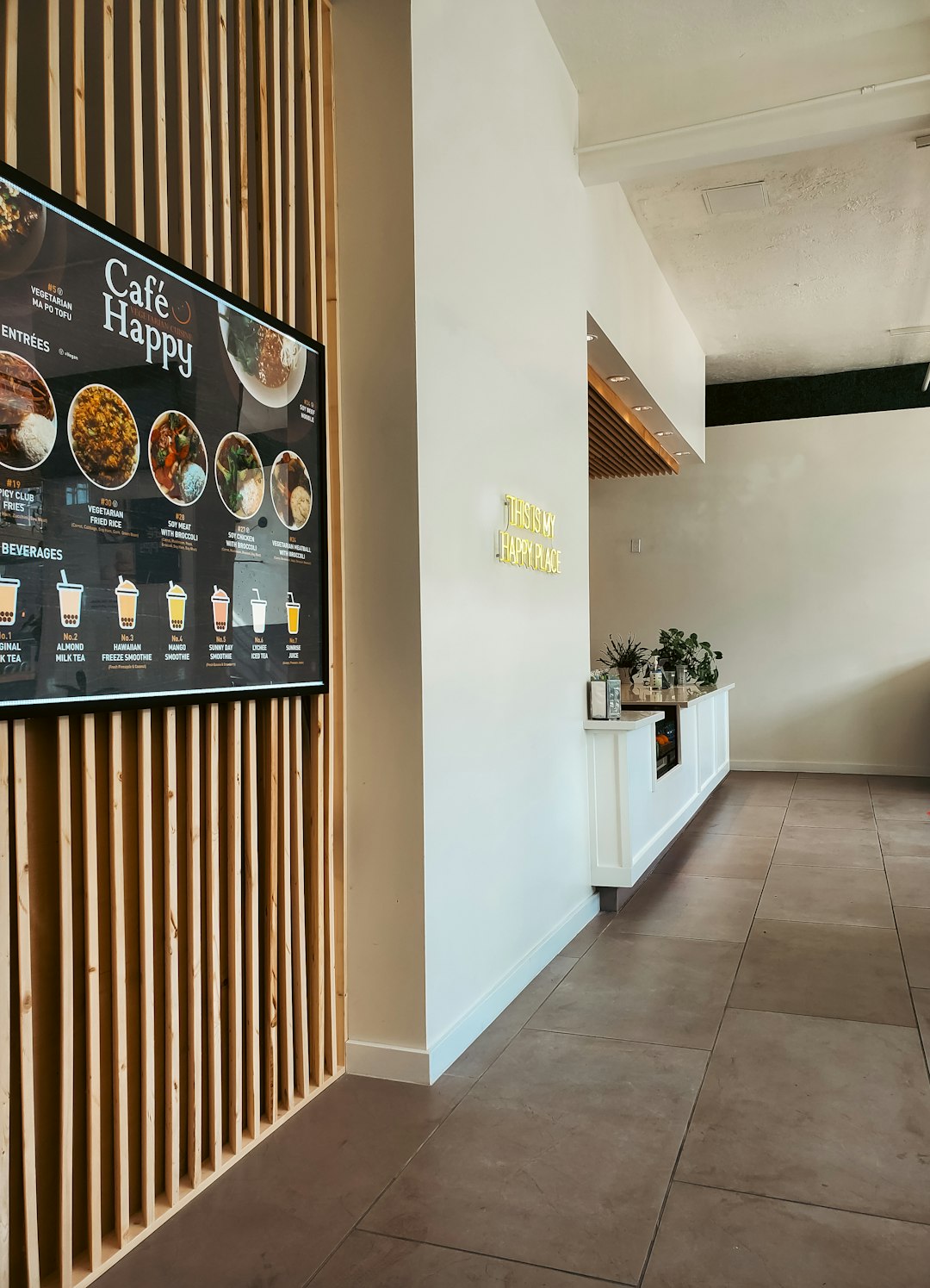
The flexibility of these platforms makes them practical for any business needing real-time content updates.
Design Best Practices for Effective Digital Menu Boards
Choosing the right app is only part of the equation. Effective content design ensures customers can quickly understand and act on displayed information.
Keep it simple: Avoid cluttering screens with too much text.
Use high-contrast colors: Ensure readability from a distance.
Highlight high-margin items: Place profitable offerings in visually dominant areas.
Incorporate motion carefully: Subtle animations attract attention without distracting.
Update regularly: Prevent outdated pricing or unavailable items from appearing.
Visual hierarchy is key. The most important information—such as featured deals—should be positioned front and center.
Cost Considerations and ROI
Businesses often hesitate due to initial hardware investments. However, the long-term return on investment (ROI) is usually substantial.
Cost factors may include:
- Display screens
- Media players
- Monthly software subscriptions
- Installation services
Despite these costs, digital menu boards:
- Reduce ongoing printing expenses
- Increase upselling opportunities
- Improve operational efficiency
- Allow rapid price changes to reflect market conditions
Many businesses report increased average order values after implementing digital displays due to better product visibility and promotion placement.
The Role of Cloud Technology
Cloud-based platforms are at the core of modern digital menu board apps. They allow users to manage content from anywhere with an internet connection.
This flexibility means franchise owners can:
- Monitor displays remotely
- Push corporate branding updates instantly
- Create location-specific menus
- Access real-time analytics
Cloud infrastructure also ensures automatic backups and secure data storage, minimizing downtime risks.
Choosing the Right Digital Menu Board App
Selecting the best solution depends on several factors:
- Business size: Single locations vs. multi-location chains.
- Budget: Subscription flexibility and hardware compatibility.
- Technical expertise: Ease of use for staff members.
- Integration needs: POS systems and inventory tracking compatibility.
- Customer support: Availability of onboarding assistance.
Trial periods are valuable for evaluating functionality before committing long-term.
Future Trends in Digital Menu Boards
The future of digital menu board apps includes:
- AI-driven recommendations based on sales data.
- Dynamic pricing tied to demand and inventory levels.
- Interactive touchscreens allowing customer customization.
- Integration with mobile apps for seamless ordering experiences.
- Advanced analytics for measuring visual engagement.
As technology evolves, digital menu boards will likely become even more personalized and automated, helping businesses refine their marketing strategies in real time.
FAQ
1. What is a digital menu board app?
A digital menu board app is software that allows businesses to design, manage, and schedule menu content for display on digital screens.
2. Do digital menu board apps require special hardware?
Most platforms require a compatible display screen and a media player device. Some apps also support smart TVs with built-in capabilities.
3. Can content be updated remotely?
Yes. Most cloud-based apps allow users to update content from any device with internet access.
4. Are digital menu boards expensive?
While there is an initial setup cost, businesses often save money over time by reducing printing expenses and improving sales performance.
5. How difficult is it to schedule content?
Scheduling is typically simple and automated. Users can set time-based rules or create recurring playlists with a few clicks.
6. Are these apps suitable for small businesses?
Yes. Many providers offer affordable plans specifically designed for small and single-location businesses.
7. Can digital menu boards integrate with POS systems?
Some advanced platforms offer POS integrations that automatically update pricing and availability based on inventory data.
Digital menu board apps have become essential tools for modern food and retail businesses seeking efficiency, flexibility, and visual impact. With easy-to-use creation tools and powerful scheduling capabilities, these platforms empower businesses to communicate more effectively—while saving time and enhancing profitability.