



You open your calendar. You expect to see meetings, birthdays, maybe that dentist appointment you keep postponing. Instead, you see something strange. An event that says your McAfee subscription has expired. Or worse, that you’ve been charged $399. And there’s a phone number to call. Panic sets in. But wait. Breathe. This is likely a scam.
TLDR: If you see a McAfee charge or subscription alert as a random calendar event, it’s almost always a scam. Scammers use calendar invites to trick you into calling fake support numbers. Do not call the number or click suspicious links. Delete the event and secure your calendar settings.
Let’s break this down in simple terms.
First, Why Is McAfee on My Calendar?
Great question. And an annoying one.
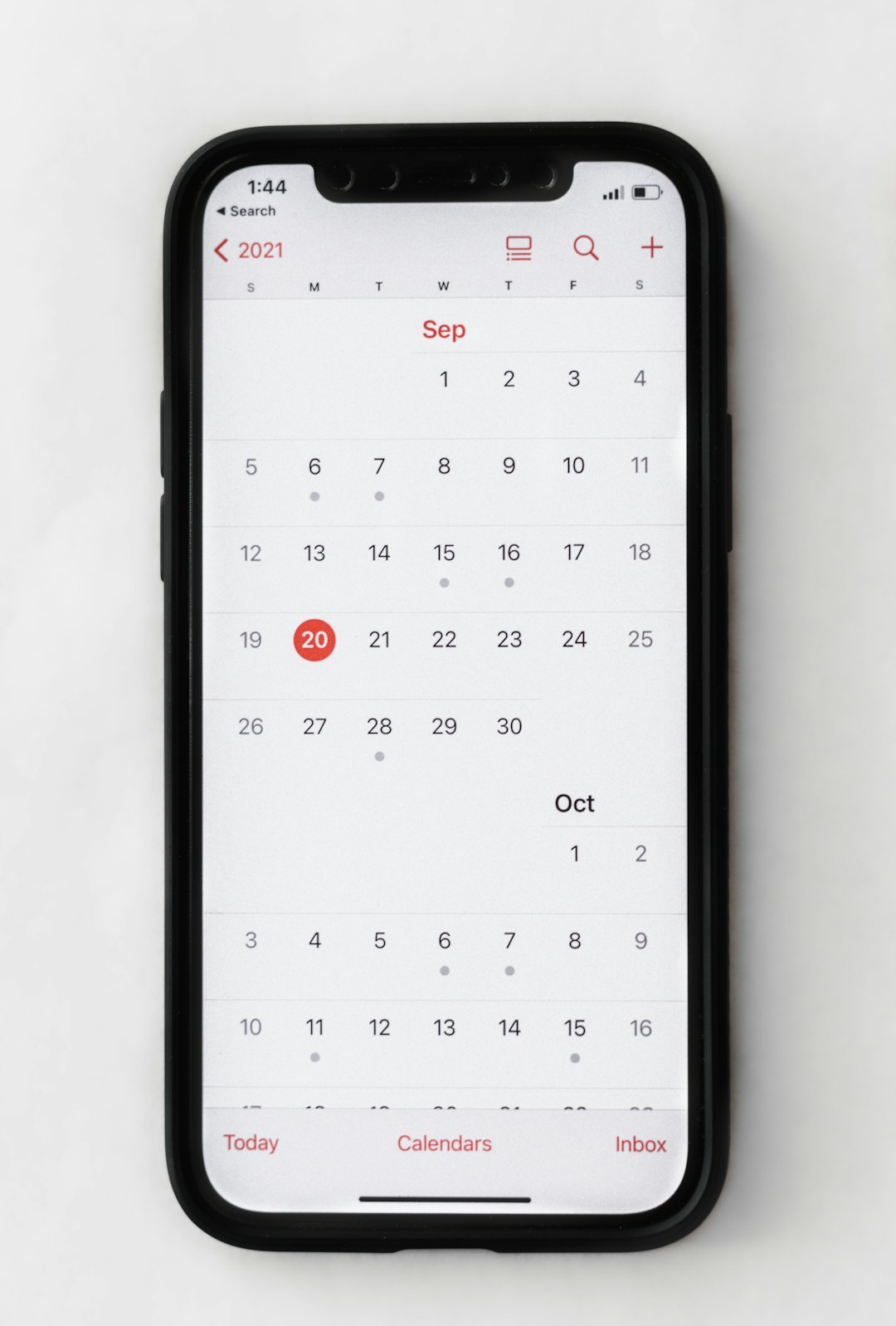
Scammers have found a sneaky trick. Instead of sending you a normal spam email, they send a calendar invitation. If your email or calendar settings allow automatic event additions, it gets placed directly on your calendar.
You didn’t add it. You didn’t sign up. It just appears.
That’s the trick.
Most of these fake events claim:
- Your McAfee subscription is expiring
- You’ve been charged a large amount (often $299–$499)
- You must call a number immediately
- Your device is at risk
It looks urgent. It looks official. But it’s designed to scare you.
How the Scam Actually Works
Scammers rely on one simple emotion.
Fear.
Here’s the typical flow:
- You see the calendar event.
- It says you’ve been charged hundreds of dollars.
- You panic.
- You call the number.
That’s exactly what they want.
When you call, someone pretends to be “McAfee Support.” They may:
- Ask for remote access to your computer
- Request your credit card details
- Ask for banking information
- Convince you to install fake software
If you give them access, things can get bad. Really bad.
They could steal your money. Or your identity. Or both.
Is This Actually from McAfee?
No. Almost never.
Real companies like McAfee do not randomly create calendar events on your device.
They also:
- Do not demand immediate action in a scary tone
- Do not ask you to call strange toll-free numbers from calendar invites
- Do not threaten you with instant account shutdowns
If you already have a McAfee subscription, you can check your status by going directly to their official website. Type the address yourself. Do not click links in suspicious events.
Always go to the source. Never to the number in the message.
Why Scammers Use Calendar Invites
Email spam is old news. Most people ignore it.
But calendar alerts?
They feel important.
Your phone dings. A notification pops up. It feels like something you scheduled. Something official.
That’s the psychology behind it.
Also, many calendar apps used to automatically add events when they received invites. Some still do. That means scammers don’t need your permission. Just your email address.
And email addresses are easy to find online.
How Did They Get My Email?
There are many ways:
- Data breaches
- Leaked databases
- Public social media profiles
- Random mass guessing
You don’t have to do anything wrong to receive this scam. Sometimes it’s just bad luck.
The good news?
Seeing the event does not mean your device is infected.
It usually just means your email address was targeted.
What You Should Do Right Away
Good news. The fix is simple.
Step 1: Do Not Call the Number
This is the biggest trap. Ignore it completely.
Step 2: Do Not Click Any Links
Links could lead to phishing sites.
Step 3: Delete the Event
Just remove it from your calendar.
Step 4: Mark as Spam (If Possible)
If it came with an email invite, mark it as spam in your email app.
Step 5: Adjust Calendar Settings
Turn off automatic event additions.
How to Stop It from Happening Again
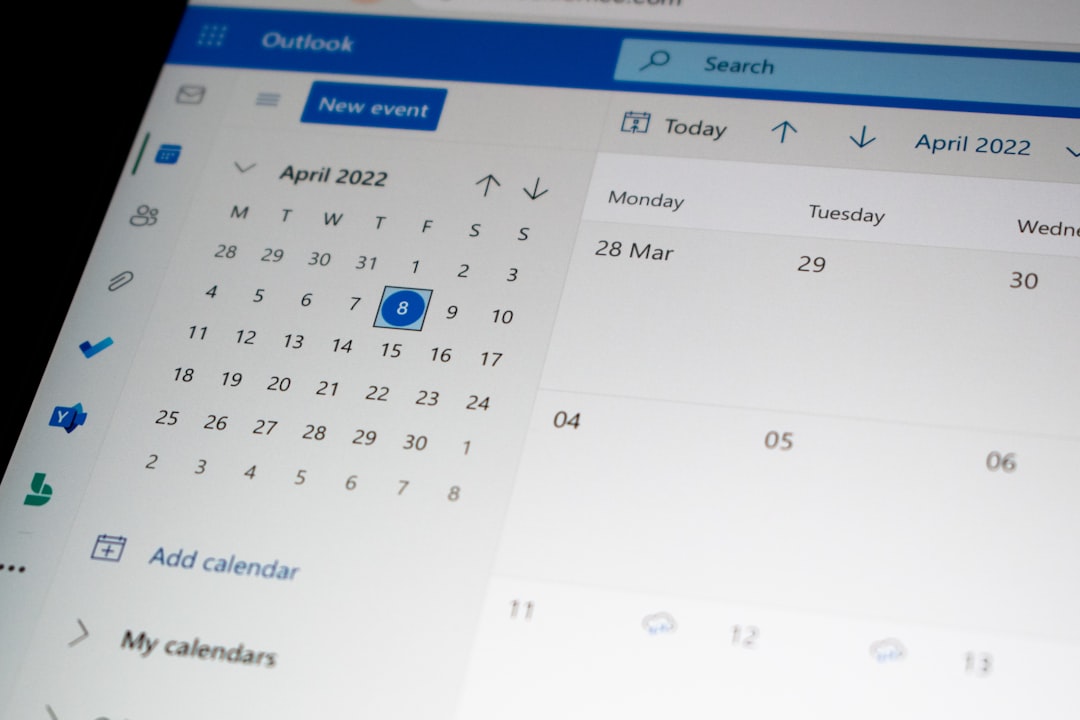
Each calendar app is different. But the idea is the same.
Look for settings like:
- “Automatically add invitations”
- “Add events from email”
- “Suggested events”
Set them to:
- Email only
- When I respond
- Manually add
This forces the calendar to wait for your approval before adding anything.
Simple change. Big protection.
What If I Already Called the Number?
Okay. Don’t panic.
Ask yourself:
- Did you give them your credit card?
- Did you give them bank info?
- Did you allow remote access?
If you shared financial details:
- Call your bank immediately
- Cancel the card
- Monitor for fraudulent charges
If you gave remote access:
- Disconnect from the internet
- Run legitimate antivirus software
- Consider professional tech help
- Change important passwords
Act fast. The sooner you respond, the better.
How to Tell It’s a Fake McAfee Alert
Here are clear red flags:
- Huge charge amount you don’t recognize
- Urgent language like “Immediate action required”
- Random phone numbers not listed on official sites
- Poor grammar or strange formatting
- No personalization (no real account details)
Scams often look dramatic. Real billing notices are boring and detailed.
Boring is good.
Are These Calendar Scams Common?
Very.
Not just for McAfee. You might also see:
- Fake Amazon charges
- Fake PayPal invoices
- Geek Squad renewals
- Norton subscription alerts
Scammers rotate brand names. But the strategy is the same.
Fear + urgency = reaction.
They only need a small percentage of people to call. That’s enough for profit.

What Makes This Scam So Clever?
It bypasses your expectations.
You expect spam in email. You don’t expect it on your calendar.
Your brain thinks:
“If it’s on my calendar, I must have added it.”
That’s the mind trick.
But technology doesn’t always work the way we assume. Calendar apps can accept invitations automatically. That doesn’t mean the event is real.
Quick Safety Checklist
Save this list for later:
- Never call numbers from unsolicited calendar events
- Never share financial info over unexpected phone calls
- Turn off automatic calendar additions
- Use strong, unique passwords
- Enable two-factor authentication on email
Email security is especially important. If scammers access your email, they can do much more than send fake invites.
A Simple Rule to Remember
If you didn’t buy it, schedule it, or subscribe to it…
It’s probably fake.
And even if you do use McAfee, always verify directly through the official website. Not through surprise alerts.
The Bottom Line
Seeing a McAfee scam as a calendar event is annoying. It can be scary. But it’s usually harmless if you don’t interact with it.
It does not mean:
- Your computer is infected
- Your bank account was charged
- Your identity is stolen
It means a scammer tried to trick you.
And now you know better.
Delete it. Adjust your settings. Move on with your day.
Your calendar should be for important things.
Like birthdays. Meetings. Vacations.
Not fake $399 McAfee charges.
Stay calm. Stay smart. And remember—if a calendar event tries to scare you into spending money, it’s almost certainly a scam.