

Containers changed the way we build and ship software. They are fast. They are portable. They are powerful. But they can also be hard to see into. When something breaks, you need the right tools to understand what is going on. That is where container monitoring tools come in. They help you watch your containers in real time. They help you stay calm when things get messy.
TLDR: Containers move fast, so you need tools that can keep up. Monitoring tools help you track CPU, memory, logs, and performance. They show you problems before your users notice them. Below are eight simple and powerful container monitoring tools you should know.
Let’s explore eight great tools. We will keep it simple. No confusing buzzwords. Just clear explanations.
1. Prometheus
Prometheus is one of the most popular monitoring tools in the container world. Especially in Kubernetes setups. It is open-source. It is powerful. And it is flexible.
Prometheus works by pulling metrics from your containers. It stores them as time-series data. That means it tracks how things change over time.
- Great for Kubernetes
- Strong community support
- Custom alerts
- Powerful query language
You can ask questions like:
- How much CPU is container A using?
- Did memory usage spike in the last hour?
- How many requests failed today?
It does not look fancy on its own. But connect it with a dashboard tool like Grafana, and it becomes very visual and easy to understand.
2. Grafana
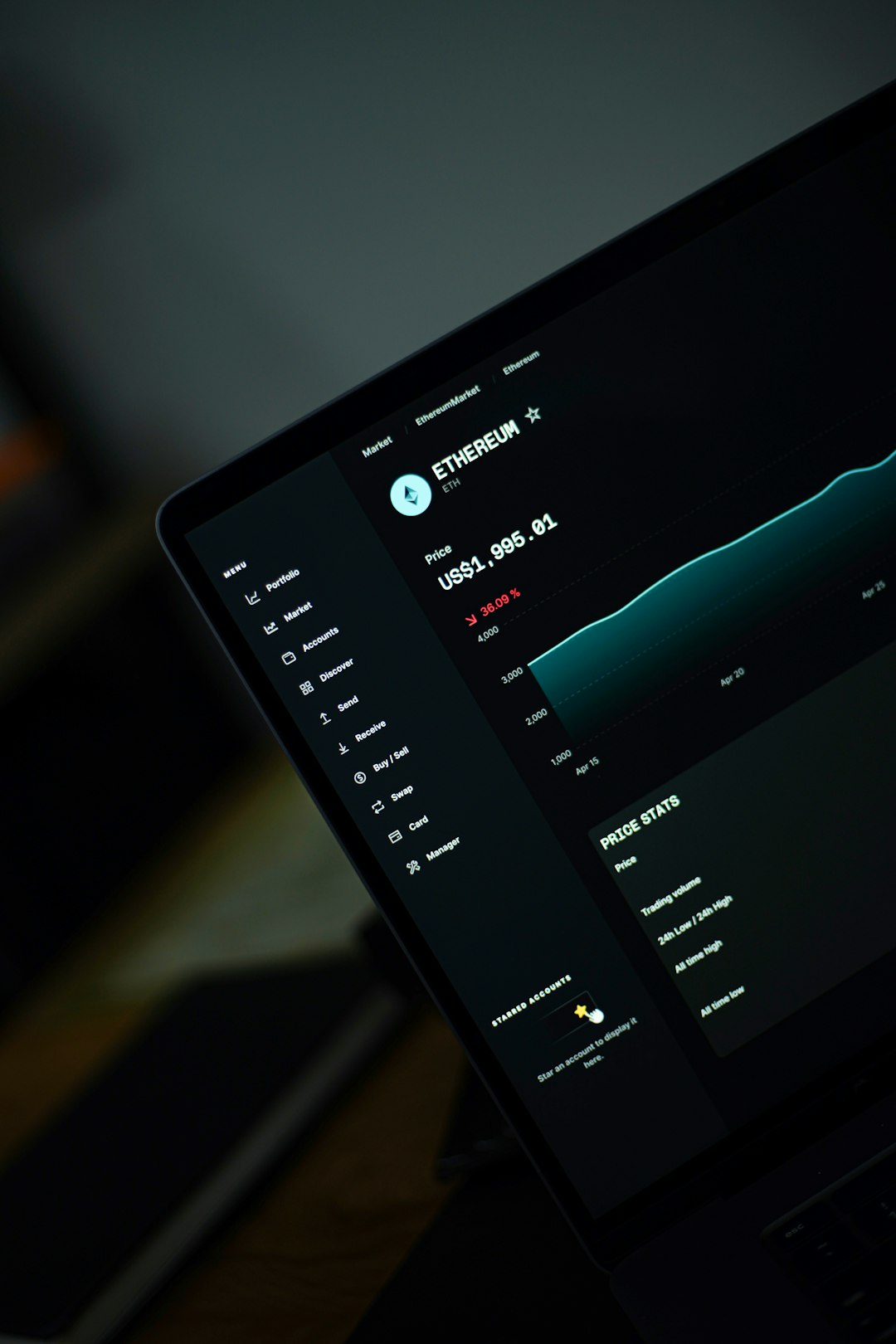
Grafana is not exactly a data collector. It is a visualization tool. But it is often used together with container monitoring systems.
Think of Grafana as your control room screen. It turns raw numbers into clear dashboards.
With Grafana, you can:
- Create colorful charts
- Build custom dashboards
- Track system health in real time
- Set alert notifications
You can see memory use climbing. You can spot traffic spikes. You can notice slow response times. All at a glance.
It makes your data human-friendly. And in fast-moving container systems, that matters a lot.
3. Datadog
Datadog is a cloud-based monitoring tool. It is popular with teams that want an all-in-one solution.
It collects:
- Metrics
- Logs
- Traces
- Events
All in one place.
That means you can track container performance and application performance together.
One big advantage is how easy it is to install. You add an agent. It starts collecting data. Simple.
It also has built-in integrations for Docker and Kubernetes. That saves time. And time is everything in production environments.
Datadog is not free like some open-source tools. But many teams like it because it reduces setup headaches.
4. cAdvisor
cAdvisor stands for Container Advisor. It was created by Google. And it focuses only on containers.
It collects resource usage and performance metrics directly from running containers.
It tracks:
- CPU usage
- Memory usage
- Network activity
- Disk I/O
It is lightweight. It runs alongside your containers. And it gives you real-time data.
Many container platforms use cAdvisor under the hood. It is simple but reliable.
If you just want raw container stats without too much complexity, cAdvisor is a great start.
5. New Relic
New Relic is another popular monitoring platform. It goes beyond containers. It focuses on full-stack observability.
That means it helps you see:
- Infrastructure health
- Application performance
- User experience
- Container behavior
If a container is slow, New Relic helps you figure out why. Maybe the CPU is overloaded. Maybe a database call is slow. Maybe there is a memory leak.
It connects the dots.
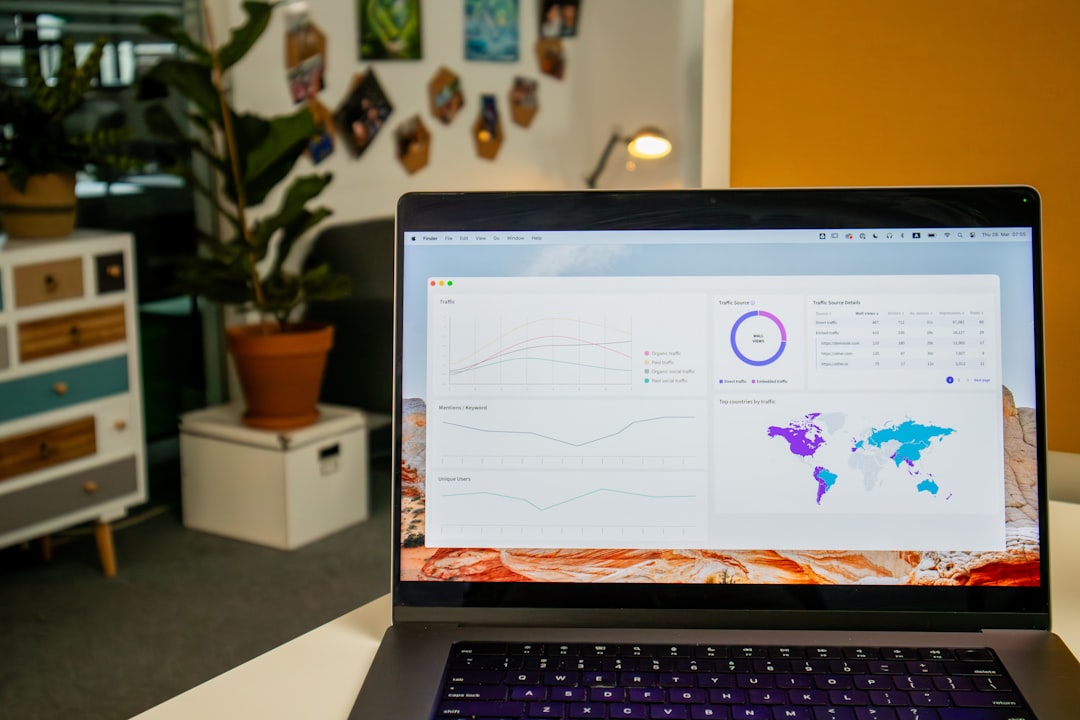
New Relic is user-friendly. Dashboards are clean. Alerts are easy to configure. It is good for teams who want powerful insights without building everything from scratch.
6. Sysdig
Sysdig is built for containers and cloud-native systems. It offers deep visibility into container activity.
It does two important things:
- Monitoring
- Security
So you can detect performance problems. And also security threats.
Sysdig captures system calls from containers. That means you can see what is happening inside them. Almost like an X-ray.
This makes troubleshooting easier. Especially when containers crash or behave strangely.
It works very well in Kubernetes environments. If you are running clusters at scale, Sysdig can give you detailed insights.
7. Elastic Stack (ELK)
Elastic Stack is made up of:
- Elasticsearch
- Logstash
- Kibana
Together, they are often called ELK.
This stack is great for log monitoring. Containers generate many logs. Logs tell stories. When something fails, the answer is often inside a log file.
Here is how it works:
- Logstash collects and processes logs
- Elasticsearch stores and indexes them
- Kibana shows them in dashboards
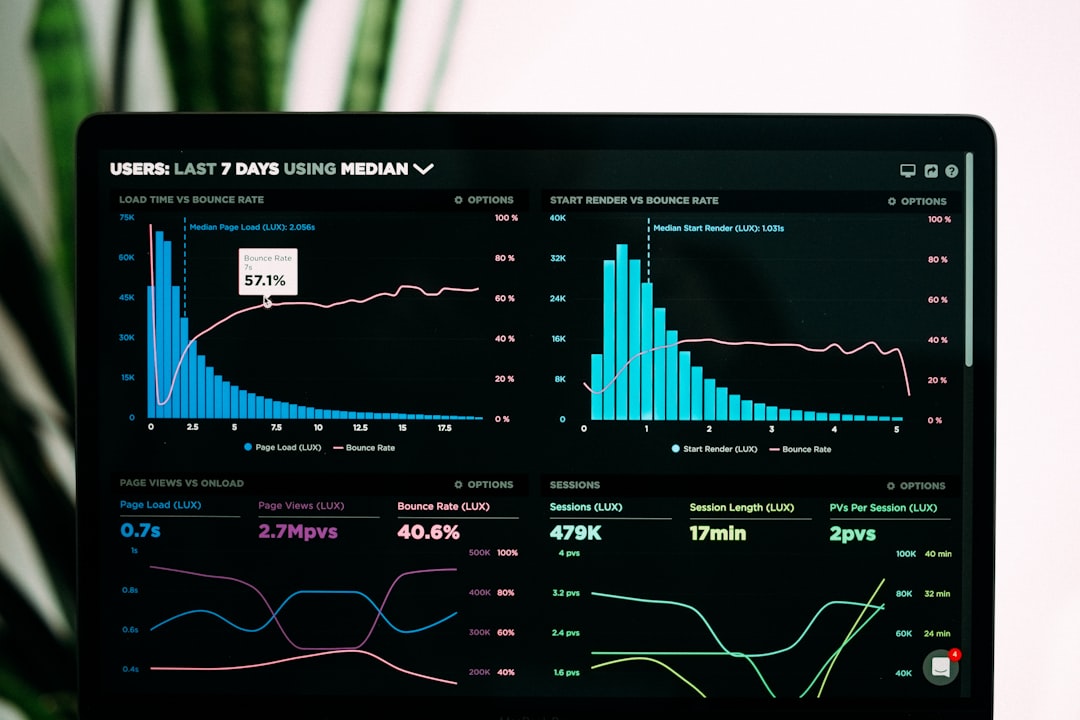
You can search logs in seconds. You can filter errors. You can watch trends over time.
If your containers crash at 3 AM, ELK helps you understand why.
8. Kubernetes Dashboard
If you are using Kubernetes, there is a built-in option. The Kubernetes Dashboard.
It is a web-based interface. It lets you manage and monitor your cluster.
You can see:
- Running pods
- Deployments
- Node health
- Resource usage
It is simple. It is visual. And it helps beginners understand what is happening inside a cluster.
It is not as advanced as some other tools on this list. But it is a great starting point.
Why Container Monitoring Matters
Containers are small. But they move fast. They start quickly. They stop quickly. They scale up and down in seconds.
This speed is great. But it also makes problems harder to catch.
Without monitoring:
- You miss early warning signs
- You only react after users complain
- You struggle to find the root cause
With monitoring:
- You see patterns
- You catch spikes
- You prevent outages
- You sleep better at night
Monitoring is not just about watching numbers. It is about understanding system health. It is about confidence.
How to Choose the Right Tool
Not every team needs the same setup. Ask yourself a few simple questions.
- Are you using Kubernetes?
- Do you prefer open-source or paid tools?
- Do you need advanced security features?
- How big is your system?
If you love control and flexibility, open-source tools like Prometheus and ELK may be perfect.
If you want easy setup and all-in-one features, tools like Datadog or New Relic may be better.
Sometimes teams combine tools. For example:
- Prometheus for metrics
- Grafana for dashboards
- ELK for logs
This mix gives deep visibility.
Final Thoughts
Container monitoring does not have to be scary. It just requires the right tools.
Start small. Track CPU and memory. Then add logs. Then add alerts.
Over time, you will build a clear picture of your system.
The good news is this. Whether you choose open-source or commercial tools, there are many strong options. The eight tools listed here are trusted by teams around the world.
Containers move quickly. Your monitoring should too.
Because when you can see clearly, you can build boldly.