

Imagine cybersecurity as a big pitcher of lemonade. Data flows in. Alerts splash out. Teams try not to spill anything. Cyber Pour is a simple way to think about managing that flow. It is about pouring the right data, into the right tools, at the right time.
TLDR: Cyber Pour is a smart approach to handling security data and digital risk. It helps teams collect, sort, protect, and act on information faster. It can support threat detection, compliance, cloud security, and daily IT work. Think of it as a clean data pipeline with a security helmet on.
What Is Cyber Pour?
Cyber Pour is not just a cool phrase. It describes how cyber data moves through an organization. Logs pour in from apps. Alerts pour in from firewalls. User activity pours in from devices. Cloud platforms pour in even more signals.
That is a lot of pouring.
If the flow is messy, teams miss danger signs. If the flow is too slow, attacks can spread. If the flow is too noisy, people get tired. Cyber Pour focuses on making that flow cleaner, smarter, and easier to use.
In simple words, it helps answer three questions:
- What is happening?
- Is it dangerous?
- What should we do next?
It can be a framework. It can be a process. It can also describe a set of tools that work together. The main idea stays the same. Control the flow. Protect the system.

Why the Name Sounds Fun
The word pour makes the idea feel simple. You pour coffee. You pour juice. You pour syrup on pancakes if you are living your best life.
But in tech, data also pours. It does not arrive in tiny polite packages. It floods in. It comes from phones, laptops, servers, websites, sensors, and cloud apps.
Cyber Pour says, “Let us not panic. Let us build a better cup.”
That cup may include automation. It may include analytics. It may include security rules. It may include people with very strong coffee.
Core Features of Cyber Pour
A good Cyber Pour setup has several useful features. Each one helps make security work less chaotic.
1. Data Collection
First, it gathers data from many places. This can include:
- Firewalls
- Cloud services
- Login systems
- Web apps
- Email platforms
- Endpoint devices
- Databases
This is the “pouring in” stage. The goal is to see more of the digital world. More visibility means fewer surprises.
2. Data Filtering
Raw data can be messy. It can repeat itself. It can be boring. It can also scream “danger” when nothing is wrong.
Filtering removes the clutter. It highlights what matters. It helps teams avoid chasing ghosts all day.
This is like using a strainer for pasta. You keep the noodles. You lose the water. Nobody wants water pasta.
3. Threat Detection
Cyber Pour can help identify strange behavior. For example, a user logs in from two countries in ten minutes. That is odd. A server sends data at midnight to an unknown place. Also odd. An account fails to log in 400 times. Very odd.
Detection tools can flag these events. Then people or automated systems can respond.
4. Automation
Automation is a huge part of Cyber Pour. It handles repeat tasks. It can open tickets. It can block suspicious IP addresses. It can disable risky accounts. It can send alerts to the right team.
This saves time. It also reduces mistakes. Humans are great. But humans get sleepy. Bots do not ask for lunch breaks.
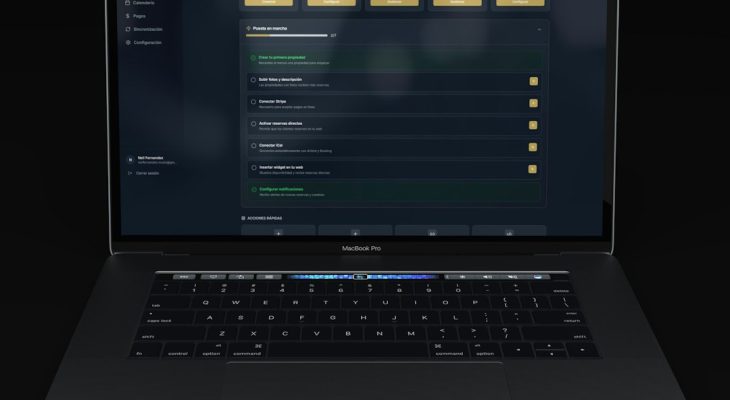
5. Dashboards and Reports
Security data needs to be easy to read. Dashboards show what is happening now. Reports show trends over time.
A good dashboard should be clear. It should not look like a spaceship had a panic attack.
Useful dashboard items may include:
- Active threats
- Login failures
- Malware alerts
- Cloud risks
- Open incidents
- System health
6. Compliance Support
Many businesses must follow rules. These rules protect data. They also prove that security controls are working.
Cyber Pour can help collect evidence. It can track access. It can store logs. It can support audits. This makes compliance less painful.
Still painful? Maybe. But less painful.
How Cyber Pour Works
The process is simple when broken into steps.
- Collect data from systems and users.
- Normalize the data into a common format.
- Analyze it for risk and unusual behavior.
- Prioritize the most important alerts.
- Respond with actions or instructions.
- Learn from each event and improve.
This creates a loop. The loop keeps getting smarter. Each incident teaches the system something new.

Main Applications of Cyber Pour
Cyber Pour can be used in many areas. It is helpful anywhere security data is moving fast.
Network Security
Networks are busy places. Devices talk to each other all day. Some talk is normal. Some talk is suspicious.
Cyber Pour helps watch that traffic. It can spot scans, malware connections, unusual downloads, and strange locations. This gives defenders more time to react.
Cloud Security
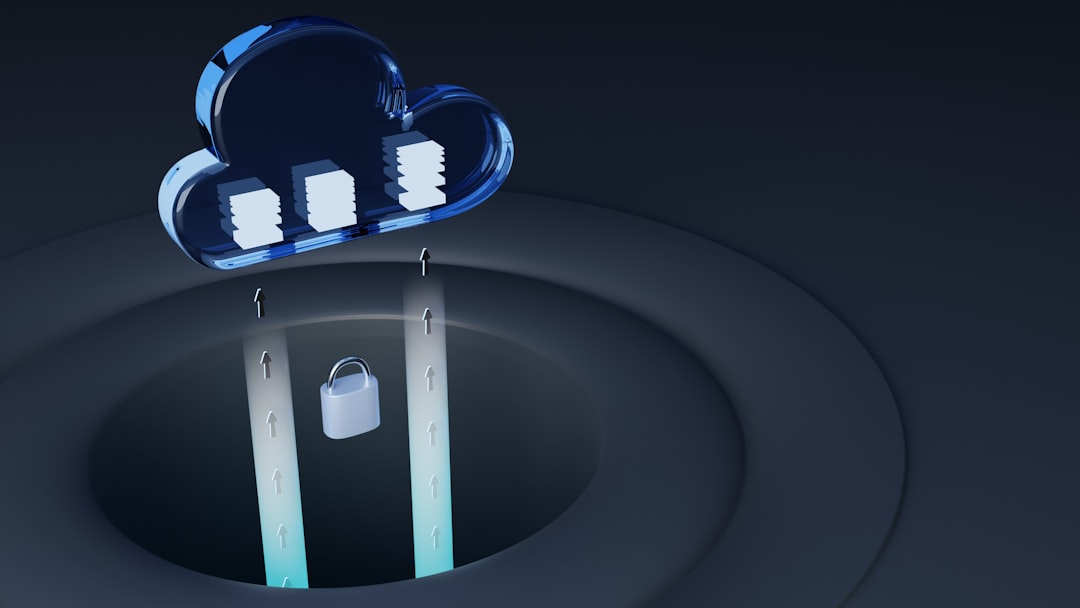
Cloud systems are powerful. They are also easy to misconfigure. One wrong setting can expose private data.
Cyber Pour can monitor cloud activity. It can check storage permissions. It can alert teams about risky access. It can also track who changed what.
This is very useful for teams using many cloud services at once.
Identity and Access Management
Most cyber attacks involve identity in some way. Attackers steal passwords. They trick users. They abuse accounts.
Cyber Pour can watch login patterns. It can detect impossible travel. It can flag risky devices. It can support multi factor authentication rules.
If an account acts weird, the system can respond fast.
Incident Response
When something goes wrong, time matters. Teams need facts. They need timelines. They need clues.
Cyber Pour helps gather those clues quickly. It can show what happened before, during, and after an incident. It can also trigger response playbooks.
A playbook is a plan. It says what to do next. This keeps people calm when the digital toaster catches fire.
Fraud Detection
Cyber Pour is not only for classic security teams. It can also help with fraud. Banks, shops, and payment platforms can use it to spot abnormal patterns.
For example, many purchases from one account in many locations may be suspicious. So can sudden account changes before a large transfer.
Compliance and Auditing
Audits need records. Lots of records. Cyber Pour can organize access logs, security actions, and system events.
This makes it easier to prove that controls exist. It also helps prove they work.
Benefits of Cyber Pour
Why should anyone care? Because security teams are busy. Attackers move fast. Systems are complex. Cyber Pour makes the work easier to manage.
Here are the big benefits:
- Better visibility: Teams can see more activity across systems.
- Faster response: Alerts can trigger quick action.
- Less noise: Filtering reduces useless alerts.
- Smarter decisions: Data is organized and ranked.
- Improved compliance: Records are easier to collect.
- Lower stress: Teams spend less time sorting chaos.
That last one matters. Cybersecurity can be stressful. A cleaner process helps people do better work.
Who Can Use Cyber Pour?
Cyber Pour can help many types of organizations.
- Small businesses can use it to watch key systems.
- Large companies can use it across many teams.
- Schools can protect student and staff data.
- Hospitals can protect patient records.
- Banks can detect fraud and account abuse.
- Government teams can monitor sensitive systems.
The size of the setup can change. The goal does not. Keep data flowing safely. Catch problems early.
Common Challenges
Cyber Pour is useful. But it is not magic soup. It has challenges.
Too Much Data
More data is not always better. Without filtering, teams drown in alerts. Good tuning is important.
Bad Data Quality
If logs are incomplete, analysis gets weaker. Systems need clean and consistent data.
Tool Sprawl
Many companies use too many tools. They do not always work well together. Cyber Pour needs integration. Otherwise, the flow breaks.
Skill Gaps
People still matter. Teams need to understand alerts. They need to adjust rules. They need to improve processes.
Privacy Concerns
Monitoring must be careful. It should protect users, not spy on them without reason. Clear policies help.
Best Practices for a Strong Cyber Pour Setup
Want a smoother pour? Start with these simple practices.
- Start small. Focus on your most important systems first.
- Define goals. Know what threats you want to catch.
- Use clear rules. Avoid vague alerts.
- Automate wisely. Do not block everything without review.
- Review alerts often. Remove noise and improve accuracy.
- Train people. Tools work better with smart users.
- Protect the data. Security logs can contain sensitive details.
The best Cyber Pour systems grow over time. They are not built in one wild weekend. Though snacks may help.
The Future of Cyber Pour
The future will bring even more data. More devices. More cloud apps. More remote work. More clever attacks.
Cyber Pour will likely depend more on artificial intelligence and machine learning. These tools can spot patterns faster than humans. They can group related alerts. They can suggest next steps.
But humans will still be needed. Judgment matters. Context matters. A tool may say, “This is strange.” A person may say, “Yes, because Bob from accounting is on vacation in Spain.”
The best future is a team effort. Machines handle speed. People handle meaning.
Simple Example
Let us say a company uses Cyber Pour.
At 2:13 a.m., an employee account logs in from a new country. Two minutes later, it tries to download many files. Then it changes a mailbox rule. That is suspicious.
The Cyber Pour system collects the events. It connects them. It gives the incident a high risk score. It locks the account. It alerts the security team. It creates a ticket. It saves the evidence.
By morning, the team can investigate. The attacker did not get far. The coffee tastes better.
Final Thoughts
Cyber Pour is a fun name for a serious idea. Security data must move in a controlled way. If it pours everywhere, teams get overwhelmed. If it pours through the right channels, teams gain power.
It helps organizations collect data, clean it, analyze it, and act on it. It supports security, compliance, fraud detection, and cloud protection. Most of all, it turns digital chaos into something humans can understand.
So picture that pitcher again. The data is pouring. The threats are fizzing. The dashboard is glowing. With Cyber Pour, you are not just watching the spill. You are guiding the stream.