


Think of your website like a storefront. If your front door is blocked or your signs are hard to read, people won’t stick around. Web accessibility is the same idea—it means everyone, including people with disabilities, can use and enjoy your site. That’s not just nice; it’s also the law in many places!
TLDR:
Advanced web accessibility services help make websites easier to use for people with disabilities. These services include auditing your site, fixing issues (called remediation), and keeping things on track with ongoing monitoring. Accessibility helps everyone—plus it keeps your business legally safe. Bonus: better accessibility often boosts your SEO and improves the overall user experience!
What Is Web Accessibility?
Web accessibility means designing and building websites that can be used by everyone, including people with vision, hearing, mobility, or cognitive impairments. It’s not just for a small group—over 1 billion people worldwide live with a disability!
Accessibility includes things like:
- Making sure screen readers can read your content
- Adding alternative text to images
- Ensuring color contrasts are easy to see
- Letting users navigate with a keyboard if they can’t use a mouse
Why Accessibility Matters
Beyond kindness and inclusion, accessibility is required by law in many countries. For example, the Americans with Disabilities Act (ADA) in the U.S. or the Web Content Accessibility Guidelines (WCAG) globally set the standards.
Failing to comply can lead to lawsuits, lost customers, or bad press. But doing it right brings benefits like:
- More users and better engagement
- Improved SEO rankings
- Loyal fans who appreciate your effort
What Are Advanced Web Accessibility Services?
Simple fixes are a good start, but advanced services take things to the next level. These services include three major areas:
- Auditing
- Remediation
- Ongoing Monitoring
1. Auditing: The Accessibility Check-Up
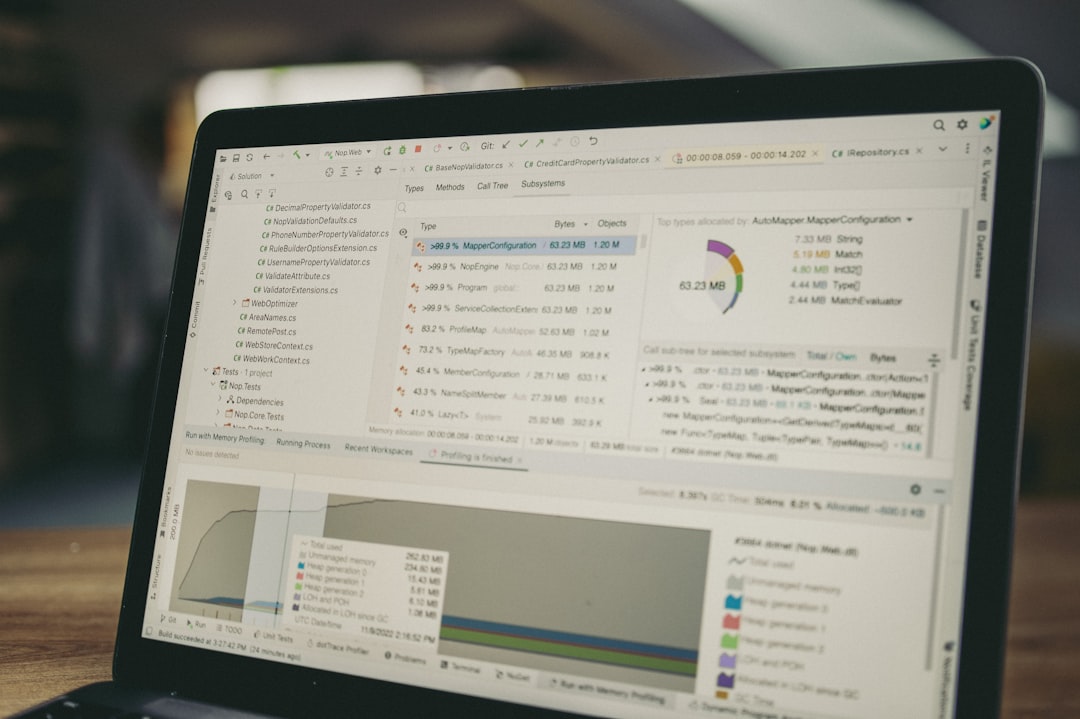
This is like a health check for your site. The process involves analyzing all parts of your website to find accessibility problems. Think of it as asking, “Can someone with a screen reader easily order this product?”
Advanced audits look at:
- HTML structure
- Keyboard accessibility
- ARIA roles and labels
- Error messages and form fields
- Responsive design on mobile devices
Auditors use tools and human testers to explore both automatic and subtle issues. The end result? A detailed report showing what’s wrong, why it matters, and how to fix it.
2. Remediation: Fixing the Problems
Once the audit is done, it’s time for remediation. This means updating the code and design of your website to remove or fix all the issues found.
Some examples include:
- Rewriting code to make buttons readable by screen readers
- Adding text alternatives for images and videos
- Editing broken forms so they can be used with assistive tech
- Changing fonts and colors for better readability
Advanced remediation may also involve redesign work or backend changes. These are handled by accessibility experts who understand the ins and outs of WCAG guidelines.
3. Ongoing Monitoring: Keep It Accessible
The web keeps changing—new content, new plugins, and new design updates. That’s why ongoing monitoring is key. It ensures your site stays compliant over time.
Monitoring tools watch for accessibility changes or errors. This can include:
- Regular accessibility scans
- Notifications when something breaks
- Reports for your development team
- Tracking user feedback from people who rely on accessible design
Think of it like a home security system. It’s always watching out for trouble so you don’t have to worry.
Who Needs These Services?
If you own, manage, or build a website—you need them! They’re especially important for:
- eCommerce businesses
- Schools and universities
- Government agencies
- Health care providers
- Nonprofits
What Makes These Services “Advanced”?
Advanced means deeper, smarter, and more thorough. Basic tools might find surface-level issues, but they can miss hidden problems.
Advanced services usually include:
- Expert human testing—not just automated scans
- Custom strategies based on your site’s unique needs
- AI-assisted analysis for large websites
- Support for accessible design during ongoing development
It’s a team effort between designers, developers, and accessibility pros.
Benefits You’ll Notice
These improvements don’t just help individuals with disabilities—they help everyone. Here’s how:
- Faster load times thanks to cleaner code
- Better UX (user experience) because pages are easier to navigate
- Improved trust from users and customers
- Future-proofing your site so it’s easier to maintain
How to Choose an Accessibility Partner
Not all providers are the same. Look for those with:
- A deep understanding of WCAG standards
- Experience with websites similar in size and function to yours
- A combination of technical tools and human expertise
- Clear timelines and ongoing support options
Ask for a sample audit or success stories. A good partner will be happy to share!
You’re Not Alone in This
Accessibility can seem like a big job. But remember: you don’t have to do it all yourself. That’s why these services exist. With the right team, you can build a more inclusive, friendly, and high-performing website.
Final Fun Fact 🤓
The first screen reader was created in the 1980s! Since then, technology has come a long way. But the mission is still the same—make the web work for everyone.
So whether you’re auditing your current site, fixing what’s broken, or keeping an eye on future updates—know that every step you take makes a difference.