



Treat 1337x mirrors as untrusted copies until proven otherwise. The site has been around since 2007, and like many torrent indexes, it has faced blocking, cloning, and copycat domains over the years [source: Wikipedia]. That means availability can change by country, network, and even by the hour. The safest habit is simple: do not assume a mirror is real just because it looks familiar.
TLDR: 1337x mirrors are alternate web addresses that may point to the same kind of torrent index, but many are fake or unsafe. For example, if you test 5 “mirror” links from a random forum, expect at least 1 or 2 to be ad traps, cloned pages, or malware bait. Use legal content only, check domains carefully, and avoid downloading unknown files. If a page asks you to install a “special downloader,” close it.
1. A mirror is not automatically official
A mirror is a copy or alternate access point for a website. In theory, it helps users reach a site when the main address is down or blocked. In practice, it can be messy.
Some mirrors may be maintained by people connected to the original service. Others are built by strangers who copy the design and hope you will not notice. Honestly, it feels like half the work is just figuring out whether the page is real or just wearing the same clothes.
Red flags include:
- Pop ups that appear before you click anything
- Fake “verify your browser” screens
- Forced browser extensions
- Download buttons that do not match the file you selected
- Misspelled menus, broken search, or odd redirects

2. Availability depends on location and network rules
1337x availability is not the same everywhere. A page may load at home but fail on public Wi Fi. It may work in one country and be blocked in another. Some internet providers block domains after court orders or copyright complaints. Others use DNS filtering, which can make a site appear offline even when it is not.
This is why users often search for “1337x mirrors” when they see a connection error. The catch is that search results can mix real information with spam. It drives me crazy that checking one simple address can turn into 30 extra seconds of dodging fake buttons and loud ads.
If a site seems down, do not rush to the first mirror list you find. Slow down. Check whether the problem is your browser, DNS, local network, or the site itself. A little patience can save you from a bad download.
3. Access does not mean permission
This part matters. A torrent index may list many kinds of files, but not every file is legal to download. Some content is public domain. Some is open source. Some is shared by the creator. A lot is not.
Use torrent sites only for lawful files. Good examples include Linux ISO images, public domain films, game mods posted by their creators, and large open data sets. Bad examples include paid movies, cracked software, commercial games, and private course material.
Accessing a mirror is not a legal shield. If the content is copyrighted and you do not have permission, the mirror address does not change that. The clean rule is easy: if you would normally have to pay for it, stop and check the license first.
4. Security risks are the real pain point
Mirror sites can be more dangerous than the torrents themselves. A fake mirror can push malware, steal searches, run crypto scripts, or trick users into installing junk. Some pages are built only to collect clicks through ad networks.
Watch for these warning signs before downloading anything:
- Executable files for media: A movie should not be an .exe file.
- Password protected archives: These are often used to hide malware.
- No comments or strange praise: Ten comments saying “works great” in the same tone is suspicious.
- Huge size mismatch: A “4K movie” that is 80 MB is probably not real.
- New uploader, no history: Be careful when there is no track record.
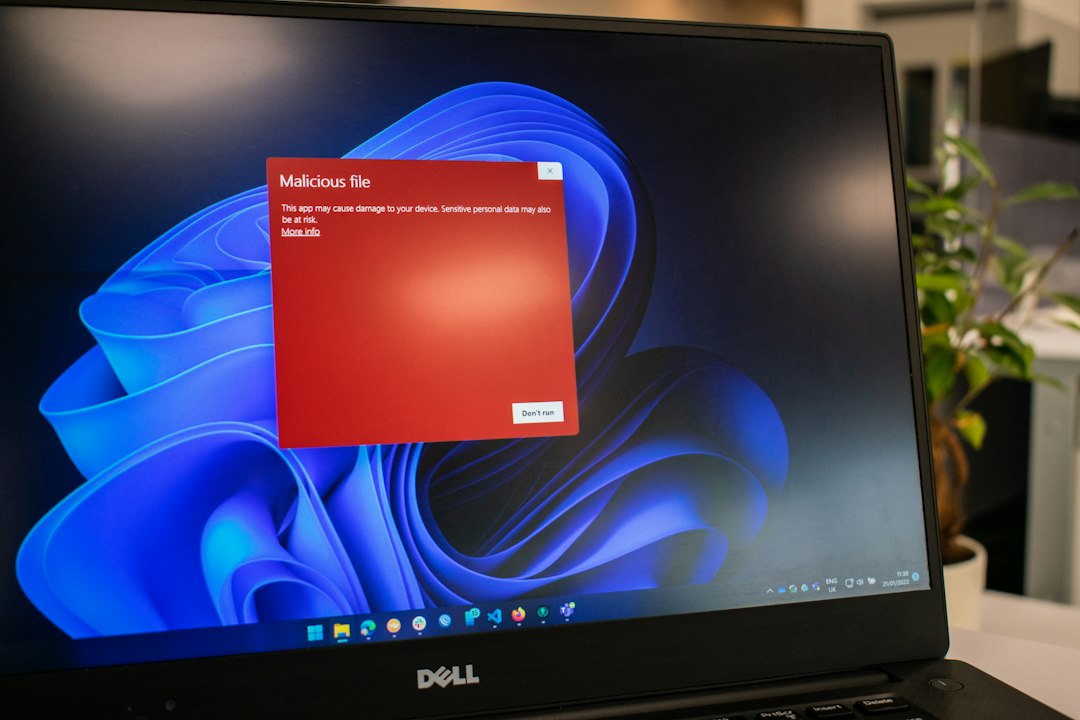
Use basic protection. Keep your browser updated. Use an ad blocker if allowed in your region. Scan files before opening them. Never run unknown installers from a torrent page. That “codec update” is almost never a codec update.
5. Better access habits reduce wasted time
If you still use torrent indexes, build a safer routine. Do not bookmark ten random mirrors. Do not trust social posts with shortened links. Do not type personal details into any torrent page. These sites should not need your email, card number, or phone number for simple browsing.
A practical checklist helps:
- Start with legal intent. Know what you are allowed to download.
- Check the address carefully. Fake domains often add extra words or odd letters.
- Avoid “download manager” offers. Direct torrent or magnet links are less suspicious than mystery installers.
- Read comments with doubt. Useful comments mention exact file quality or issues.
- Leave fast if the page gets pushy. Aggressive pop ups are a bad sign.
Mirrors exist because availability is unstable. Blocks happen. Domains change. Clones appear. That does not mean every mirror is evil, but it does mean every mirror deserves suspicion. The smart move is to keep your legal, security, and privacy checks ahead of your clicks.