

The best way to test an app idea before development is to combine a clickable prototype, structured feedback, and real user behavior data. Too many teams still build first and ask questions later. That is risky. CB Insights has reported that 35% of startup failures are linked to products with no market need [source: CB Insights].
TLDR: Use Figma to create a simple prototype, then test it in Maze or Useberry before writing code. Use Typeform to check demand, pricing, and pain points with a larger group. For example, if 100 target users see your app concept and only 8 say they would pay for it, that is a warning. If 65 out of 100 complete the core task in a prototype test, you have a stronger signal worth studying further.
1. Maze: best for fast prototype testing
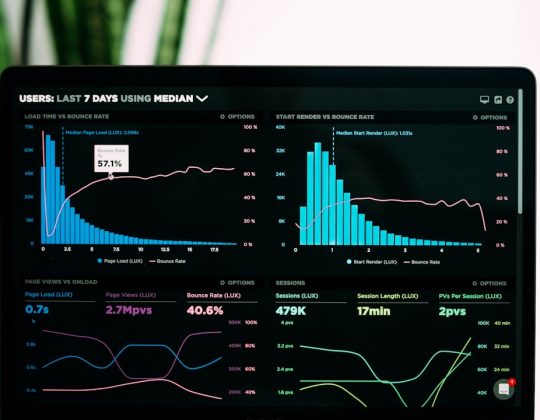
Maze is one of the strongest tools for testing app ideas before development. It lets you turn a prototype into a structured test. You can measure task completion, misclicks, time on task, user paths, and drop-off points.
This matters because opinions can be soft. Behavior is harder to fake. If users say your app is “easy” but half of them fail the sign-up flow, you have evidence.
- Best for: usability tests, concept tests, prototype validation.
- Good signal: users complete the main task without help.
- Watch out for: limited context if you only rely on numbers.
Honestly, it feels like some teams use Maze too late. It should be used before the development backlog is full. A five-screen prototype can expose issues that would cost far more to fix later.
2. Useberry: best for simple product validation
Useberry is a practical choice for teams that want usability analytics without a heavy setup. It supports prototype testing, preference tests, five-second tests, and surveys. That makes it useful for checking early design choices.
Useberry works well when you need answers to direct questions. Which landing screen makes more sense? Which onboarding path is clearer? Do users understand the value in the first few seconds?
- Best for: early interface feedback and user flow testing.
- Good signal: users understand the app without explanation.
- Watch out for: results can feel thin if your questions are weak.
The annoying part is that no tool can save a vague test. If your task says “explore the app,” expect messy data. Ask users to do one specific thing, such as “find and book a 30-minute consultation.”
3. Figma: best for building testable prototypes
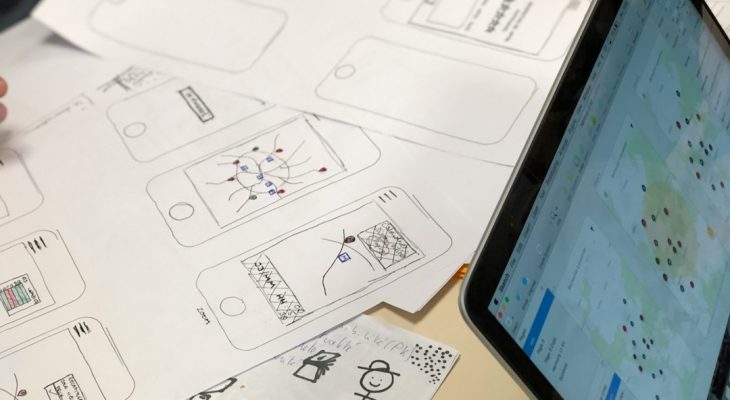
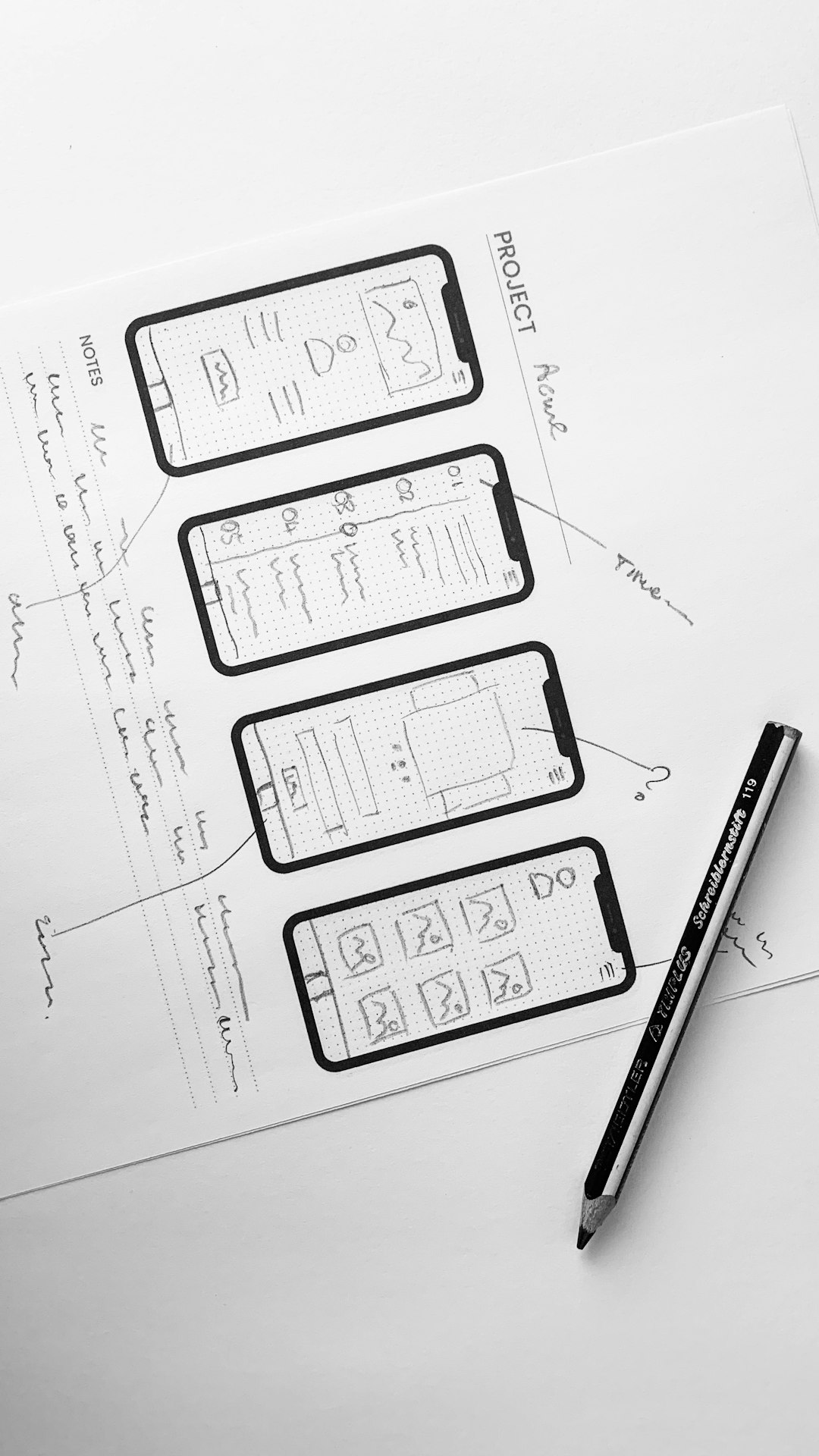
Figma is not a testing platform in the strict sense. Still, it belongs on this list because most app idea tests start with a prototype. Figma lets founders, designers, and product managers create screens that feel real enough for early testing.
You do not need a perfect design. In fact, early prototypes should be lean. Focus on the core promise of the app. If it is a budgeting app, test account setup, budget creation, and the first useful insight. Skip the decorative extras.
- Best for: wireframes, clickable prototypes, design collaboration.
- Good signal: users move through the main flow with little friction.
- Watch out for: polished screens can make weak ideas look better than they are.
It drives me crazy when teams spend weeks perfecting shadows and icons before testing the actual idea. A clean prototype is enough. The goal is learning, not winning a design award.
4. Typeform: best for demand and problem research
Typeform is ideal when you need structured input from many people. It is not built for observing clicks inside a prototype. It is better for learning what people want, what they have tried, what they hate, and what they might pay for.
Use it before prototype testing. Ask short questions. Keep the survey under five minutes. Include screening questions so you do not gather feedback from the wrong audience.
- Best for: surveys, waitlist forms, pricing checks, problem discovery.
- Good signal: users describe the problem in their own words.
- Watch out for: people often overstate interest in surveys.
A strong Typeform survey might ask: “How often do you face this problem?” “What do you use now?” “What would make you switch?” “Would you pay $9 per month?” The answers will not prove success, but they can warn you early.
5. UserTesting: best for deeper human feedback
UserTesting is useful when you need to hear people think out loud. It gives you recorded sessions with real users, so you can see confusion, hesitation, and reactions. That is valuable when testing a new app category, a sensitive topic, or a workflow with several steps.
This tool is often more expensive than lightweight testing options. Still, it can produce richer insight. A short video of a user failing to understand your value proposition can change a stakeholder meeting fast.
- Best for: moderated or unmoderated user interviews and usability tests.
- Good signal: users can explain the app’s value after one short test.
- Watch out for: test quality depends on recruiting the right users.

How to choose the right tool
Do not pick a tool because it looks popular. Pick it based on the question you need answered.
- Need to design the idea? Start with Figma.
- Need fast usability data? Use Maze.
- Need quick design feedback? Try Useberry.
- Need to measure interest? Use Typeform.
- Need deeper reactions? Choose UserTesting.
A serious validation process often uses more than one tool. For example, you might survey 200 people in Typeform, build a Figma prototype, test it with 30 users in Maze, then run five recorded sessions in UserTesting. That gives you both numbers and human context.
Final recommendation
Start small, test early, and do not treat positive comments as proof. The useful proof is behavior. Can people understand the app? Can they complete the main task? Do they care enough to sign up, pay, or ask for access?
If the answer is no, that is not failure. It is saved money. These five tools help you find weak points before developers spend weeks building the wrong thing.