
Getting a print estimate online used to feel a bit like ordering soup in a language you do not speak. Paper weight? Bleed? Coating? Binding? Yikes. The good news is this: it is much easier than it sounds.
TLDR: You can get a print job estimate online by choosing what you want to print, adding details like size, paper, quantity, color, and delivery speed, then reviewing the price. The more details you give, the better the estimate will be. Always check shipping, file setup, taxes, and turnaround time before you say yes. A clear estimate helps you avoid surprise costs and print drama.
Why Get a Print Estimate Online?
Because guessing is risky.
Printing can be simple. It can also get expensive fast if you miss tiny details. An online estimate lets you see the price before you commit. That means no awkward phone calls. No mystery bills. No “Wait, why is this twice the price?” moment.
Online estimates are great for many print jobs, such as:
- Business cards
- Flyers
- Brochures
- Posters
- Booklets
- Menus
- Labels
- Banners
- Postcards
You can build the job on your screen. You can test options. You can change the quantity. You can pick cheaper paper. You can see what happens when you choose rush delivery. It is like a print price playground.
Start With the Print Item
First, choose what you want to print. This sounds obvious. But it matters a lot.
A postcard is not priced like a booklet. A banner is not priced like a brochure. A sticker is not priced like a business card. Each item has its own materials, machines, and setup needs.
If the site asks you to pick a category, do that first. Do not choose “flyer” if you really need a folded brochure. The estimate may look cheaper, but it will not match the real job.
Print tip: If you are not sure what your item is called, think about how it will be used. Will people hold it? Mail it? Hang it? Fold it? Stick it somewhere? That will help you choose the right product.
Know Your Size
Size is one of the biggest parts of a print estimate.
A small flyer costs less than a giant poster. Shocking, right? More paper means more cost. Special sizes may also cost more because they create more waste during trimming.
Common sizes are usually cheaper. This is because printers are set up to handle them often.
Some common sizes include:
- Business card: 3.5 x 2 inches
- Flyer: 8.5 x 11 inches
- Postcard: 4 x 6 inches or 5 x 7 inches
- Poster: 11 x 17 inches, 18 x 24 inches, or 24 x 36 inches
- Brochure: 8.5 x 11 inches, folded
If you need a custom size, that is fine. Just enter the exact width and height. Measure twice. Click once.
Pick the Quantity
Quantity is the number of pieces you want.
This is where online estimates get fun. Try 100 copies. Then try 250. Then 500. You may notice something interesting. The total price goes up, but the price per piece often goes down.
That is because printing has setup costs. Once the machine is ready, printing more pieces can be cheaper per item.
For example:
- 100 flyers may cost 40 cents each.
- 500 flyers may cost 18 cents each.
- 1,000 flyers may cost 11 cents each.
Do not order 5,000 just because the unit price looks cute. Order what you can actually use. Paper does not age like fine cheese.
Choose Paper Like a Pro
Paper is not just paper. It has weight, texture, shine, and attitude.
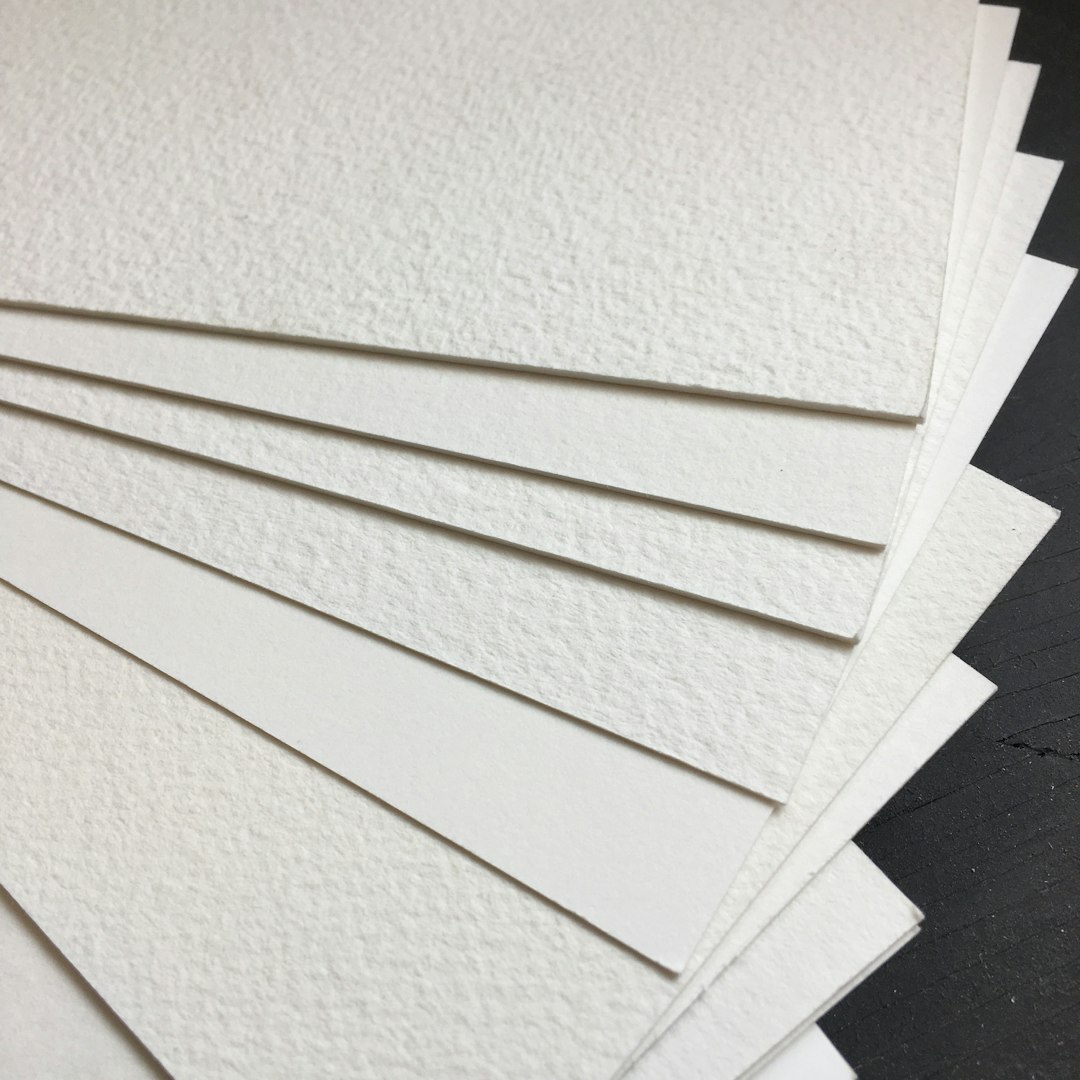
Thin paper is usually cheaper. Thick paper feels more premium. Glossy paper shines. Matte paper feels smooth and calm. Uncoated paper is easy to write on.
Here are simple paper choices:
- Text paper: Good for flyers, letters, and booklet pages.
- Cover paper: Thicker. Good for cards, covers, and postcards.
- Gloss finish: Bright and shiny. Great for photos.
- Matte finish: Soft and elegant. Great for clean designs.
- Uncoated finish: Natural feel. Great for writing.
If your piece needs to feel fancy, choose thicker stock. If it needs to be mailed, check mailing rules. Heavy paper can increase postage.
Color or Black and White?
Color affects price.
Full color printing is common now. It is also often affordable. But black and white can still be cheaper for simple documents.
You may see options like:
- Black only
- Full color one side
- Full color both sides
If your design has color on both sides, choose color both sides. If the back is blank, do not pay for printing on it. Simple win.
Also check if the estimate includes one-sided or double-sided printing. This tiny setting can change the price a lot.
Do You Need Folding, Binding, or Other Fancy Stuff?
This is called finishing. It means what happens after the ink hits the paper.
Finishing can make your print job look polished. It can also add cost. That is not bad. It just needs to be in the estimate.
Common finishing options include:
- Folding: For brochures, menus, and letters.
- Cutting: For custom sizes or multiple pieces per sheet.
- Binding: For booklets, manuals, and catalogs.
- Lamination: For protection and shine.
- Rounded corners: For cards with extra charm.
- Scoring: For clean folds on thick paper.
- Die cutting: For custom shapes.
Think of finishing like toppings on a pizza. Plain is fine. Extra toppings are fun. But yes, they cost more.
Upload the Right File
An estimate is only as good as the file behind it.
Many online print sites let you upload your artwork. Some also let you estimate before uploading. Either way, your file must be print-ready before production starts.
A good print file usually has:
- High resolution: Usually 300 DPI for sharp results.
- Correct size: The design matches the final print size.
- Bleed: Extra image area beyond the trim edge.
- Safe margins: Text stays away from the edge.
- Embedded fonts: So your words do not go weird.
- CMYK color: Often preferred for print.
Bleed is a funny word. It sounds dramatic. It just means your background extends past the edge. This prevents ugly white strips after trimming.
If you do not know how to check this, ask the printer before placing the order. A quick question now can save a sad box of prints later.
Check Turnaround Time
Turnaround time means how long printing takes. It does not always include shipping. Read that again. It is important.
A site may say “3 business days.” That may mean three business days after proof approval. Then shipping takes extra time.
If your event is on Friday, do not order on Wednesday and hope for magic. Printers are talented. They are not wizards. Well, most are not.
Look for these details:
- When production starts
- How long printing takes
- Whether proof approval is required
- How long shipping takes
- Whether weekends count
Rush printing can save the day. It can also raise the price. Use it when needed. Not because you forgot until snack time.
Do Not Forget Shipping
Shipping can sneak up like a raccoon in the night.
Your print estimate may show a product price first. Then shipping appears later. This can change the total a lot, especially for heavy items.
Paper is heavy. Boxes of catalogs are very heavy. Banners can be bulky. Large posters need careful packing.
Before you approve the estimate, check:
- Shipping cost
- Delivery date
- Carrier options
- Pickup options
- Extra handling fees
If local pickup is available, it may save money. It may also be faster. Plus, you get to feel productive while carrying a box.
Watch for Hidden Costs
A good estimate should be clear. Still, you should look closely.
Some extra costs are normal. They are not bad if you know about them. The problem is surprise fees that appear after you already planned your budget.
Possible extra costs include:
- File repair fees
- Design adjustment fees
- Proofing fees
- Rush fees
- Shipping fees
- Taxes
- Special packaging fees
If something looks unclear, ask. A good printer will explain it in plain language. If they make you feel silly for asking, that is not a great sign.
Compare Estimates the Smart Way
It is tempting to pick the lowest price. Sometimes that works. Sometimes it leads to floppy paper, dull color, or late delivery.
When comparing estimates, make sure each one includes the same details.
Compare apples to apples. Not apples to glitter-covered pineapples.
Check these items:
- Same quantity
- Same size
- Same paper
- Same color options
- Same finishing
- Same turnaround time
- Same shipping method
A cheaper estimate may skip folding. Or use thinner paper. Or take two weeks longer. That may be fine. Or it may be a problem. Know before you choose.
Use the Estimate as a Planning Tool
An online print estimate is not just a price. It is a planning buddy.
You can use it to shape your project. If the price is too high, change one thing at a time. Lower the quantity. Pick standard paper. Remove special finishing. Choose a longer turnaround time.
Small changes can make a big difference.
Try this simple process:
- Enter your dream version.
- Look at the price.
- Adjust one option.
- Check the new price.
- Repeat until your budget smiles.
This is much better than cutting quality at random. You stay in control. Your wallet stays calm.
Questions to Ask Before You Order
Before you hit the final button, pause. Take one small breath. Maybe sip coffee. Then review.
Ask yourself:
- Is the size correct?
- Is the quantity correct?
- Did I choose the right paper?
- Is it one-sided or double-sided?
- Does the file have bleed?
- Is shipping included?
- Will it arrive on time?
- Are taxes and fees included?
- Do I need a proof?
A proof is a preview before printing. It can be digital or physical. For big jobs, a proof is very useful. It helps catch mistakes before hundreds or thousands of copies are made.
Common Mistakes to Avoid
Online print estimates are easy. But mistakes still happen. Most are avoidable.
Here are the big ones:
- Choosing the wrong size: Always check dimensions.
- Ignoring bleed: Edge designs need extra space.
- Forgetting shipping time: Production and delivery are different.
- Using low-quality images: Blurry files print blurry.
- Picking the cheapest paper: It may not fit the job.
- Skipping the proof: Tiny errors can become big regrets.
One more mistake: waiting too long. Give yourself extra time. Printing is smoother when no one is panicking.
Final Thoughts
Getting an estimate for a print job online is simple when you know the pieces. Choose the item. Pick the size. Add the quantity. Select paper, color, finishing, and delivery. Then review the full total.
The goal is not just to find the cheapest price. The goal is to get the right print job at the right price. You want nice paper. Clean color. Correct cuts. On-time delivery. No scary surprises.
So go ahead. Build that estimate. Click the options. Compare the prices. Make smart choices. Your future box of beautiful prints is waiting.