



Upgrading your phone, laptop, or gaming console can be exciting—but figuring out what to do with your old device isn’t always as fun. Instead of letting it gather dust in a drawer, many shoppers wonder whether they can trade it in for credit toward something new. One of the most common questions tech buyers ask is: Does Best Buy offer trade-ins? The short answer is yes—and the process is easier than you might think.
TLDR: Best Buy offers a comprehensive trade-in program that lets you exchange eligible electronics for a Best Buy gift card. Devices like smartphones, laptops, tablets, gaming consoles, and even some home appliances can qualify. You can check your item’s value online, mail it in, or bring it to a store for evaluation. While payouts depend on condition and demand, it’s a convenient way to reduce the cost of your next purchase.
Does Best Buy Have a Trade-In Program?
Yes, Best Buy operates a robust Trade-In Program designed to help customers offset the cost of upgrading their electronics. Depending on the item and its condition, you can receive compensation in the form of a Best Buy gift card. The value varies based on market demand, age, model, and overall condition.
The program is available both online and in-store, giving shoppers flexibility in how they complete the process. Whether you’re trading in a nearly new iPhone or an older gaming system, the first step is checking whether your device qualifies.

What Devices Does Best Buy Accept for Trade-In?
One of the strengths of Best Buy’s program is the broad range of eligible electronics. While not every item qualifies, the list of accepted categories is extensive.
1. Smartphones
- Apple iPhones
- Samsung Galaxy devices
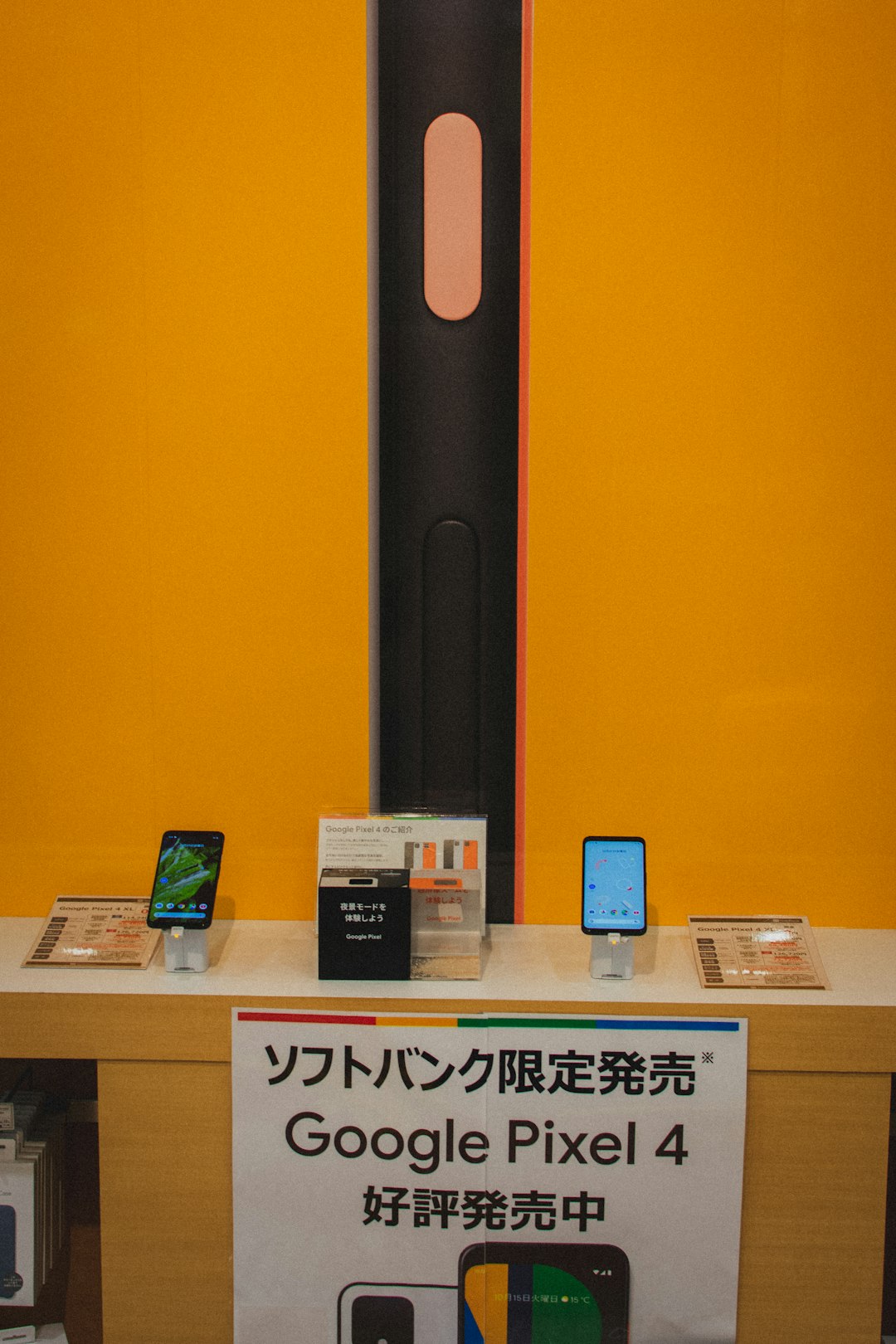
- Google Pixel phones
- Other major brand smartphones
Smartphones are among the most commonly traded items, and newer flagship models usually receive the highest values.
2. Tablets
- Apple iPads
- Samsung Galaxy Tabs
- Microsoft Surface tablets
3. Laptops and Computers
- MacBooks
- Windows laptops
- Desktop computers
- All-in-one PCs
Condition plays a big role here. Devices in working order with minimal cosmetic damage earn significantly more.
4. Gaming Consoles
- PlayStation systems
- Xbox consoles
- Nintendo Switch
Controllers and accessories may also be eligible in some cases.
5. Wearables and Smart Devices
- Apple Watch
- Samsung Galaxy Watch
- Fitness trackers
- Smart speakers
6. Other Electronics
- Cameras
- Headphones
- Portable audio equipment
- Select small appliances
It’s worth noting that eligibility changes over time based on demand and inventory needs. Always check Best Buy’s website for the most current list.
How the Best Buy Trade-In Process Works
The trade-in system is designed to be straightforward and transparent. Here’s how it typically works:
Step 1: Check Your Device’s Value
Visit Best Buy’s trade-in page online and search for your device by brand, model, and carrier (if applicable). You’ll answer a few questions about:
- Condition (excellent, good, fair)
- Storage capacity
- Carrier lock status
- Whether the device powers on
Based on your answers, you’ll receive an estimated trade-in value.

Step 2: Choose In-Store or Mail-In
You’ll typically have two options:
- In-store trade-in: Bring your item to a Best Buy store for inspection.
- Mail-in trade-in: Ship your device using a prepaid shipping label.
In-store trade-ins often result in a faster payout because the evaluation happens on the spot.
Step 3: Device Inspection
If you visit a store, a staff member will examine your device to confirm its condition matches your online response. For mail-in trades, the device is reviewed once received.
If everything checks out, you’ll receive the quoted value. If not, Best Buy may revise the offer.
Step 4: Get Paid With a Gift Card
Accepted trade-ins are paid out via a Best Buy gift card. This can be used in-store or online for almost any purchase.
How Much Can You Get?
The amount you receive depends on several factors:
- Device age
- Brand popularity
- Storage size
- Overall condition
- Current market demand
For example, a recently released iPhone in excellent condition could fetch several hundred dollars, while a five-year-old laptop might bring considerably less.
Keep in mind that trade-in values fluctuate. Promotions occasionally increase payouts during major shopping periods like Black Friday or back-to-school season.
Preparing Your Device for Trade-In
Before handing over your electronics, there are essential steps you should take to protect your data and ensure you receive full value.
Back Up Your Data
Save important information to iCloud, Google Drive, or an external hard drive.
Sign Out of Accounts
Remove Apple ID, Google accounts, and other linked sign-ins.
Factory Reset the Device
Erase all personal data by performing a complete reset.
Remove SIM and Memory Cards
Take out any removable storage or SIM cards before trading in.
Skipping these steps can delay processing or even void your trade-in eligibility.
Is Trading In at Best Buy Worth It?
Whether the program is “worth it” depends on your priorities. Here’s a quick breakdown:
Advantages
- Convenient and secure process
- Immediate in-store credit option
- No need to deal with private buyers
- Environmentally responsible recycling
Potential Drawbacks
- Payment is in gift cards, not cash
- Trade-in values may be lower than private resale
- Not all devices qualify
If your goal is maximum profit, selling directly to another buyer may yield more money—but comes with added time, risk, and effort. Best Buy’s trade-in system shines when you value simplicity and speed.
Special Promotions and Limited-Time Offers
Best Buy occasionally runs enhanced trade-in promotions, particularly tied to:
- New smartphone launches
- Holiday shopping events
- Back-to-school season
- Major appliance sales
During these periods, you might receive bonus credit when trading in eligible products toward specific purchases. For example, trading in an older iPhone during a new model release could boost your payout.
What If Your Device Has No Value?
Even if your electronics aren’t eligible for trade-in credit, Best Buy still offers recycling services for many items. This ensures devices are disposed of responsibly and helps reduce electronic waste.
In some cases, recycling small electronics is free, while larger items may involve a fee.
Common Questions About Best Buy Trade-Ins
Can I trade in a broken device?
Yes, in some cases. Severely damaged devices usually receive lower quotes, and completely nonfunctional items may not qualify.
How long does mail-in processing take?
Typically 7–10 business days after the item is received.
Can I combine trade-in credit with other promotions?
Often yes, especially during product launch events.
Do I need the original charger or box?
Not always, but including accessories can sometimes improve your offer.
Final Thoughts
So, does Best Buy offer trade-ins? Absolutely. The retailer provides a convenient, customer-friendly program covering a wide range of electronics—from smartphones and laptops to gaming consoles and wearables.
While you may not always receive as much as you would selling privately, the simplicity, security, and instant store credit make it an appealing option for many shoppers. If you’re planning to upgrade your devices anytime soon, checking your item’s trade-in value could significantly reduce the cost of your next purchase.
Before buying something new, take a few minutes to see what your old tech might be worth—you might be pleasantly surprised.