



Business cards say a lot more than just your name and number. For designers, they are tiny canvases that showcase style, creativity, and skill. But not all business card makers give you the freedom you need. If you’re a designer who wants full creative control, you’re in the right place.
TLDR: Some business card makers limit your freedom with templates and rules. But there are awesome tools built for designers who want total control. Whether you’re into full-on editing, uploading custom assets, or even diving into print details, this list is for you. Unleash your creativity with these top customizable business card platforms!
1. Canva Pro – Fun, Friendly, and Flexible
Canva is known for being easy to use. With Canva Pro, designers get much more power.
- Massive library of fonts, icons, and templates
- Upload your own branding, images, and even SVGs
- Drag-and-drop interface
You can tweak every detail, front and back. Resize, realign, recolor—there are almost no limits here. It’s especially great if you’re collaborating with a client who wants to lend input. Make a card, share a link, and keep working together in real time.
And the best part? Canva also handles printing and delivery. So once you’re done designing, you can send it to print right there.
2. Vistaprint (with Upload Your Design option)
Okay, Vistaprint might sound too mainstream. But wait! They have a secret weapon: the “Upload Your Design” option.
This feature turns Vistaprint into a full-blown blank canvas for graphic designers. Here’s why it’s awesome:
- Upload entire custom-designed files (PDF, JPG, PNG)
- No forced templates, no limitations on layout
- Tons of paper finishes and special effects, like:
- Spot UV
- Foil accents
- Embossing
If you’ve already created a design in Illustrator, Photoshop, or Sketch, you don’t have to redo anything. Just upload, preview, and print. Total control: granted.
3. Moo – Gorgeous Printing Meets Designer Tools
Moo is kind of like the Apple of the business card world. It looks good, feels premium, and gives you room to express your style.
Designers love Moo for:
- Printfinity – every card in the pack can have a different design
- Custom size options: MiniCards, Square Cards, and Luxe Cards
- Upload full designs with total layout control
You can use their online editor if you need something quick. Or go full-pro. Upload your assets in CMYK, get bleed lines, safe zones, and high-res previews.
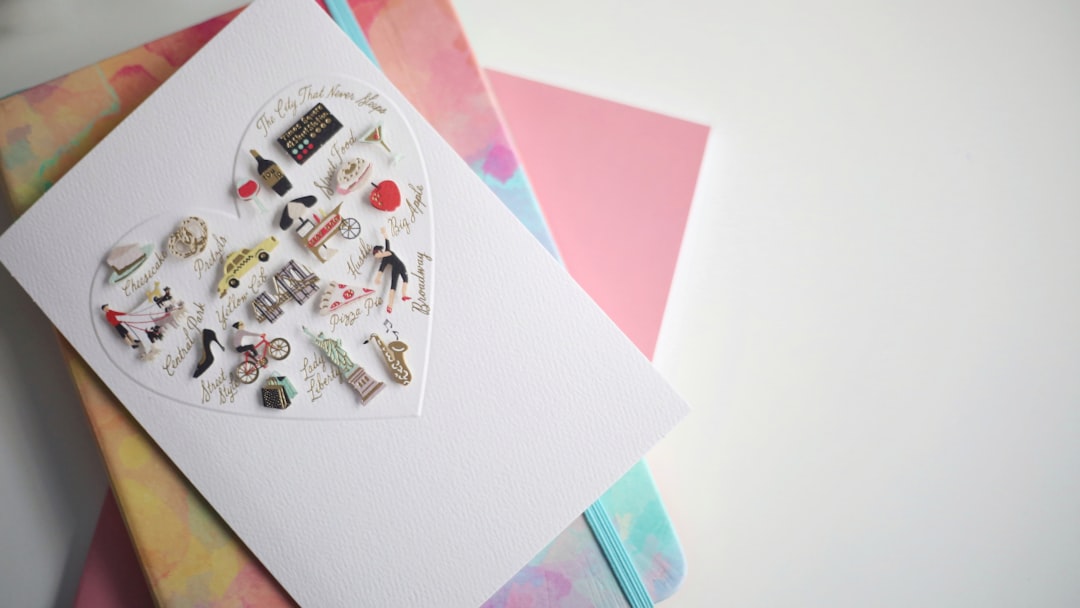
The printing quality is next level. Thick paper, silky finishes, and sharp colors. Moo supports your vision *and* delivers elegance.
4. Jukebox Print – For Wild Materials and Next-Level Custom
If you’re thinking outside the box, this one’s for you. Jukebox lets you print on some of the most exotic materials out there:
- Wood
- Cork
- Recycled cotton
- 3D textured papers
You can also upload full custom layouts or use their design tool. As a designer, you’ll love the high-res specs you get for every size and finish.
The best part? Their customer service is super hands-on. If you want to do something totally unique, they’ll help bring it to life.
5. Adobe Express – Great if You’re Already an Adobe Fan
Adobe Express is like the lightweight cousin of Photoshop. It’s made for quick designing online but still packs some pro tools.
Why designers dig it:
- Integrates with Adobe Fonts & Creative Cloud
- Upload your brand assets and custom visuals
- Export in high-res for printing anywhere
You won’t find fancy finishes here, but for digital designing, it’s smooth and clean. You can also create animated or digital cards, which is a fun twist!
6. CorelDRAW + Any Local Print Shop
Want ultimate control? Nothing beats designing in CorelDRAW or Illustrator and taking it to your favorite local printer.
- Every pixel is yours to tweak
- Use Pantone colors, rich blacks, and custom bleeds
- Select your own paper, size, and finishes
It’s a bit more work, sure. But the payoff is huge. You get something 100% original and hand-crafted.
Plus, you help support local businesses. Design + community = win!
7. Brandly – Best for Teams That Want Control and Consistency
If you’re freelancing for a design agency or creative business, Brandly is a dream. Why?
- Create brand templates that team members can use
- Lock certain elements (like logo placement or fonts)
- Give clients/customers creative freedom *within* limits
This is perfect for multi-person businesses that want designer flair but brand consistency.
Tips for Getting the Most Custom Look
Even with great tools, a card only truly stands out when you put love into it. Here are a few fun tips to make your designs pop:
- Keep it simple – You don’t have to fill every inch
- Use hierarchy – Make your name or role stand out
- Think tactility – Explore textures and finishes
- Make it interactive – Try folds, QR codes, or die cuts
Final Thoughts – Your Card, Your Rules
As a designer, your business card is a sample of your creativity. You shouldn’t have to settle for basic templates.
Whether you go with Canva for easy designing, Moo for quality, or CorelDRAW for full control, the tools are now in your hands.
The best part? Most of these sites let you preview in real-time or order small test batches. So you can *experiment endlessly*, tweak, and perfect.
Go wild, have fun, and remember: Your business card should be as unforgettable as your designs.